GENERAL FEATURES
Information About the System
How Does PvPSecurity Anti-Cheat System Work?
You can run the game client not only at startup but throughout the game running. followed by a multi-layered security, detection and response infrastructure.
PvPSecurity is a simple program that works just by looking at the name of a known cheat program. It is not a scanning system. Transactions occurring in the game client, uploaded modules, memory changes, external process accesses, client files and evaluates user input through different security layers.
Whenever possible, use multiple safety signals rather than a single, weak symptom. By evaluating them together, we can distinguish between actual interference and normal player behavior. tries to separate.
🔍 1. Security Checks at Game Opening
When the player client is started, the protection system performs initial security verifications. performs. At this stage, whether the game is opened via the allowed launcher or not, whether the executed EXE file has the expected name and structure and the required It is checked whether the protection components are active or not.
- Authorized launcher and parent process verification
- Game EXE name and run path check
- Integrity verification of protected client files
- Scanning of suspicious DLL and client folder files
- Control of open cheat, injector, loader and debugger tools
- License, version and remote configuration verification
Running the client directly or via a modified launcher, It can be the starting point for attempts to bypass security layers. Launcher verification is only possible via the game's allowed launch stream. helps it run.
🧠 2. Memory and Code Integrity Protection
An important part of cheat tools is to permanently modify game files. Instead, it tries to change the codes and values in memory while the game is running. PvPSecurity therefore doesn't just scan files; game memory critical It also monitors the regions throughout the study.
- Control of live changes made to critical code areas
- Detection of inline hook and function redirect attempts
- Control of unauthorized changes in IAT and EAT tables
- Detection of PE header deletion, corruption or manipulation attempts
- Analysis of questionable and executable memory regions
- Integrity monitoring of protection modules with game EXE
The Memory Shield layer is the critical code layer between the game EXE and the protection components. follows the fields. Unauthorized patches, hooks or redirects on code When detected, the incident may be considered a security breach.
💉 3. DLL Injection and Manual Map Detection
Cheating software uses DLL injection to run its own codes in the game. It can use methods such as remote thread or manual map. PvPSecurity added to the game included modules and executables created outside the normal installation flow Controls memory areas.
- Unauthorized DLL loading attempts
- Hidden modules placed in memory with the manual map method
- Executable image fields not visible in the normal module list
- Suspicious thread starts created from external processes
- Hook operations that redirect the game's code flow to another address
- Suspicious or fake libraries added to the client folder
🔗 4. External Process and Memory Access Control
Some tricks can be done via an external application without directly installing a DLL into the game. attempts to read or modify the game's memory. Protection system to the game process It checks for suspicious access applications and open process handles.
- External applications trying to read game memory
- Process handles that have the authority to write to memory or execute code
- Attempts to intervene in the thread and process structure of the game
- Traces of known memory editor and injector tools
It is not always possible for a process to gain high privileged access to the game memory. In this case, there may not be conclusive evidence of fraud. Therefore, access authorization, process information, module structure, behavior and other security signals. can be evaluated.
🧰 5. Cheat Tool, Debugger and Dump Protection
Protection system; memory editors, injectors, debuggers, dump tools process, window, service, driver that may be associated with automation software and checks file traces.
Cheat Engine and similar tools that read or modify game memory Work traces are checked.
Utility applications that try to load external DLLs or code into the game is analyzed.
Running the game under debugger or externally monitoring is controlled.
Try to export game memory or examine protection components Vehicles for this purpose are scanned.
Detection is not based solely on the application's filename. File names easily process path, window information, loaded modules, access Additional signals such as rights and work behavior can also be evaluated.
⚡ 6. Speedhack and Time Manipulation Detection
Speedhack software enables game time calculation or Windows time functions. It may try to speed up game processes beyond normal by manipulating it. PvPSecurity is questionable when comparing deviations between different time sources Analyzes acceleration initiatives.
Using multiple time sources rather than relying on a single timer comparison helps detect simple time manipulations. happens. Normal deviations due to system load or momentary delay It is intended not to be considered a direct violation.
🖱️ 7. Macro and Automation Analysis
PvPSecurity includes known macro and auto-click applications as well as human It can also evaluate input patterns that do not match its behavior. overly organized intermittently repeated keyboard and mouse inputs with other security signals are analyzed together.
- AutoHotkey and similar script-based automations
- Auto Clicker and automatic mouse applications
- Macro software that constantly repeats recorded movements
- Overly regular input intervals away from natural player behavior
A single quick click or short period of regular movement is a direct cheat. is not evaluated. Input continuity, repeat rate and other relevant security signals can be considered together.
📁 8. Client File and Pack Integrity
Files that the player adds or changes to the client folder are can make it easier to work. Protected files via size and SHA-256 information verifiable; Suspicious extensions and open pack remnants can be scanned.
- Checking changed or corrupted client files
- Scanning for unauthorized Python, script and automation files
- Checking for open root, uiscript or locale remnants
- Scanning for suspicious extensions associated with cheat tables and scripts
- Integrity verification of DLL files in the client folder
🌐 9. Virtual Machine, VPN and Proxy Controls
Virtual machine, VPN, proxy and virtual network depending on the server owner's preference adapter controls can be enabled. These features appeal to the project's player base. and can be configured individually according to security policy.
- VMware, VirtualBox, QEMU, KVM and similar virtual environment controls
- Checking Windows proxy configuration
- Scanning WireGuard, OpenVPN, Wintun and TAP/TUN adapters
- Additional discrimination controls for Hyper-V use on physical systems
Using a VPN or virtual machine does not mean cheating in all cases. Therefore Relevant controls can be turned on or off according to the server administrator's policy or can only be used to create a record.
🚨 10. What Happens When a Security Breach is Detected?
Depending on the type of event detected and the security policy set in the user panel. Different intervention methods can be applied depending on the situation. Every security incident is the same does not have to be finalized.
Suspicious process, module, memory operation, file or behavior is detected.
The event is compared with additional security signals and permitted applications.
The incident type, time, and relevant technical information are added to the security log.
Depending on the selected policy, the transaction is blocked, the game is closed or a ban is applied.
Applicable Intervention and Prevention Methods
- Blocking suspicious transactions or access
- Safely closing the game
- Restarting the client for a clean start
- Terminating the player's connection to the game
- Implementation of HWID based device ban
- Applying an access ban via IP address
- Creating a temporary or permanent ban record
🔄 11. Continuous Watchdog Control Throughout the Game
Security checks are not only performed when opening the game. protection system It repeats its scans at regular intervals as long as the game remains open.
- Scanning cheat tools added to the game later
- Checking new DLLs and modules loaded at run time
- Analysis of suspicious process handles created later
- Periodic revalidation of critical code areas
- Tracking macro and input behaviors throughout the game
The fact that the cheat tool does not work before the game is opened is enough to bypass the protection. It is not. Vehicles opened, modules loaded or items made after the game starts. Memory interferences can also be detected during periodic checks.
🎮 12. Player Experience and App Compatibility
When configuring the security system, not only detection power but also normal players' Accessing the game without any problems is also taken into consideration. Common screen recording and Compatibility so that overlay applications are not mistakenly considered cheating controls can be applied.
- Compatibility with OBS and common screen recording applications
- Permission controls for Discord and Steam overlay components
- Parsing of known overlay applications such as NVIDIA and RTSS
- Scanning load adjustable for low-end computers
- Enable or disable individual protection modules
🧱 13. Why is Multi-Layered Protection Important?
No single security method can prevent all types of cheating. File scan only known or modified files, process scanning only running applications, Memory control can see the interventions made during the study.
PvPSecurity uses different control methods together. A layer of security Interference that cannot be seen can be detected by another layer. This approach It makes it difficult to disable the protection system through a single method.
It checks for modified, added or suspicious files within the client.
Analyzes running cheat, debugger, injector and automation applications.
It keeps track of patches, hooks and code manipulations made while the game is running.
Centralized detection policies, notifications and blocking options enables it to be managed accordingly.
Continuous Protection from Opening to Game Closing
File integrity, memory security, injection detection, macro analysis, launcher verification, periodic scanning and instant intervention features unified into a single central security infrastructure.
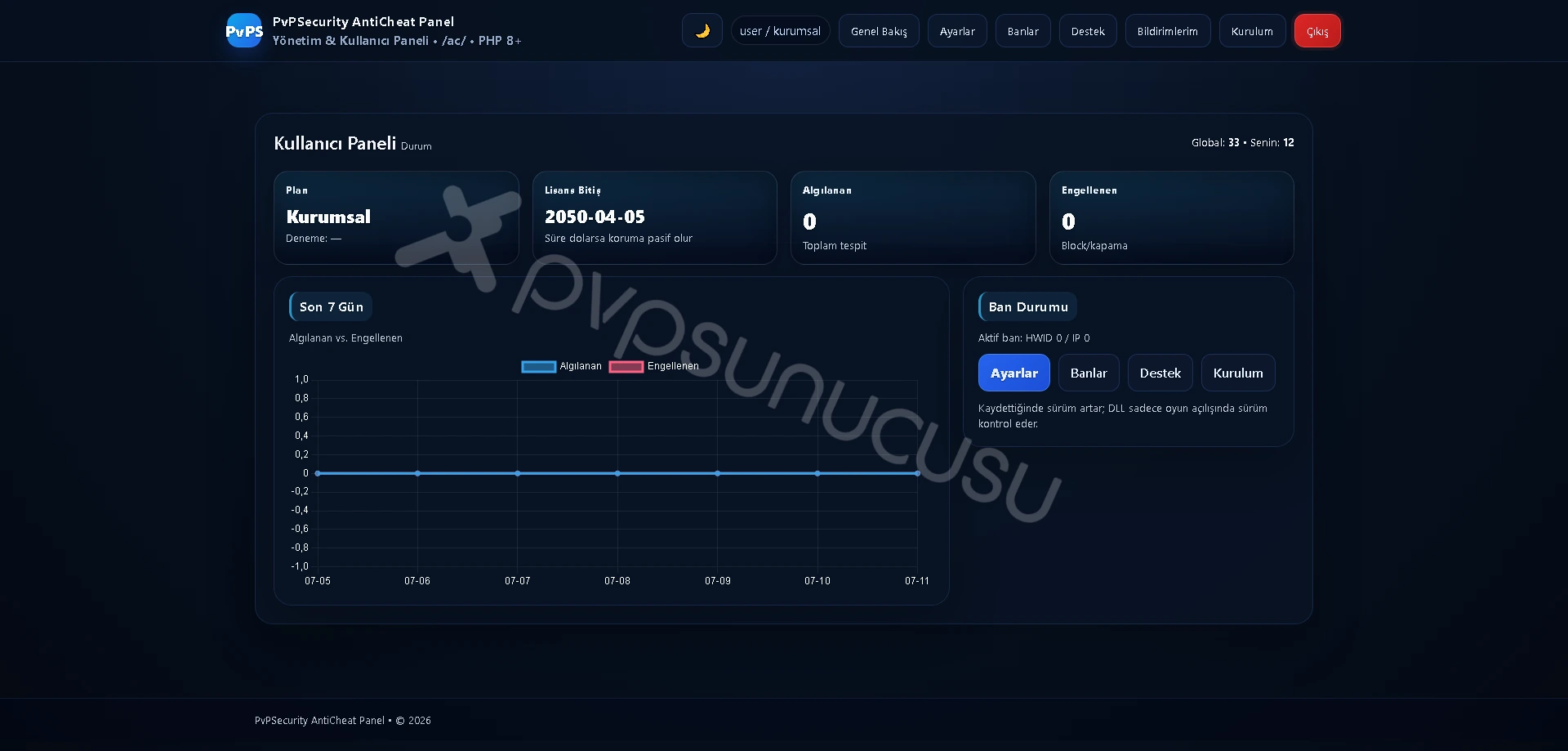
Follow the Entire Protection Process from a Single Screen
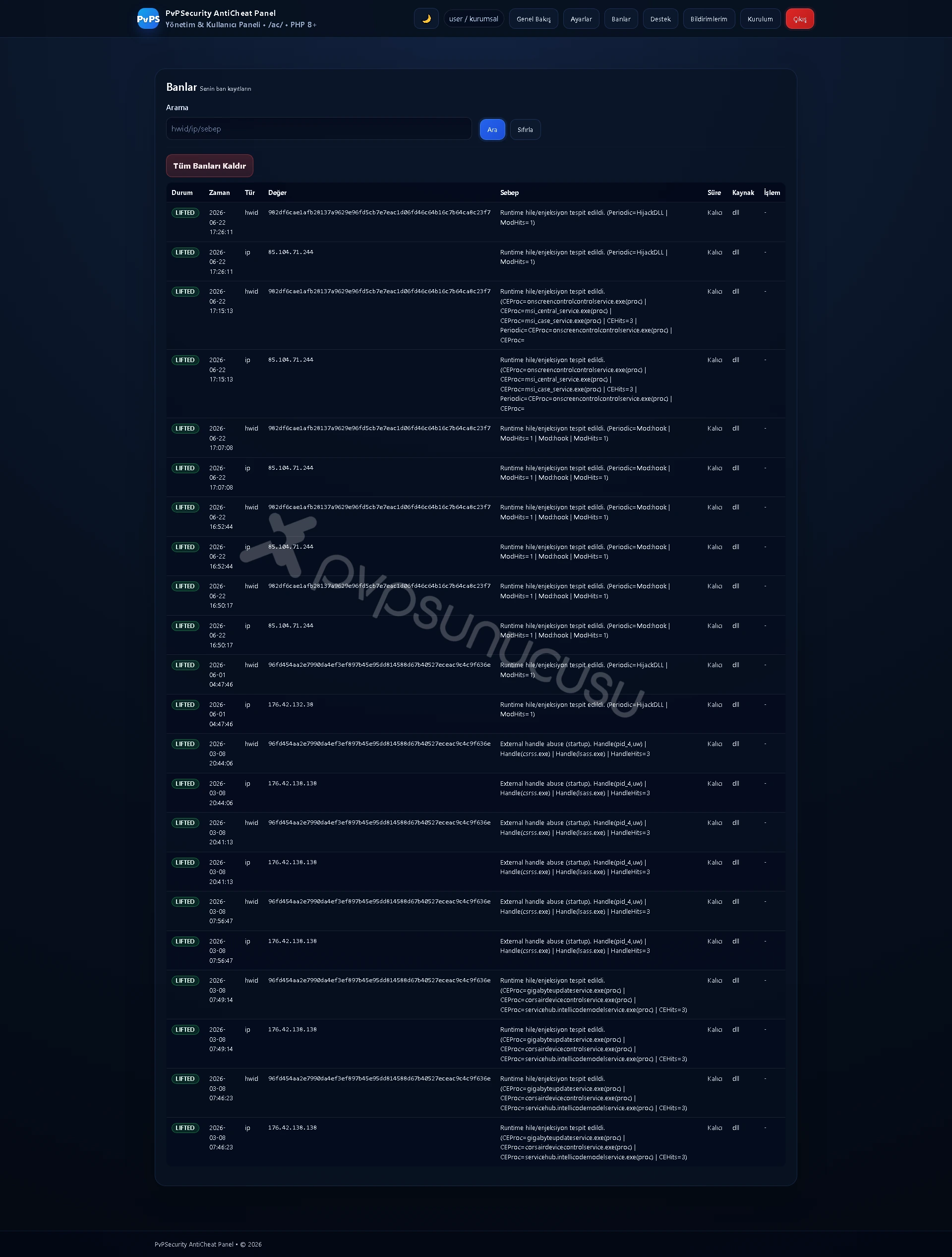
Manage HWID and IP Ban Records in Detail
Customize the Protection System According to Your Server

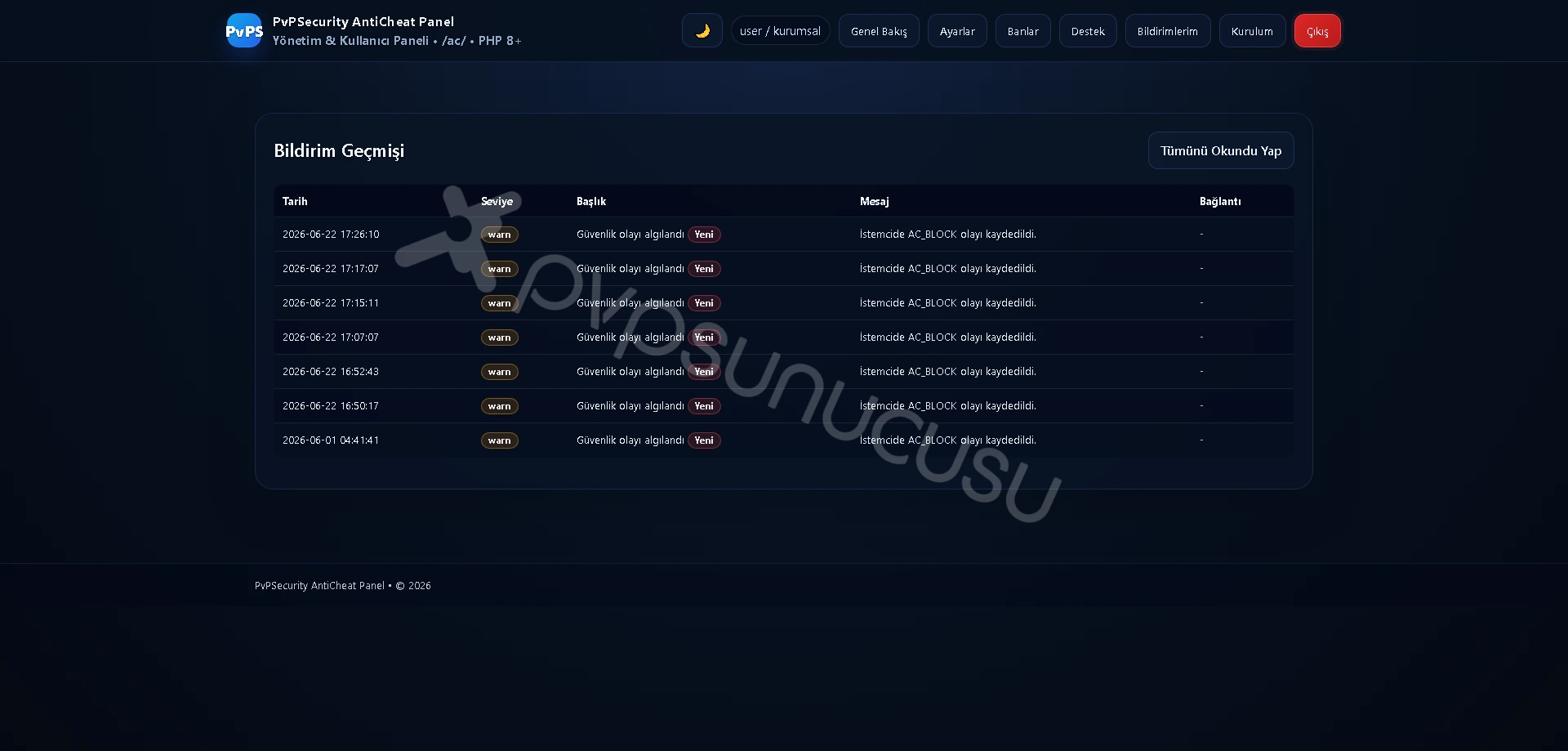
Be Instantly Notified of Security Incidents
Installation and Ready Integration in Minutes
Fast and Registered Technical Support via Panel