
Our Control Panel and Paid files are charged One-time or Monthly.
To look at our prices and place your order click..
Things to Know Before Buying
You can change the type of our files with a single click from our control panel. You can activate/deactivate the Lycan character with a single click.
You can activate/deactivate the Artemisia character with a single click.
There are 9 types of Lycan-free files as prepared. Interior designs are in the form of open and open. You can make edits as you wish with a single click.
Our ready file types are as follows;
1-120 Lycan-free
1-105 Lycan-free
1-99 Lycan-free
55-120 Lycan-free
55-105 Lycan-free
55-99 Lycan-free
119-120 Lycan-free Wslik
104-105 Wslik without Lycan
98-99 Wslik without Lycan
You can change your files type with a single click from our control panel. ✅
Our PvPKontrol Panel is offered free of charge only in our Paid Files. So, you can have our paid panels and paid files with a one-time or monthly payment. Server not included.
Our panels and files cannot be run on different servers, copied or transferred.
We cannot guarantee 100% trouble-free operation in our files and panels, but we guarantee that if you report any problems in our paid files and panels, we can resolve them as soon as possible.
Our panel and files features are as shown on our introduction page. In case of a critical vulnerability or bug, system changes may be active or inactive.
Source files of our files are not provided and we do not sell them.
Open pack files of our files are delivered to customers, there are no restrictions.
There is absolutely no harm to the delivered files, control panels and servers. refund is possible It is not.
🔥 WITH A PVP SERVER DIFFERENCE!
Our files and panels support a total of 11 languages with Multi Language. Players can make instant changes by choosing the language they want within the game.
We give "PvpSecurity", the industry's best cheat blocker, free of charge to our customers who purchase it.
Update Notes:
Cheat obstacle management system has been added to our control panel. You can manage the cheat block completely from the panel.
Bot player system has been added to our panel. Moreover, all bot players have free access to shouting, spasms, market setting, etc. You can manage everything.
Firewall Management system has been added to our panel. All traffic coming to your server, country-based blocking, attack blocking, management tools are integrated into our panel.
Our PvpControl Panel Features
You can make instant updates without reboot. Moreover, all the features of the file are available on the panel!
- Opening / closing / rebooting the game via the panel
- Multi Language Turning multi-language system on/off
- Ability to determine item stack limit
- Ability to set the disappearance time of items thrown on the ground
- Ability to adjust the time the item dropped from the drop stays on the ground
- Ability to adjust the disappearance time of fire thrown on the ground
- Ability to change the maximum level limit
- Ability to determine the minimum level of the shout channel
- Ability to determine stone passing success rate
- Ability to set status point limit
- Enable/disable +4 gem drop from texts
- Toggle unlimited pot system on/off
- Ability to manage the Courage Cloak system
- Turning the belt absorption system on/off
- Turning GM obstacles on/off
- Turning drop chat notifications on/off
- Ability to adjust the chance of passing the Blessing Sphere enchantment
- Ability to limit pet level according to character level
- Ability to change EXP / Yang / Drop rate from the panel
- Ability to change mob HP ratio from the panel
- Ability to change mob damage rate from the panel
- Ability to adjust Player Damage
- Ability to determine skill master transition level
- Turning on/off the option to make the skill master pass permanently
- Ability to safely filter items above the maximum level
- Artemisia Character on/off
- Wolfman / Lycan Character on/off
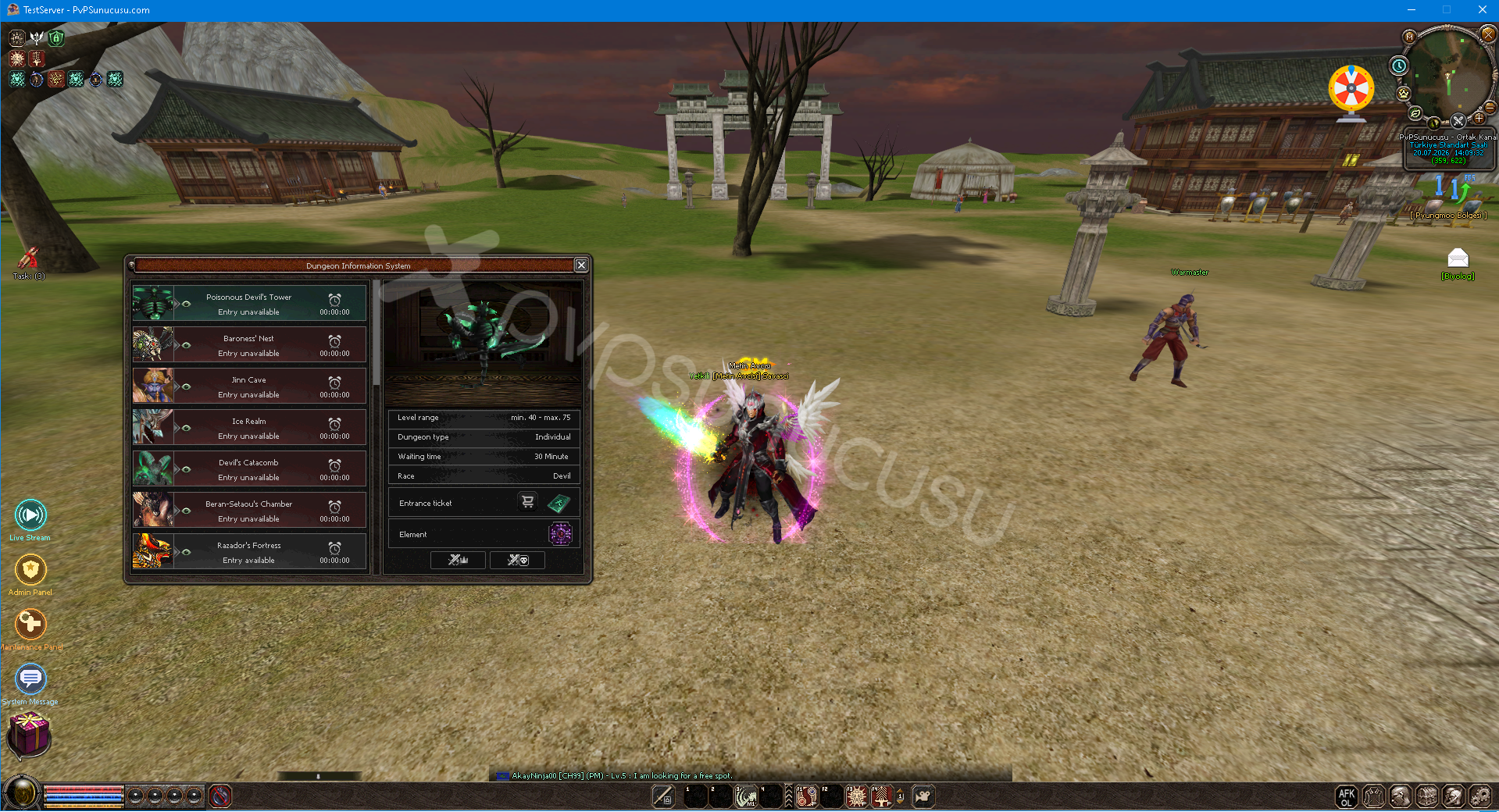
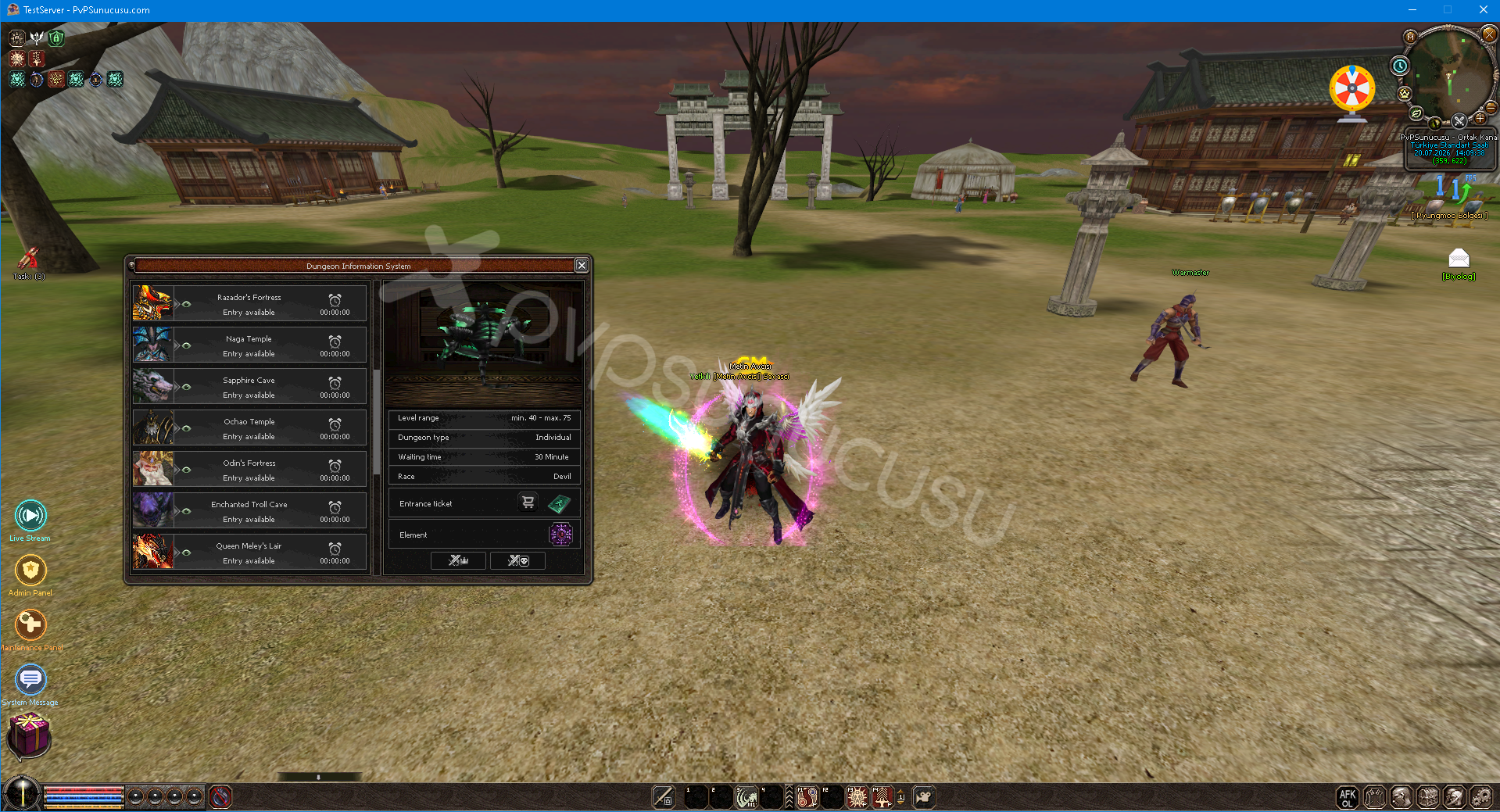
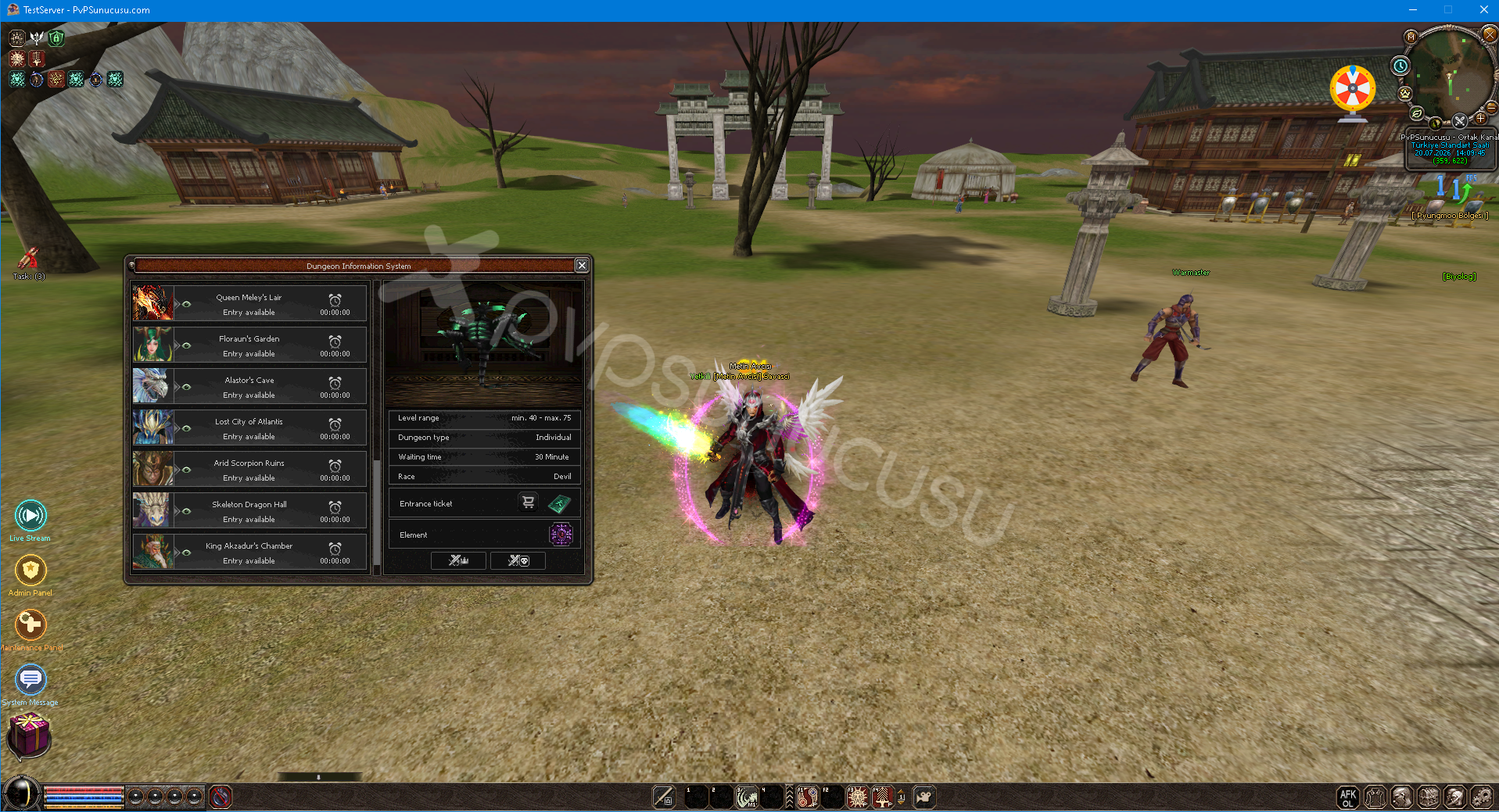
- Turning the Dungeon Information system on/off
- Toggle Hunting Missions system on/off
- Turning the Ronark system on/off
- Selectable Enchantment system on/off
- Turning the belt system on/off
- 6-7 Turning the enchantment system on/off
- Turning the new Biologist system on/off
- Toggle Daily Rewards system on/off
- Toggle the Skill Tree system on/off
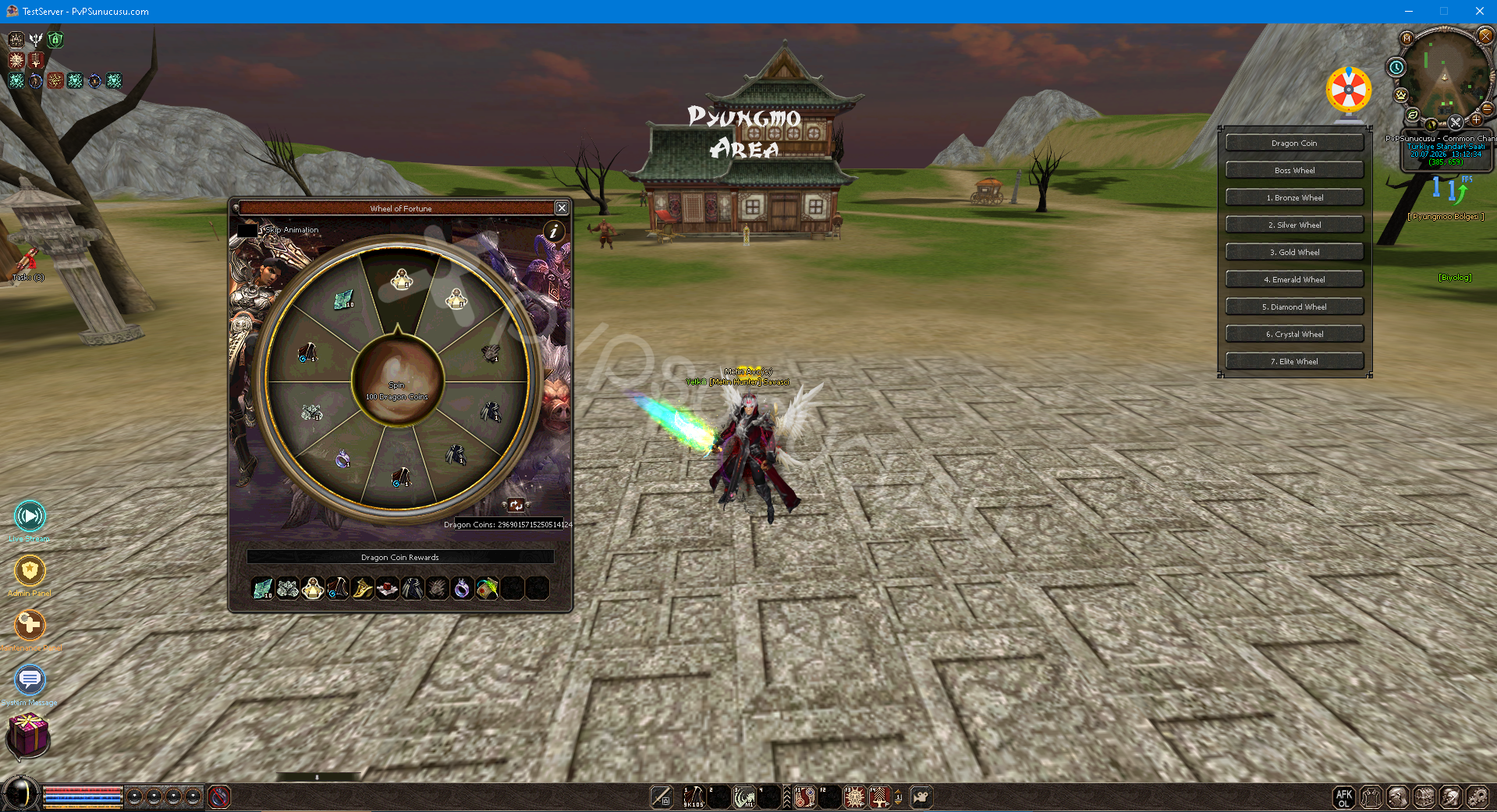
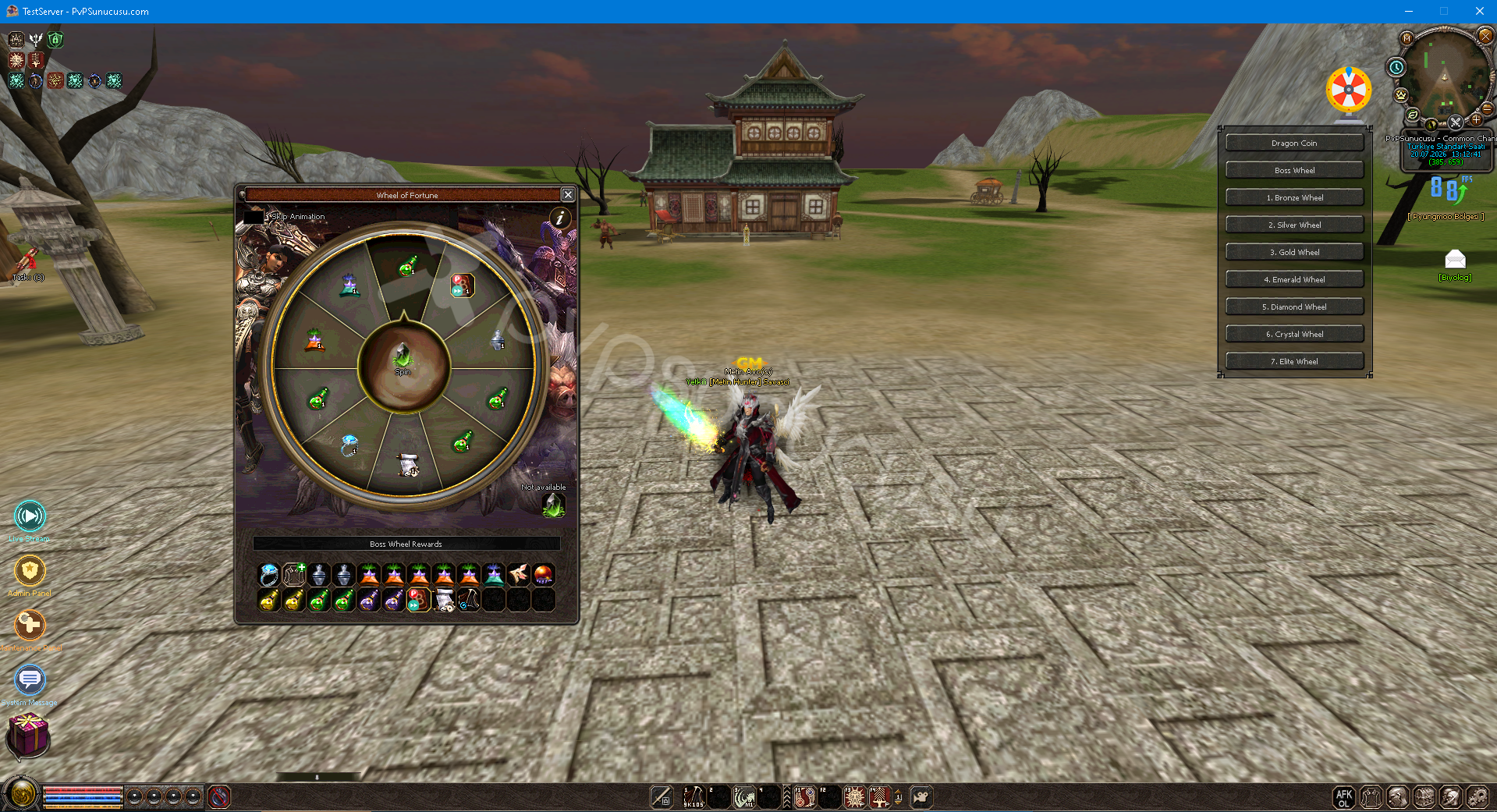
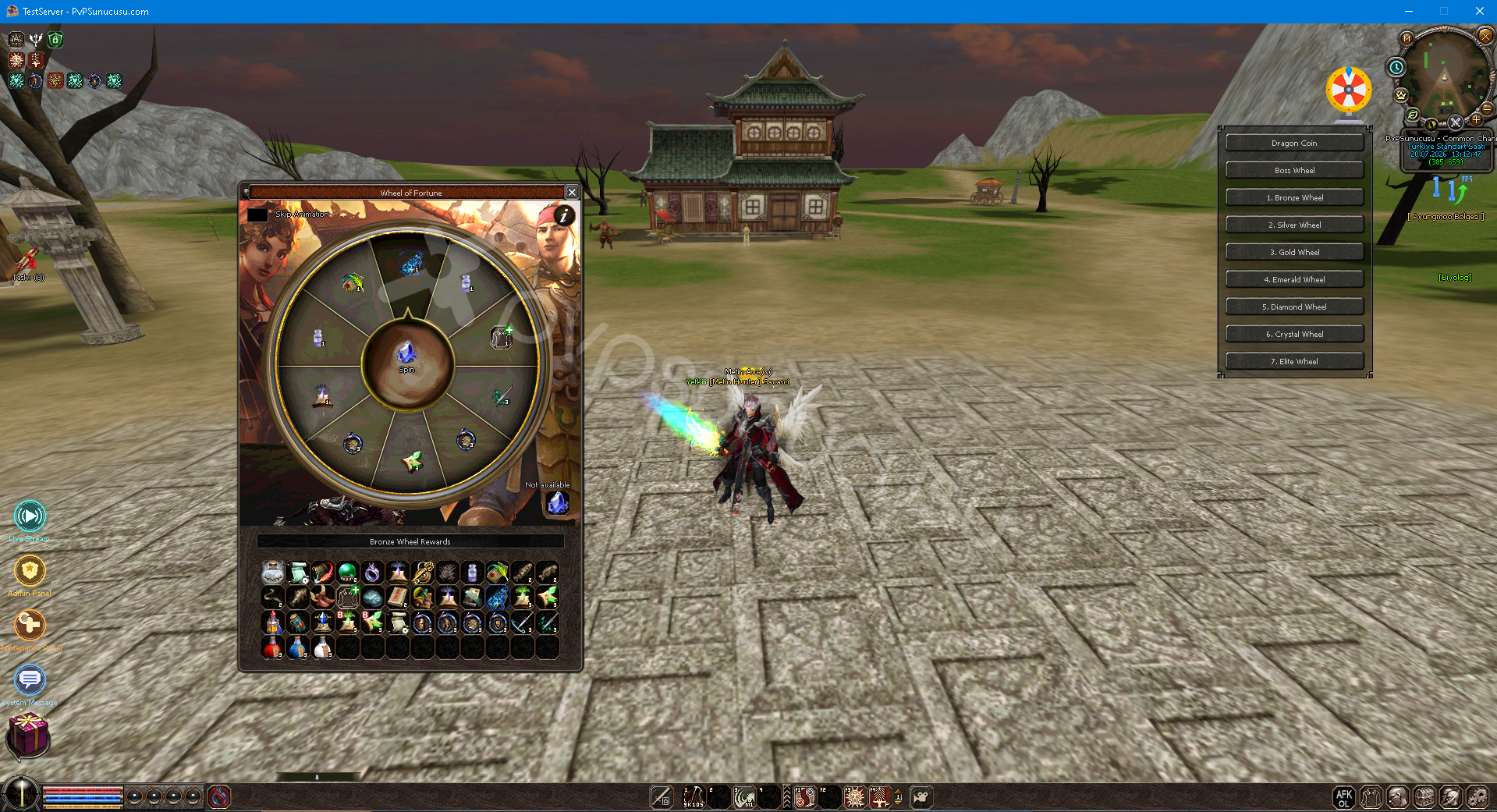
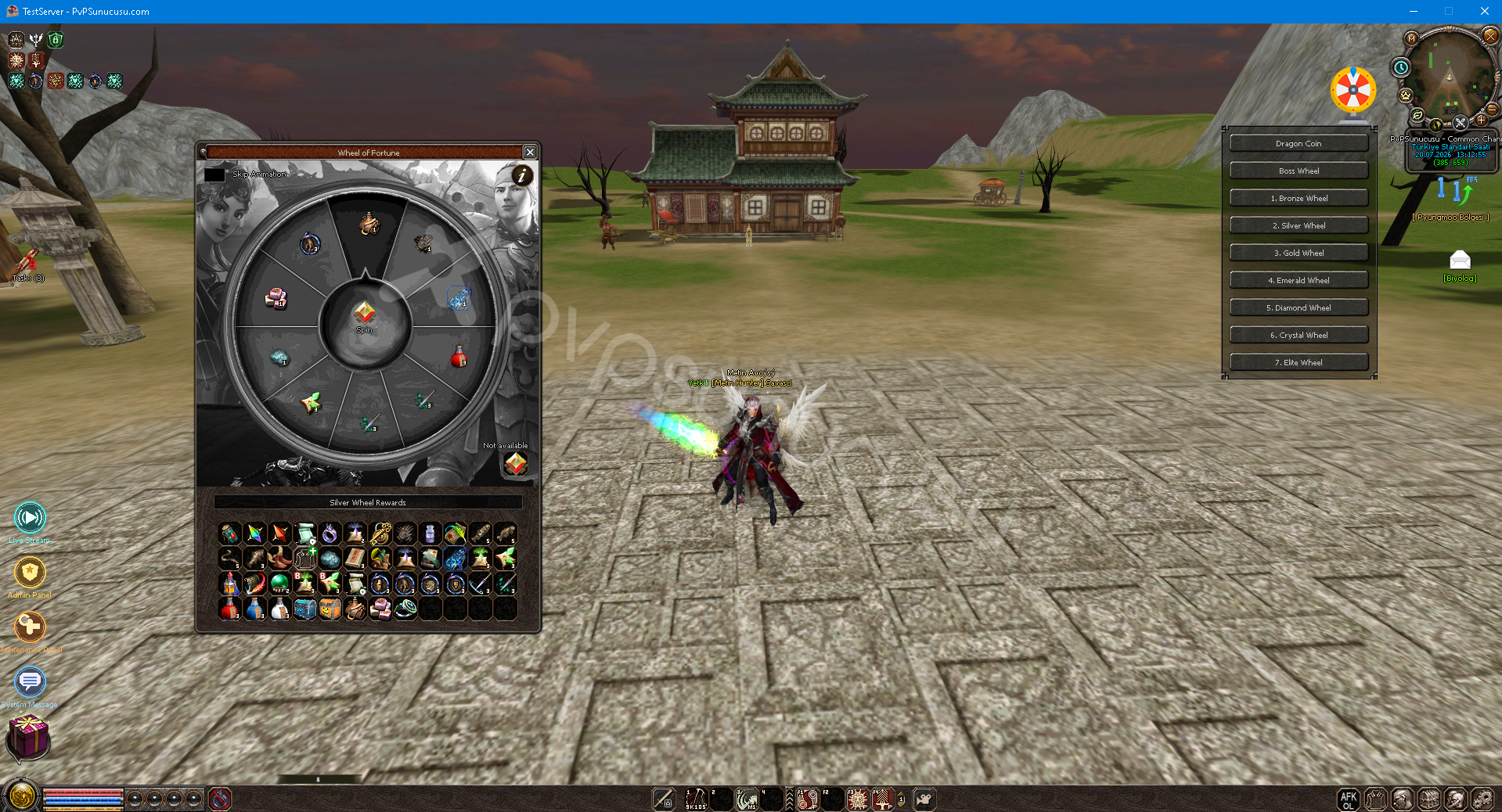
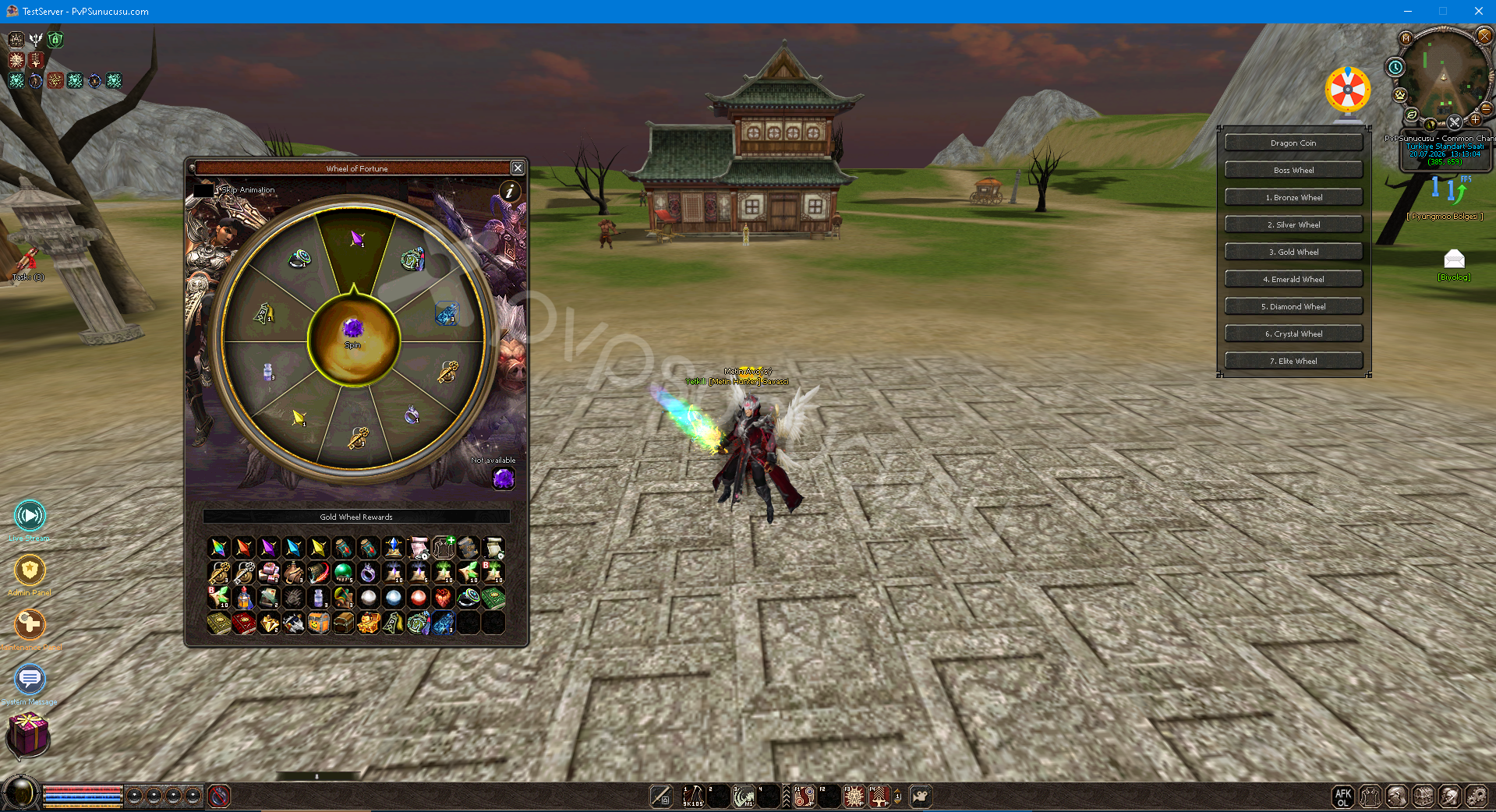
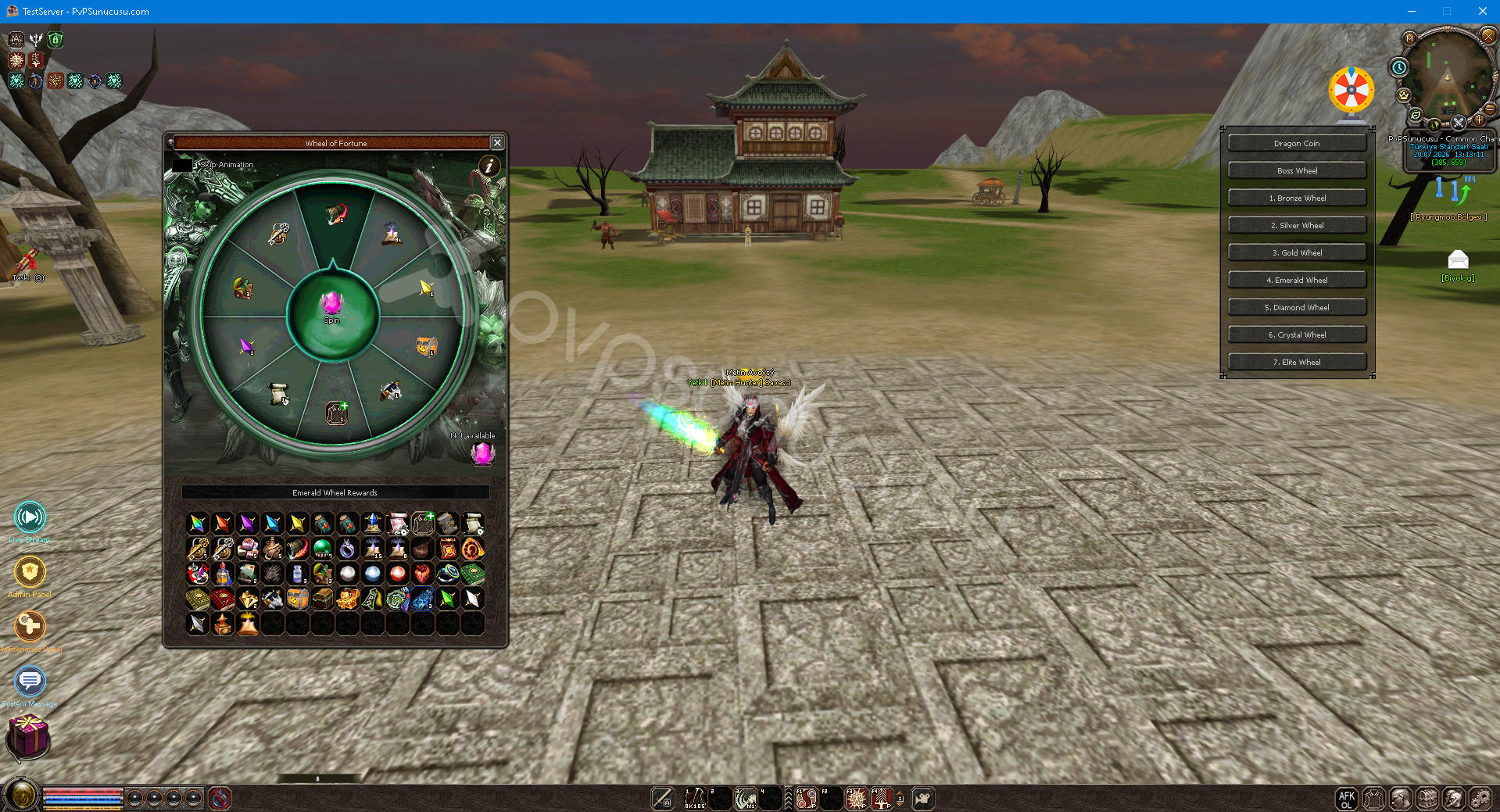
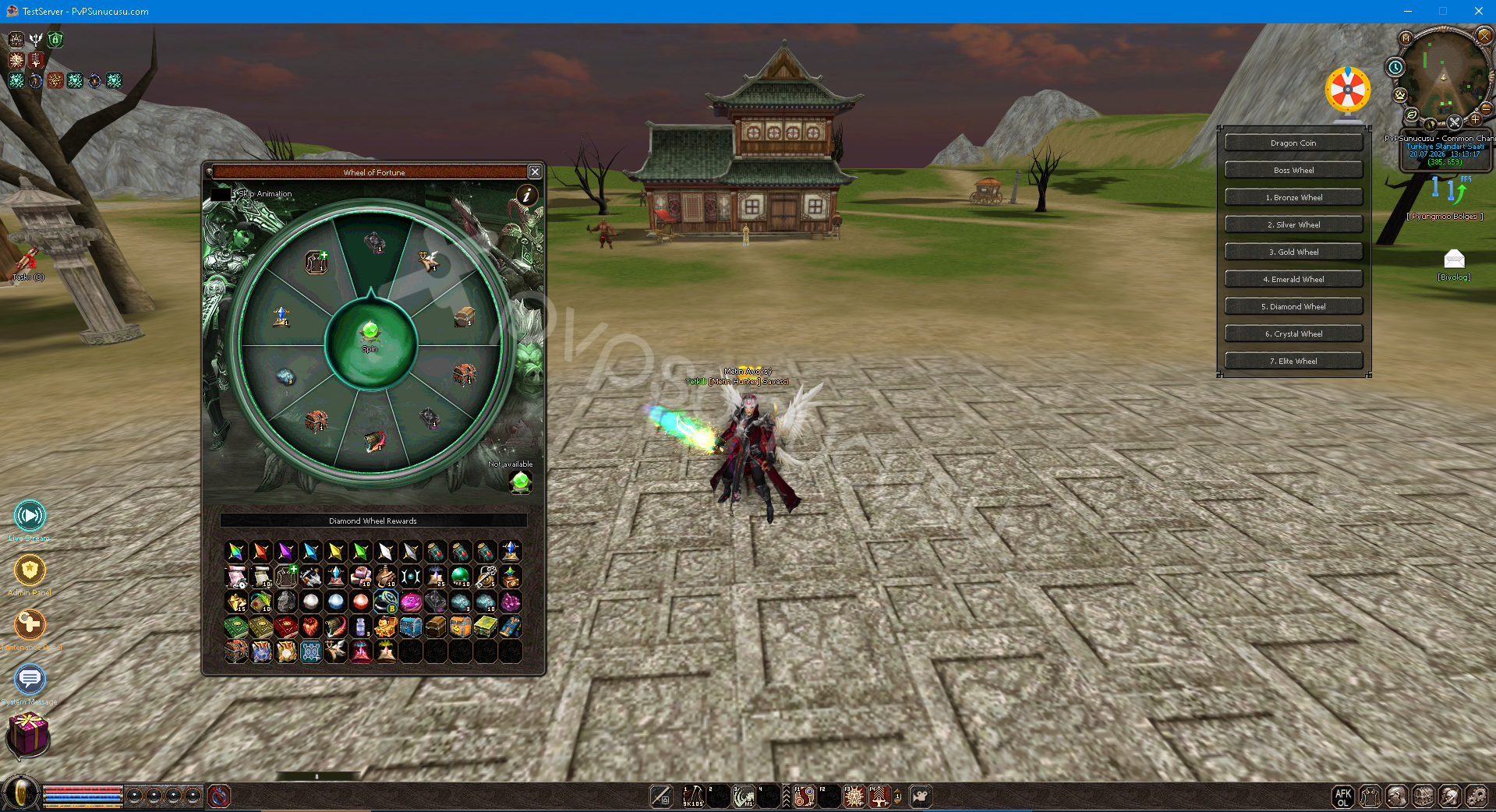
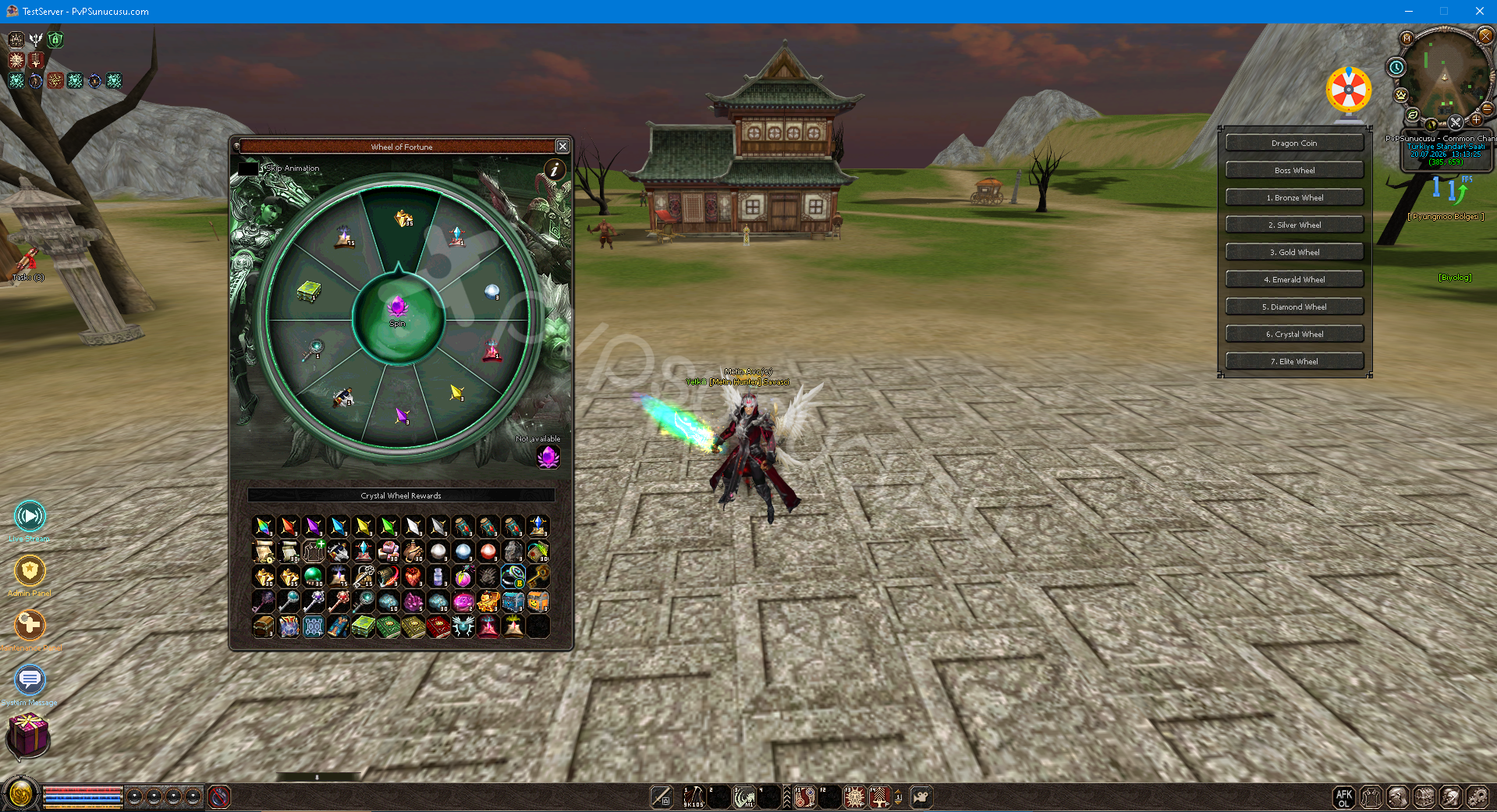
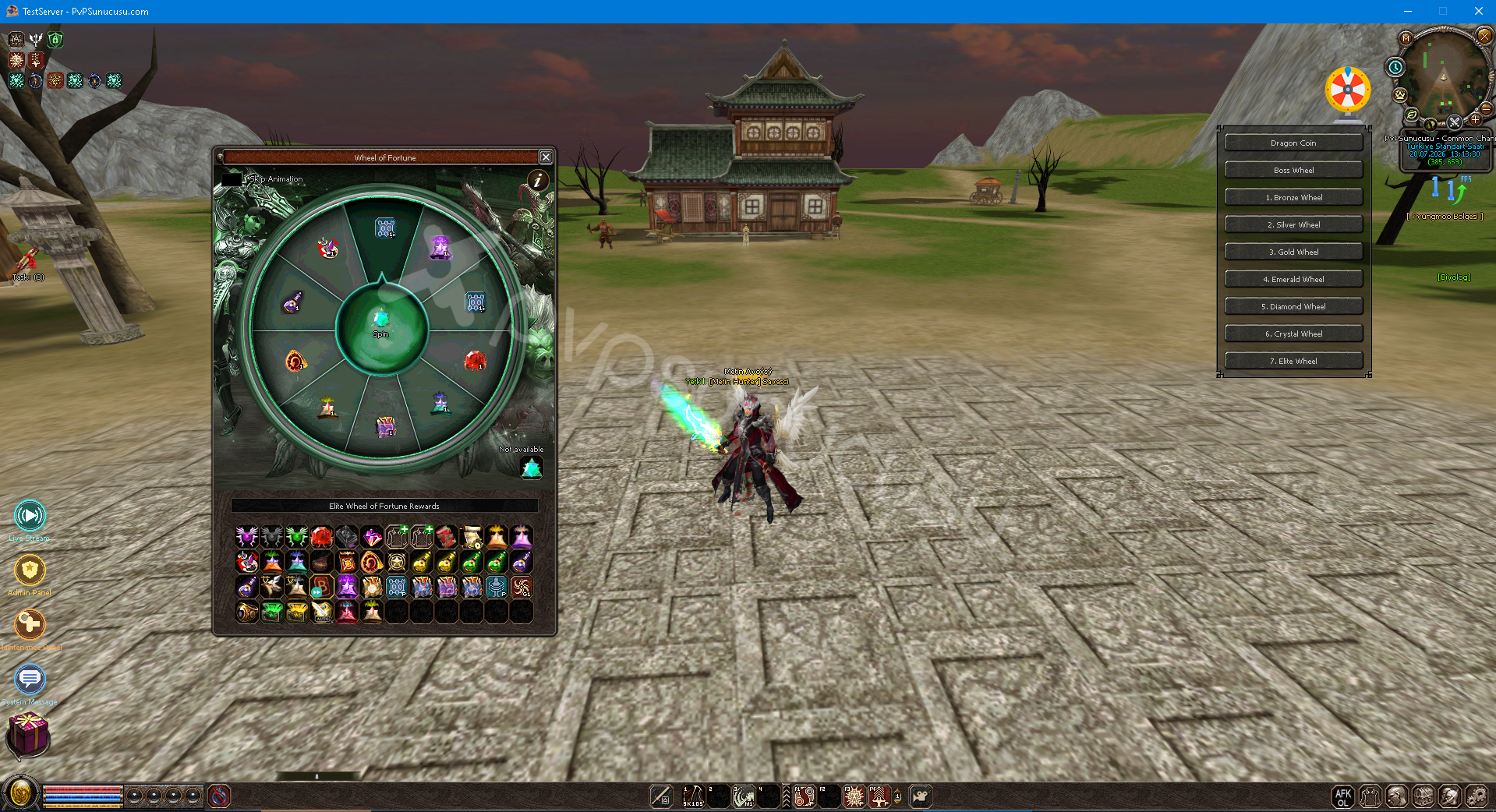
- Switching the wheel system on/off
- Turning the Seize the Opportunity system on/off
- Toggle the new Battle Pass system on/off
- Turning the glove system on/off
- Toggle the Costume Set Bonus system on/off
- Toggle Rank Bonuses system on/off
- Turning Buffi Update system on/off
- Turning the Battle Pass system on/off
- Turn Team Messenger system on/off
- Turning on/off the Item Offer system
- Toggle title system on/off
- Turning the Element Target system on/off
- Toggle the revamped Courage Cloak system on/off
- Turning Bot Control system on/off
- Toggle new Ranking system on/off
- Turning the Aura system on/off
- Turning the Crate Drop Display system on/off
- Switching the localization system on/off
- Toggle Blend Passive Skills system on/off
- Toggle Dragon Alchemy system on/off
- Turning Multi Farm Obstacle system on/off
- Switchbot system on/off
- Turning Automatic Item Transactions on/off
- Turning the New Mount system on/off
- Turning the seniority system on/off
- Turning the Item Delete system on/off
- Turning the charm system on/off
- Turning the ring system on/off
- Turn Rank System Refresh on/off
- Toggle Custom Inventory system on/off
- Turn on/off the new Offline Market system
- Turning on/off the object market system
- Turning Boss Tracking system on/off
- Toggle the Duel Options system on/off
- Turning Auto Chat system on/off
- Turning AFK Mode system on/off
- Quick Equipment system on/off
- Turning the Fish Boat system on/off
- Turning the Auto Hunt system on/off
- Turning the Teleport Wizard system on/off
- Turning the Quick Menu system on/off
- Turning the Warp Wood system on/off
- Toggle Deal Or No Deal minigame on/off
- Turning the Live Broadcast system on/off
- Toggle Single Flag Character Creation system on/off
- Turning the Remote Trading system on/off
- Ability to choose the starting coordinates of the game
- Starting the game yang - level editing
- Ability to choose starting skill level
- Ability to determine the starting combo level
- Ability to determine initial leadership level
- Ability to determine initial mining level
- Ability to determine the initial conversion level
- Ability to determine the starting language level
- Ability to determine the initial horse calling level
- Edit starting horse level and horse attack skills
- Ability to determine the number and duration of starting items
- Ability to add enchantments and stones to starting items
- Ability to activate/passive starting items
- Item Proto Management
- Ability to edit item proto records from the panel
- Ability to edit item VNUM and display name information
- Ability to change item type and subtype
- Ability to edit item size, weight and price information
- Ability to manage Anti Flag, Item Flag, Wear Flag settings
- Ability to edit item limit type and limit values
- Ability to edit item bonus type and bonus values
- Ability to edit item value fields
- Ability to edit item socket defaults
- Ability to manage Refined VNUM and refine set settings
- Ability to change magic rate, socket rate and specular values
- Ability to manage Wolfman and Artemisia compatibility flags
- Ability to edit mob proto records from the panel
- Ability to edit mob VNUM and display name information
- Ability to change mob type, rank and battle type values
- Ability to manage mob level and empire settings
- Ability to edit mob defense value
- Ability to change mob attack speed
- Ability to change mob movement speed
- Ability to determine mob aggression HP rate
- Ability to adjust mob view distance
- Ability to determine mob attack range
- Ability to edit mob enchant and resistance values
- Ability to determine mob drop item VNUM value
- Ability to manage mob revival and transformation VNUM values
- Ability to determine mob summon VNUM value
- Ability to edit mob damage multiply value
- Ability to edit mob skill VNUM and skill levels
- Special Drop
- Ability to manage Special Drop groups
- Ability to activate/deactivate Special Drop records
- Ability to edit drop group name
- Ability to choose drop type value
- Ability to add drop items
- Ability to determine drop item quantities
- Ability to edit drop chance rates
- Ability to determine drop rare rates
- Ability to set drop level limits
- Ability to manage drop map index settings
- Ability to edit drop apply type and apply values
- Ability to manage mob-based drop groups
- Ability to activate/passive mob drop records
- Ability to edit mob drop items
- Ability to determine mob drop quantities
- Ability to adjust mob drop chance rates
- Ability to determine mob drop level range
- Ability to manage mob drop group item order
- Ability to edit mob drop rank and group information
- Common Drop
- Ability to manage Common Drop groups
- Ability to active/passive Common Drop records
- Ability to add Common Drop items
- Ability to determine Common Drop item quantities
- Ability to edit Common Drop chance rates
- Ability to adjust Common Drop level range
- Ability to manage Common Drop group order values
- Ability to edit Common Drop type information
- Ability to manage Cube recipes from the panel
- Ability to choose Cube NPC
- Ability to determine Cube category information
- Ability to organize necessary materials for Cube
- Ability to determine the Cube reward item
- Ability to adjust the number of Cube rewards
- Ability to determine cube yang fee
- Ability to change Cube success chances
- Ability to active/passive Cube recordings
- Ability to manage cube records supported by Efsun Transfer
- Ability to manage K Inventory items
- Ability to determine which items will go to special inventory
- Ability to determine which items will remain in the regular inventory
- Ability to add items according to record type
- Ability to edit custom inventory item list
- Ability to delete custom inventory records
- Damage & Defense
- Ability to adjust warrior damage rate
- Ability to adjust Ninja damage rate
- Ability to adjust Sura damage rate
- Ability to adjust shaman damage rate
- Ability to adjust Lycan damage rate
- Ability to adjust Artemisia damage rate
- Ability to adjust warrior defense rate
- Ability to adjust Ninja defense rate
- Ability to adjust Sura defense rate
- Ability to adjust shaman defense rate
- Ability to adjust Lycan defense rate
- Ability to adjust Artemisia defense rate
- Ability to renew damage and defense values without reboot
- Ability to set generation mirroring fee
- Ability to change generation combination rates
- Ability to add new generation record
- Ability to manage generation name and code
- Ability to add belt suction percentage
- Ability to edit the generation list from the panel
- Map Management
- Ability to view the map list on the server from the panel
- Ability to manage map index information
- Ability to view map FileZilla folder names
- Ability to check map NPC files
- Ability to check map regen files
- Ability to check map boss files
- Ability to check map stone files
- Ability to edit spawn records from the panel
- Ability to edit mob, group and regen codes
- Ability to change spawn X and Y coordinates
- Ability to edit spawn deviation values
- Ability to set spawn channel flag
- Ability to adjust spawn time and direction
- Ability to change spawn quantity and rate values
- Ability to manage aggressive group setting
- Ability to add map entry barriers
- Ability to enable/passive map obstacle records
- Ability to delete disabled maps from the panel
- Ability to manage map obstacles based on map index
- Ability to block teleport targets
- Ability to manage horse and mount disabled map list
- Ability to manage PvP / PK blocked map list
- Ability to determine the map list with Auto-Hunt permission
- Ability to refresh the map list from the server
- Ability to determine Royal Pass season month
- Ability to manage Royal Pass final rewards
- Ability to add Royal Pass missions
- Ability to determine Royal Pass mission order
- Ability to choose Royal Pass mission type
- Ability to set Royal Pass target amount
- Ability to determine Royal Pass mission objective
- Ability to edit Royal Pass mission name and description
- Ability to manage Royal Pass mission rewards
- Ability to preview the Royal Pass config file
- Ability to save Royal Pass settings
- Ability to archive and reset player progress
- Ability to restore Royal Pass backup
- Ability to manage fish records from the panel
- Ability to add new fish records
- Ability to edit fish name and main item information
- Ability to adjust dead fish and grilled fish results
- Ability to determine fish odds ratio
- Ability to adjust fish difficulty value
- Ability to change fish time type
- Ability to edit fish size information
- Ability to manage fish usage results
- Ability to manage conversion records from the panel
- Ability to add new conversion record
- Ability to determine the conversion yang fee
- Ability to adjust conversion success chances
- Ability to edit conversion material VNUM values
- Ability to determine the number of conversion materials
- Ability to filter conversion records
- Ability to edit enchantment records from the panel
- Ability to manage Apply values
- Ability to change the enchantment probability rate
- Ability to edit Lv1 enchantment value
- Ability to edit Lv2 enchantment value
- Ability to edit Lv3 enchantment value
- Ability to edit Lv4 enchantment value
- Ability to edit Lv5 enchantment value
- Ability to manage NPC store items from the panel
- Ability to add items to be sold in the NPC shop
- Ability to determine the number of NPC store items
- Ability to change NPC store item price
- Ability to delete items in the NPC store
- ShopEX Management
- Ability to create a ShopEX store
- Ability to edit ShopEX stores
- Ability to determine ShopEX VNUM value
- Ability to determine ShopEX NPC VNUM value
- Ability to edit ShopEX store name
- Ability to add items to the ShopEX store
- Ability to determine the number of ShopEX items
- Ability to adjust ShopEX item price
- Ability to choose ShopEX price type
- Ability to determine the desired item for ShopEX
- Ability to edit ShopEX item socket information
- Ability to edit ShopEX item enchantment information
- Ability to delete ShopEX stores
- Ability to manage rank bonus groups
- Ability to determine the starting value of the degree
- Ability to determine the degree end value
- Ability to choose bonus apply type according to rank
- Ability to edit bonus value according to rank
- Ability to manage rank bonus slots
- Ability to create Battle Pass missions
- Ability to determine Battle Pass mission order
- Ability to choose Battle Pass mission type
- Ability to adjust Battle Pass target value
- Ability to set Battle Pass target VNUM value
- Ability to edit Battle Pass mission description
- Ability to manage Battle Pass item rewards
- Ability to adjust Battle Pass affect rewards
- Ability to edit Battle Pass missions
- Ability to delete Battle Pass missions
- Ability to manage wheel groups
- Ability to add wheel rewards
- Ability to determine the wheel reward item
- Ability to adjust the number of wheel prizes
- Ability to determine wheel rarity rate
- Ability to edit the wheel reward order
- Ability to edit wheel rewards
- Ability to delete wheel rewards
- Ability to manage dungeon records from the panel
- Ability to add new dungeon records
- Ability to determine dungeon index value
- Ability to adjust dungeon waiting time
- Ability to determine dungeon boss VNUM value
- Ability to determine dungeon ticket VNUM value
- Ability to set dungeon minimum level limit
- Ability to set dungeon maximum level limit
- Ability to set dungeon chest VNUM value
- Ability to determine dungeon map index value
- Ability to edit dungeon entrance coordinates
- Ability to delete dungeon records
- Ability to manage mount recipes
- Ability to determine mount transformation materials
- Ability to choose mount item
- Ability to define three different materials for the mount
- Ability to adjust mount material quantities
- Ability to manage the mount bonus pool
- Ability to choose mount bonus apply type value
- Ability to determine the mount bonus apply value
- Ability to edit mount recipes
- Ability to delete mount recipes
- Ability to manage costume set bonus groups
- Ability to create costume sets
- Ability to determine costume size item
- Ability to determine costume hair item
- Ability to determine costume weapon item
- Ability to add bonus to costume set
- Ability to select costume set apply type value
- Ability to determine the costume set apply value
- Ability to edit costume set bonuses
- Ability to delete costume set bonuses
- Ability to manage daily reward system records
- Ability to create a monthly reward calendar
- Ability to add daily rewards
- Ability to determine daily reward item
- Ability to set daily reward quantity
- Ability to edit daily rewards
- Ability to delete daily rewards
- Ability to manage automatic OX general settings
- Ability to determine the number of players required to start an OX
- Ability to determine the number of players remaining to finish OX
- Ability to add OX rewards
- Ability to define job-based OX rewards
- Ability to determine OX reward order
- Ability to choose OX reward item
- Ability to adjust the number of OX reward items
- Ability to determine OX yang reward
- Ability to edit OX rewards
- Ability to delete OX rewards
- Skill Proto Management
- Ability to edit skill proto records from the panel
- Ability to change skill name
- Ability to edit skill skill group
- Ability to determine skill damage / effect type
- Ability to adjust skill maximum level
- Ability to edit skill level limit
- Ability to manage skill behavior flags
- Ability to edit skill affect flag values
- Ability to manage skill point on values
- Ability to adjust skill max hit value
- Ability to determine skill prerequisite skills
- Ability to determine skill prerequisite level
- Biologist Management
- Ability to manage biologist tasks from the panel
- Ability to determine biologist duty level
- Biologist can set target mob VNUM value
- Ability to determine the VNUM value of the biologist's delivery item
- Biologist can determine soul stone VNUM value
- The biologist can set the required quantity value
- Ability to determine biologist waiting time in minutes
- Ability to adjust the chance of biologist delivery
- Ability to choose biologist bonus type
- Ability to determine biologist bonus value
- Ability to organize biologist duties
- Ability to delete biologist tasks
- Ability to manage hunting tasks from the panel
- Ability to determine hunting mission ID value
- Ability to set hunting mission level requirement
- Ability to determine hunting mission target mob VNUM value
- Ability to adjust the number of mobs to be slaughtered
- Ability to determine hunting mission yang reward
- Ability to determine hunting mission EXP reward
- Ability to determine hunting mission item reward
- Ability to adjust hunting mission reward quantity
- Ability to organize hunting missions
- Ability to delete hunting missions
- Ability to manage Seize the Opportunity campaigns
- Ability to determine the campaign validity date
- Ability to determine the old campaign price
- Ability to determine the new price of the campaign
- Ability to select campaign item VNUM value
- Ability to adjust the quantity of campaign items
- Ability to manage campaign items
- Ability to organize campaigns
- Ability to delete campaigns
- Ability to manage Şebnem and Blend records
- Ability to determine blend item VNUM value
- Ability to choose blend apply type
- Ability to adjust blend bonus value
- Ability to determine blend time value in seconds
- Ability to manage Şebnem / Blend levels
- Ability to edit Şebnem / Blend records
- Ability to delete Şebnem / Blend records
- Advanced Sorting
- Ability to view live ranking preview
- Ability to track winning history
- Ability to choose sorting type
- Ability to define ranking reward
- Ability to determine ranking reward item VNUM value
- Ability to adjust the number of ranking rewards
- Ability to edit ranking rewards
- Ability to delete ranking rewards
- Ability to create items for the character via the panel
- Ability to send items with character name
- Ability to select items from the item list
- Ability to create the selected item to the target character
- Ability to quickly search from the item list
- Ability to search according to item VNUM information
- Ability to view item name
- Ability to check item details from the panel
- and more...
Our Youtube Promotional Videos
YouTubeAv Görevleri Kontrol Paneli Kodlama Bilmeden Metin2 PVP Sunucusu Kurun | PVPSunucusu.com
Kostüm Set Bonusu Kontrol Paneli Kodlama Bilmeden Metin2 PVP Sunucusu Kurun | PVPSunucusu.com
Global Sıralama Kontrol Paneli Kodlama Bilmeden Metin2 PVP Sunucusu Kurun | PVPSunucusu.com
Derece Sistemi Kontrol Paneli Kodlama Bilmeden Metin2 PVP Sunucusu Kurun | PVPSunucusu.com
Savaş Bileti BATTELEPASS Kontrol Paneli Kodlama Bilmeden Metin2 PVP Sunucusu Kurun | PVPSunucusu.com
Gelişmiş Npc Kontrol Paneli Kodlama Bilmeden Metin2 PVP Sunucusu Kurun | PVPSunucusu.com
Günlük Ödül Kontrol Paneli Kodlama Bilmeden Metin2 PVP Sunucusu Kurun | PVPSunucusu.com
ÜCRETSİZ FİLES Kontrol Paneli Kodlama Bilmeden Metin2 PVP Sunucusu Kurun | PVPSunucusu.com
Şebnem Kontrol Paneli Kodlama Bilmeden Metin2 PVP Sunucusu Kurun | PVPSunucusu.com
Firewall Kontrol Paneli Kodlama Bilmeden Metin2 PVP Sunucusu Kurun | PVPSunucusu.com
Skil Proto Yönetimi Kontrol Paneli Kodlama Bilmeden Metin2 PVP Sunucusu Kurun | PVPSunucusu.com
Basitleştirilmiş Mob Proto Paneli Kodlama Bilmeden Metin2 PVP Sunucusu Kurun | PVPSunucusu.com
Basitleştirilmiş İtem Proto Paneli Kodlama Bilmeden Metin2 PVP Sunucusu Kurun | PVPSunucusu.com
Simülasyon Atölyesi Kontrol Paneli Kodlama Bilmeden Metin2 PVP Sunucusu Kurun | PVPSunucusu.com
Savaş Bileti Yönetimi Kontrol Paneli Kodlama Bilmeden Metin2 PVP Sunucusu Kurun | PVPSunucusu.com
Binek Dönüşümü Yönetimi Kontrol Paneli Kodlama Bilmeden Metin2 PVP Sunucusu Kurun | PVPSunucusu.com
Oto Av Sistemi Tanıtımı Panelden Kodlama Bilmeden Metin2 PVP Sunucusu Kurun | PVPSunucusu.com
Damage Yönetimi Kontrol Paneli Kodlama Bilmeden Metin2 PVP Sunucusu Kurun | PVPSunucusu.com
Mob Proto Yönetimi Kontrol Paneli Kodlama Bilmeden Metin2 PVP Sunucusu Kurun | PVPSunucusu.com
Harita Yönetimi Kontrol Paneli Kodlama Bilmeden Metin2 PVP Sunucusu Kurun | PVPSunucusu.com
Başlangıç Yönetimi Kontrol Paneli Kodlama Bilmeden Metin2 PVP Sunucusu Kurun | PVPSunucusu.com
K Envanter Ek Envanter Kontrol Paneli Kodlama Bilmeden Metin2 PVP Sunucusu Kurun | PVPSunucusu.com
Cube Arındırma Düzenleme Kontrol Paneli Kodlama Bilmeden Metin2 PVP Sunucusu Kurun | PVPSunucusu.com
İtem Proto Düzenleme Kontrol Paneli Kodlama Bilmeden Metin2 PVP Sunucusu Kurun | PVPSunucusu.com
Videos are being updated...
F5 Quick Access Window
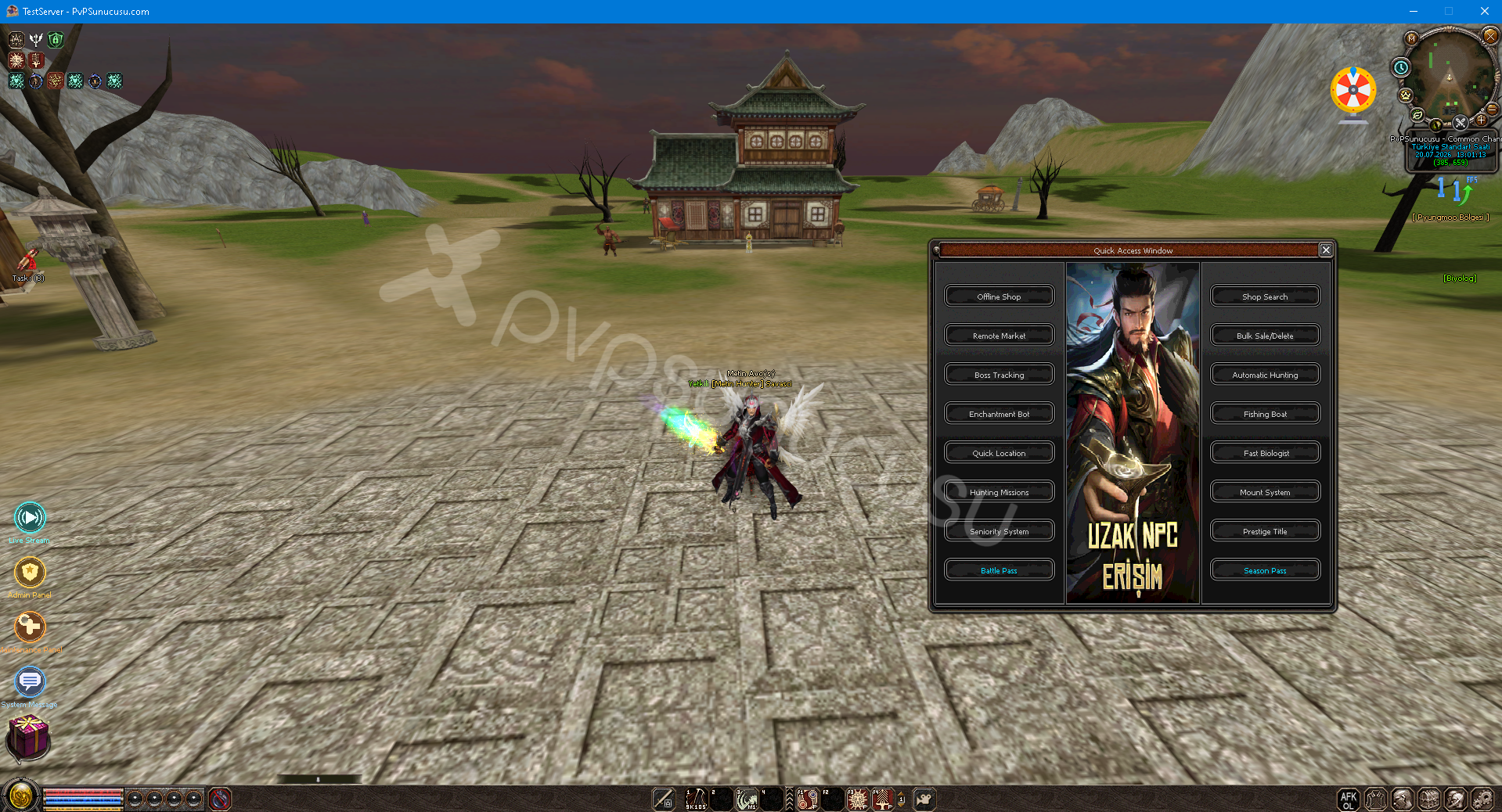
You can access the Quick Access Window by pressing the F5 Key from within the Game.
Offline Shop Window
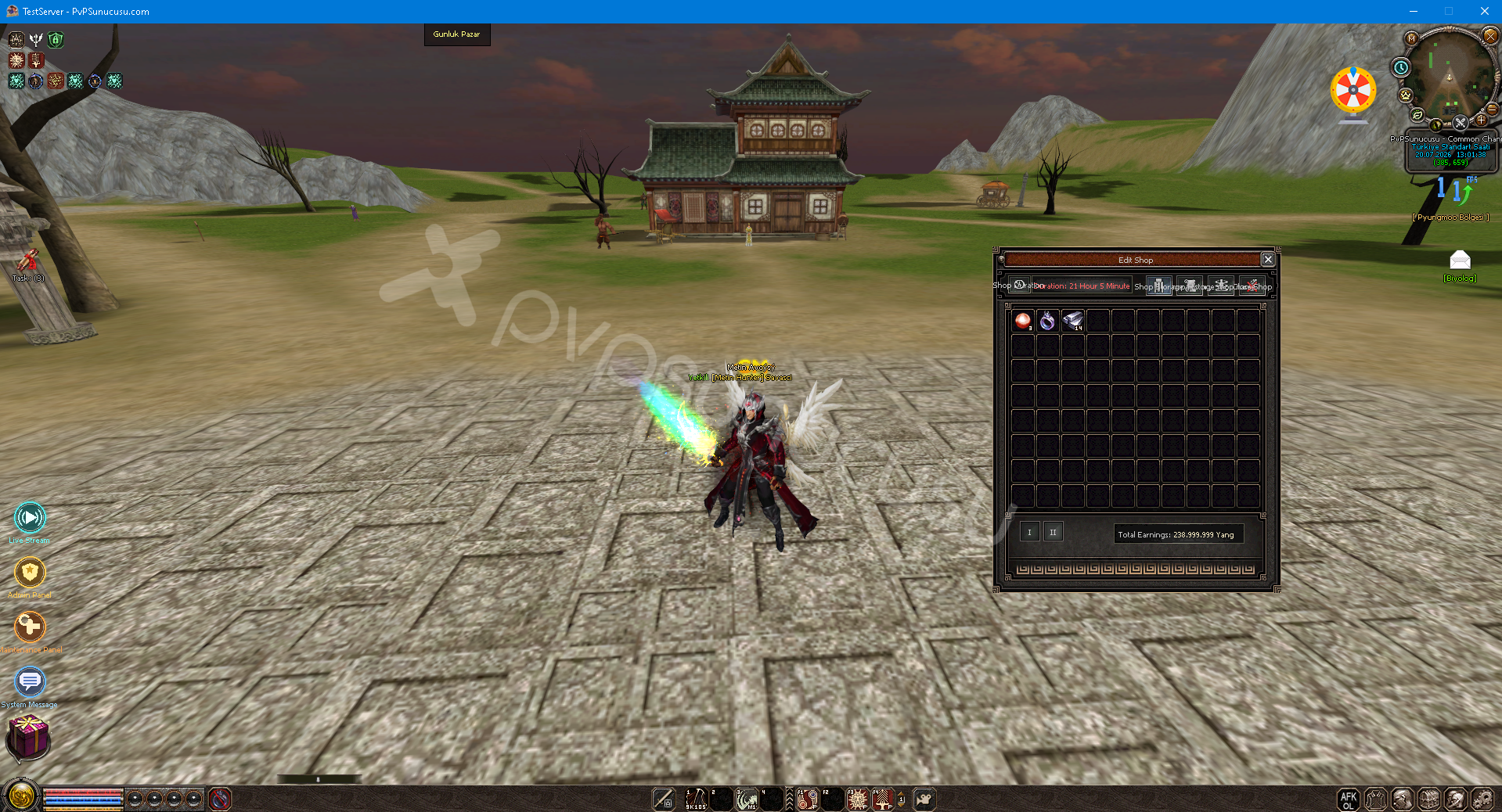
You can access the Offline Shop Window by pressing the F5 Key from within the Game.
Remote Market System
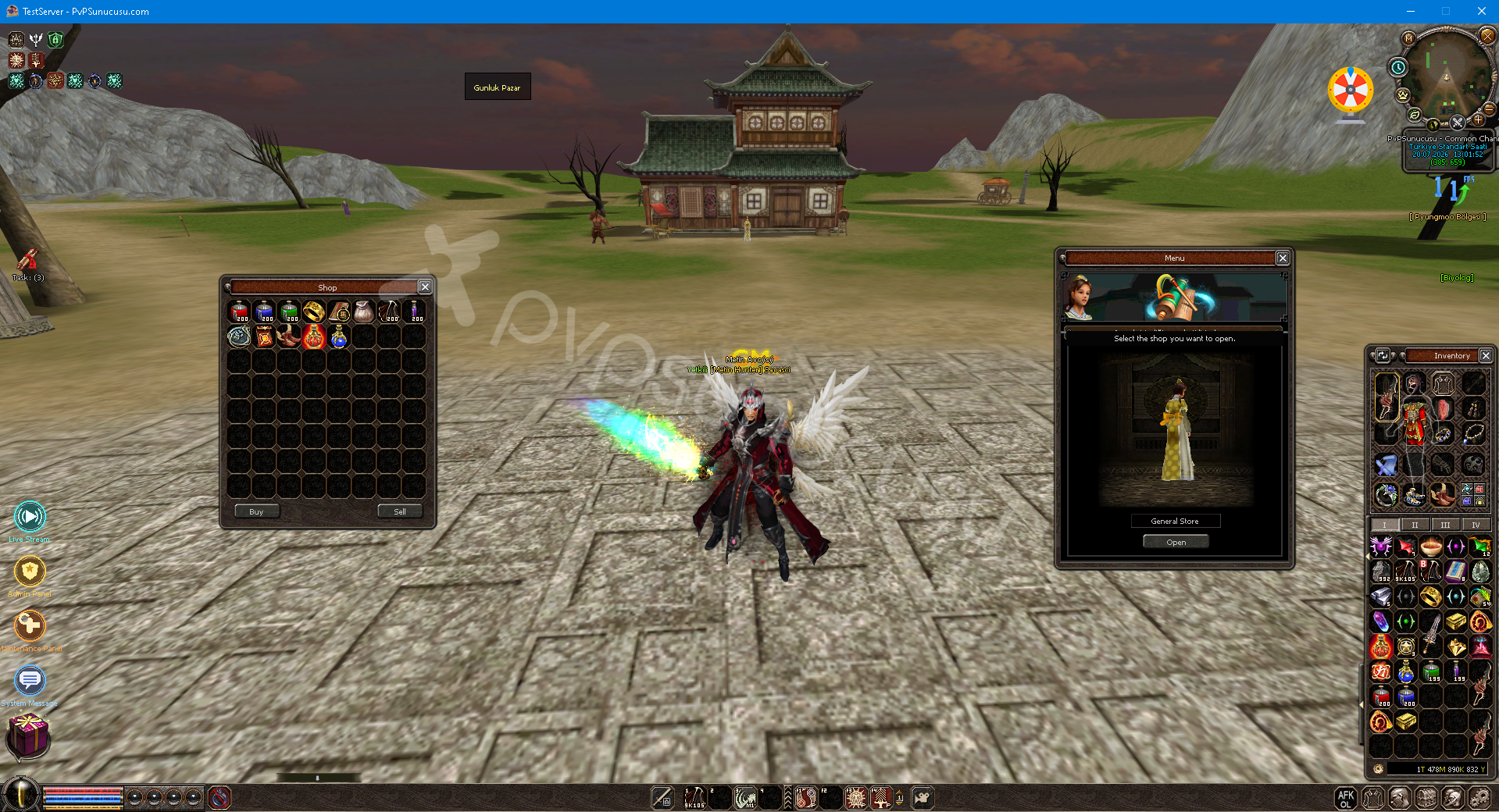
You can access the Remote Market Window by pressing the F5 Key from within the Game.
Boss Tracking System
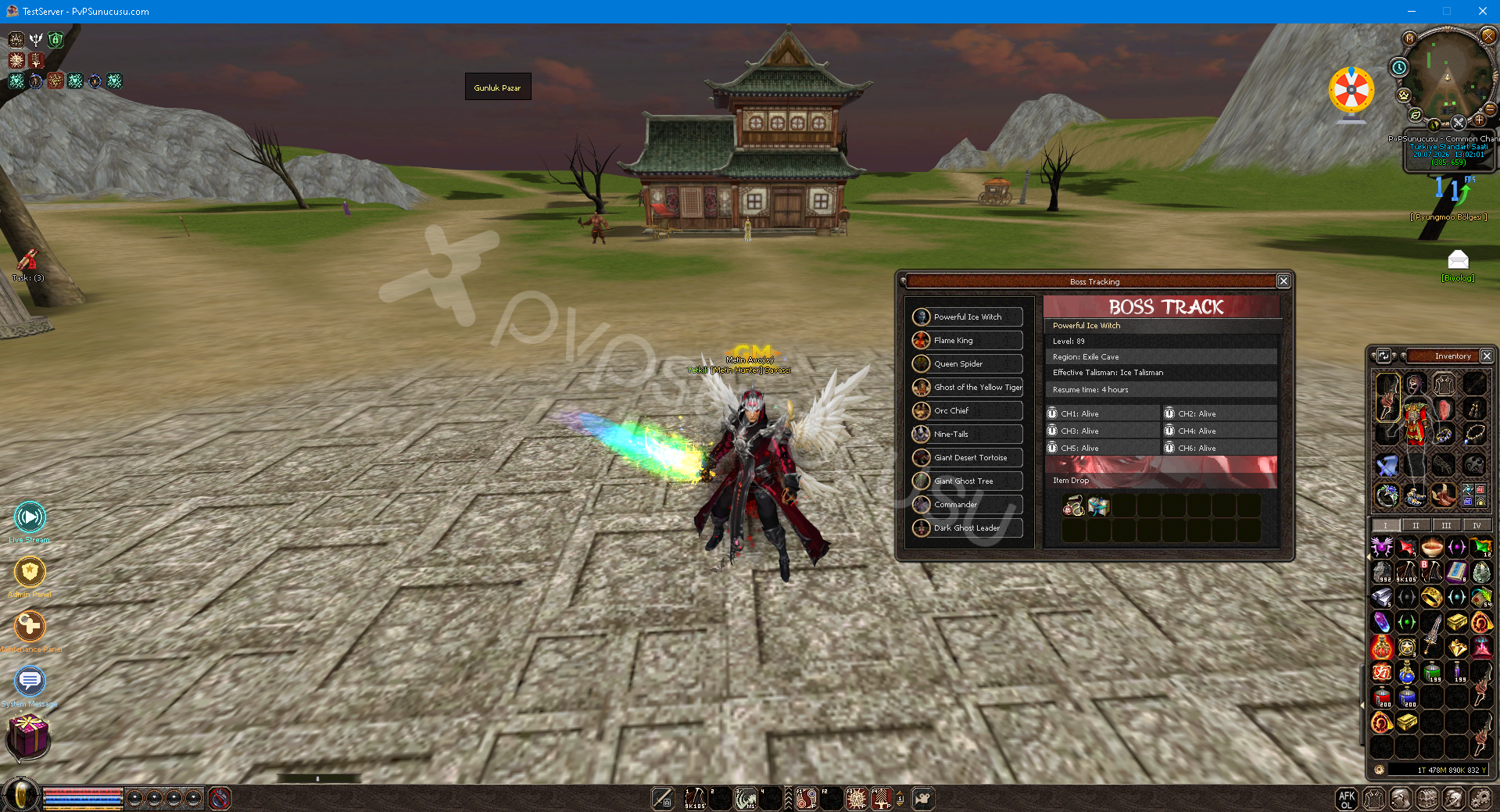
You can access the Boss Tracking Window by pressing the F5 Key from within the game.
(New) Enchantment Bot System
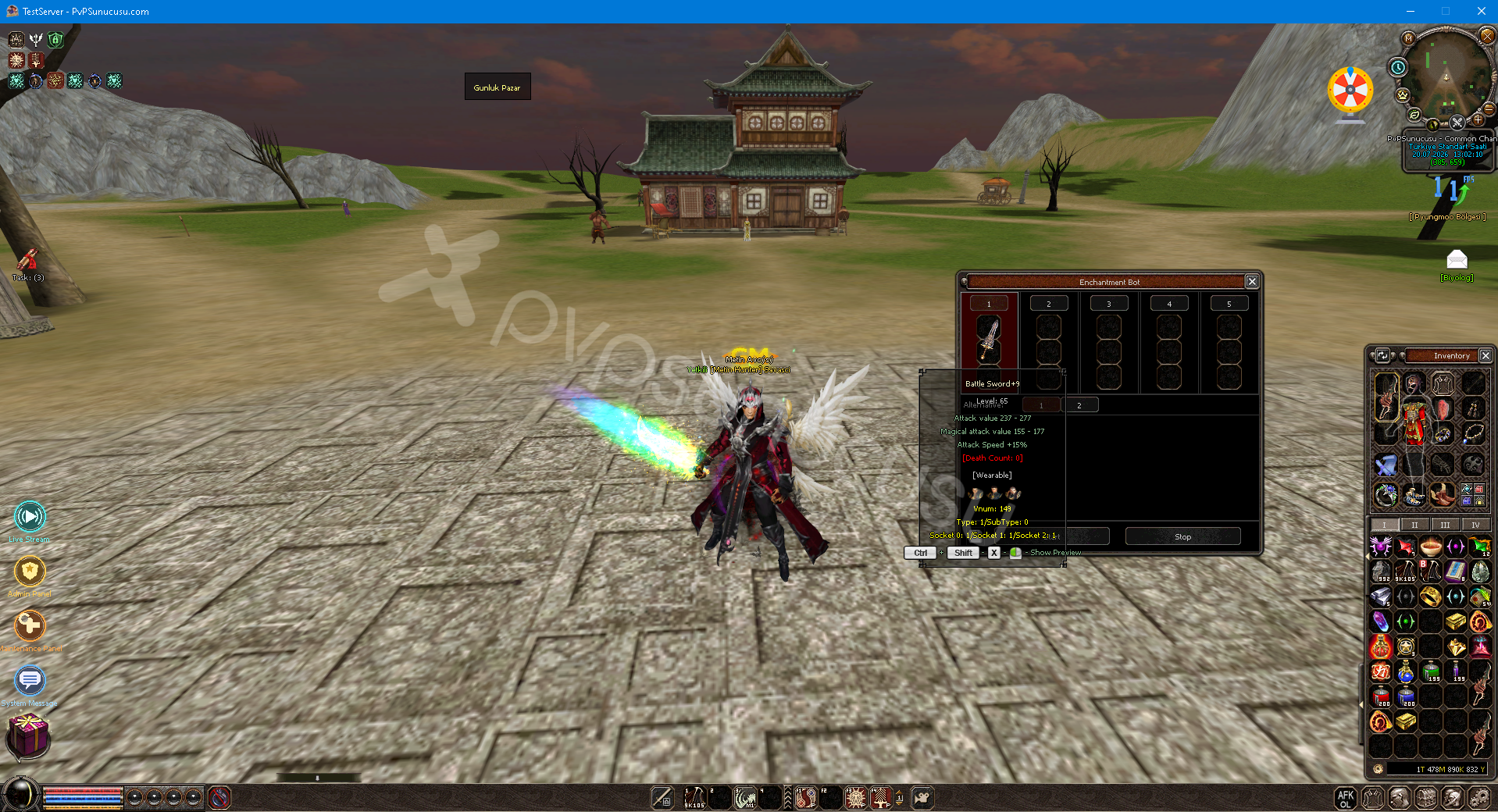
You can access the Enchantment Bot Window by pressing the F5 Key from within the game.
In-Game Location System
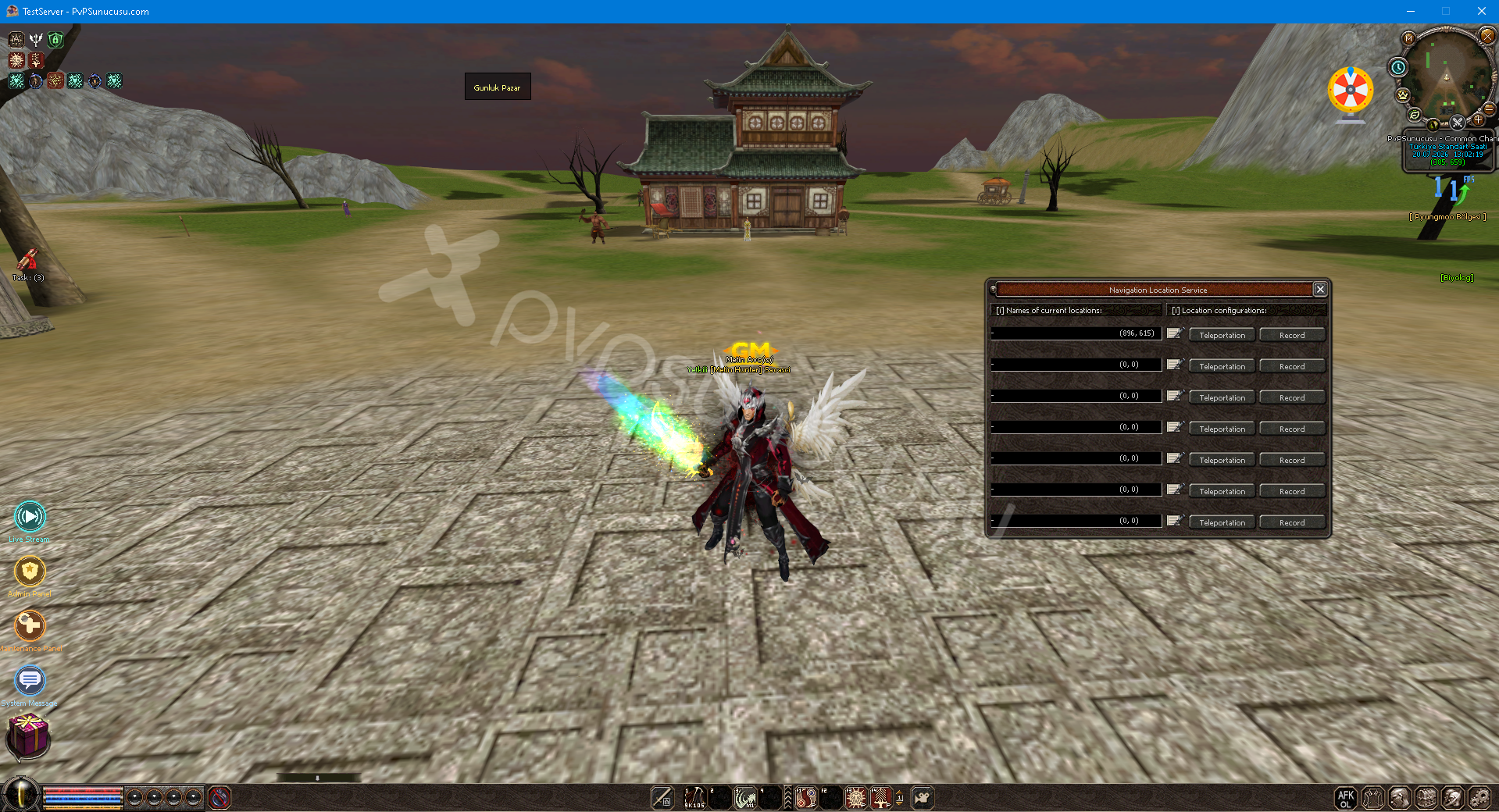
You can access the Location Window by pressing the F5 Key from within the Game.
Hunting Missions System
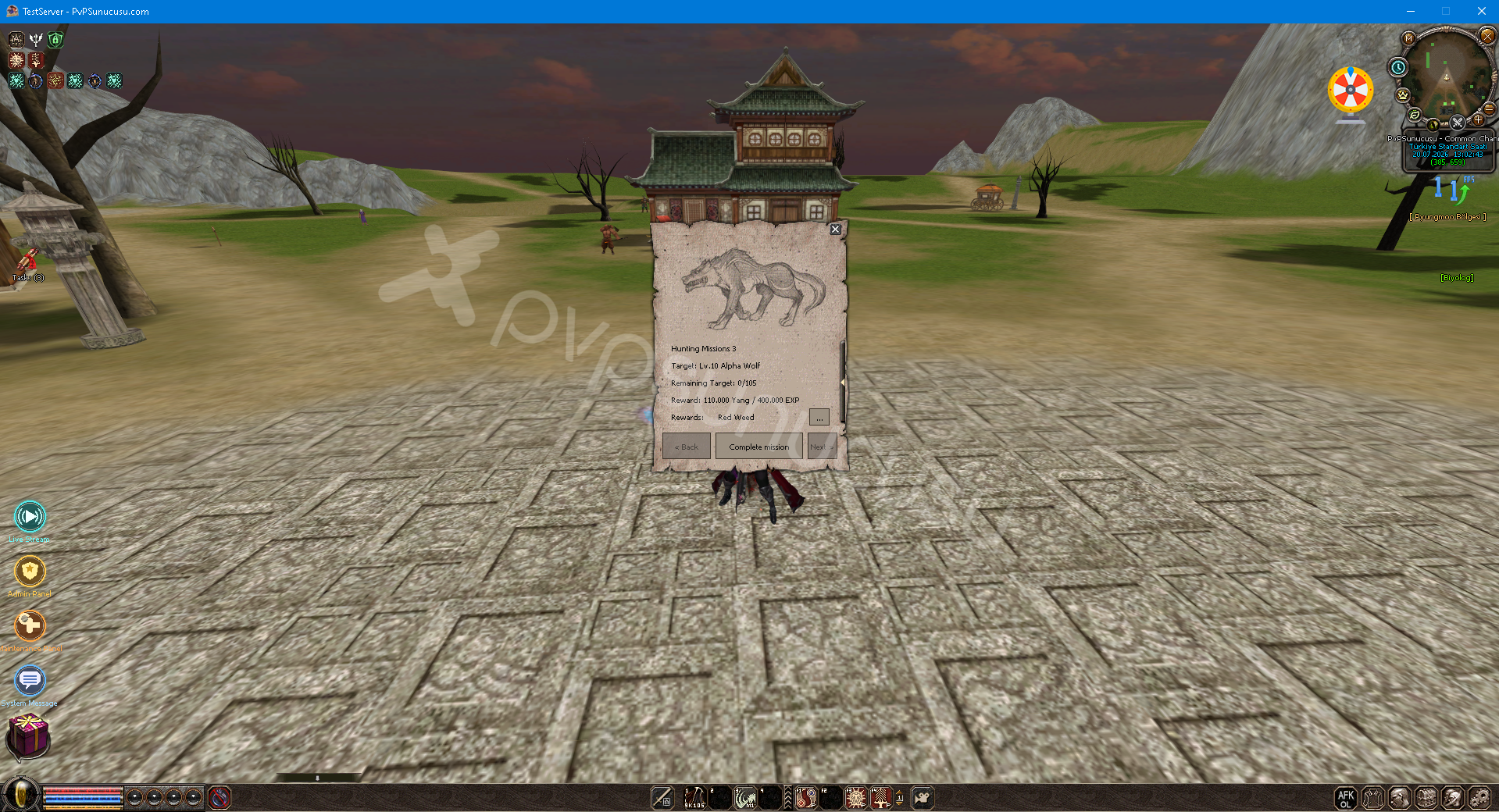
You can access the Hunting Missions Window by pressing the F5 Key from within the game.
Seniority System
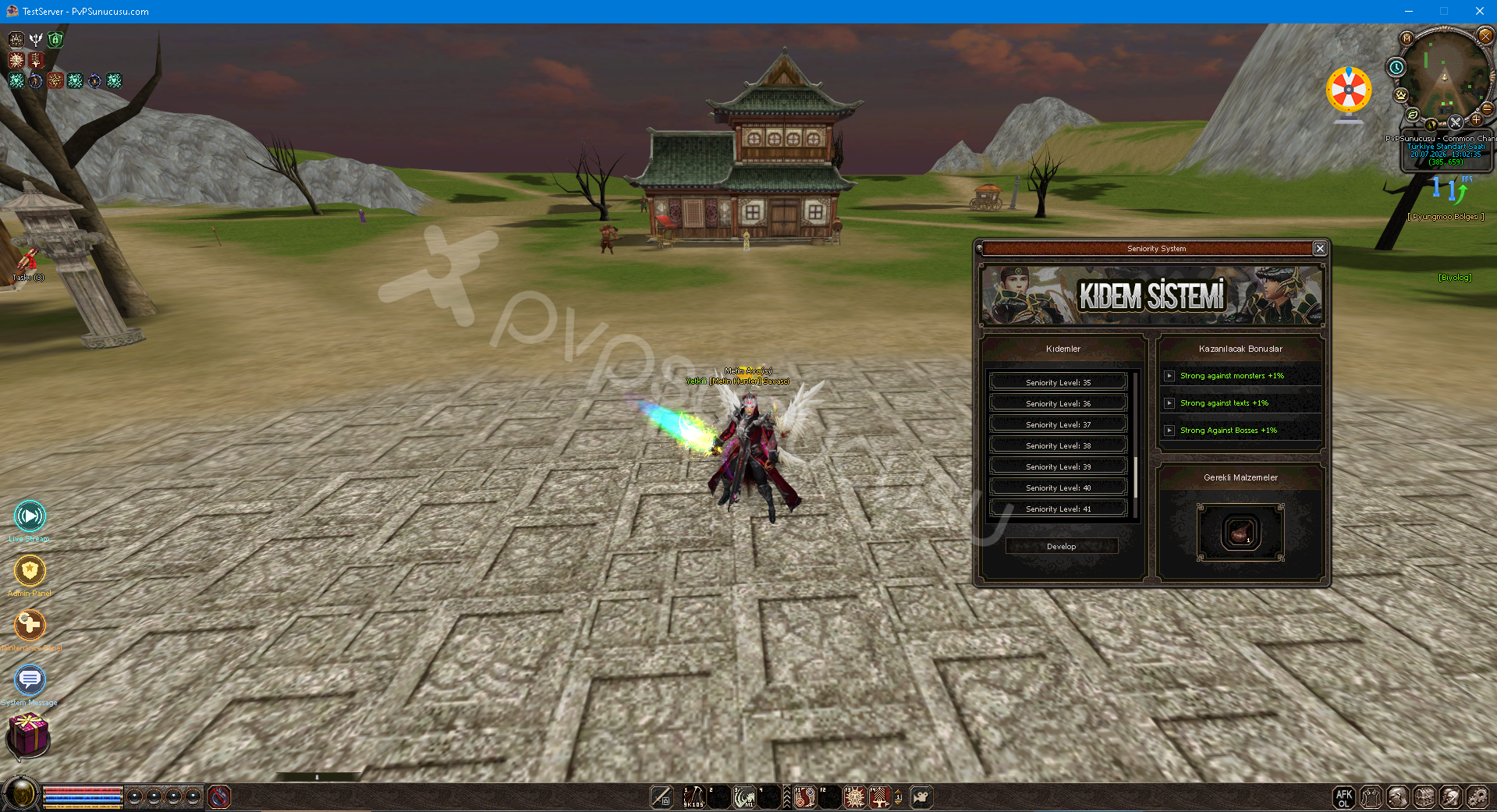
You can access the Severance System Window by pressing the F5 Key from within the Game.
Royal Pass System
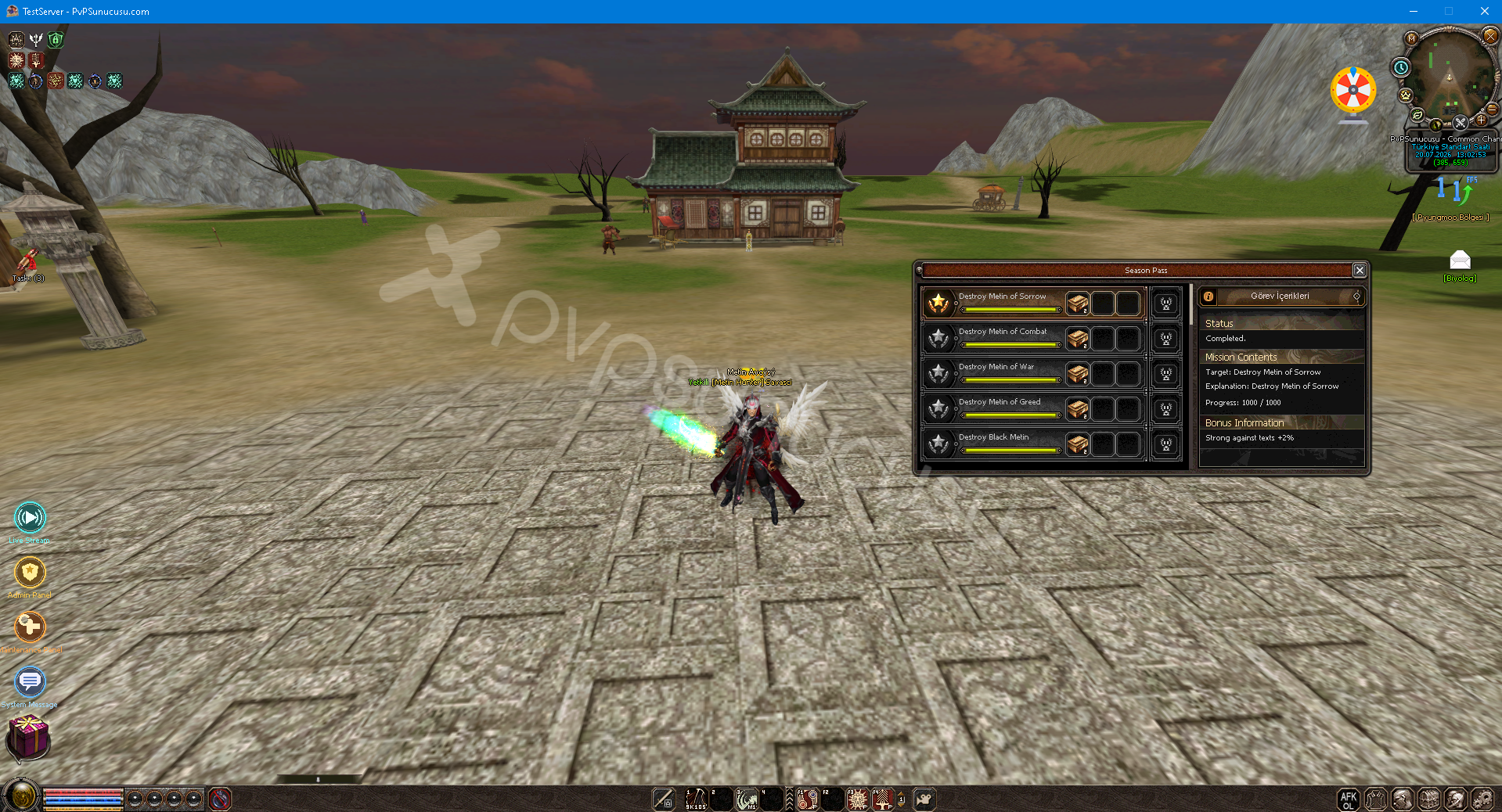
You can access the Royal Pass Window by pressing the F5 Key from within the Game.
Trade Glass System
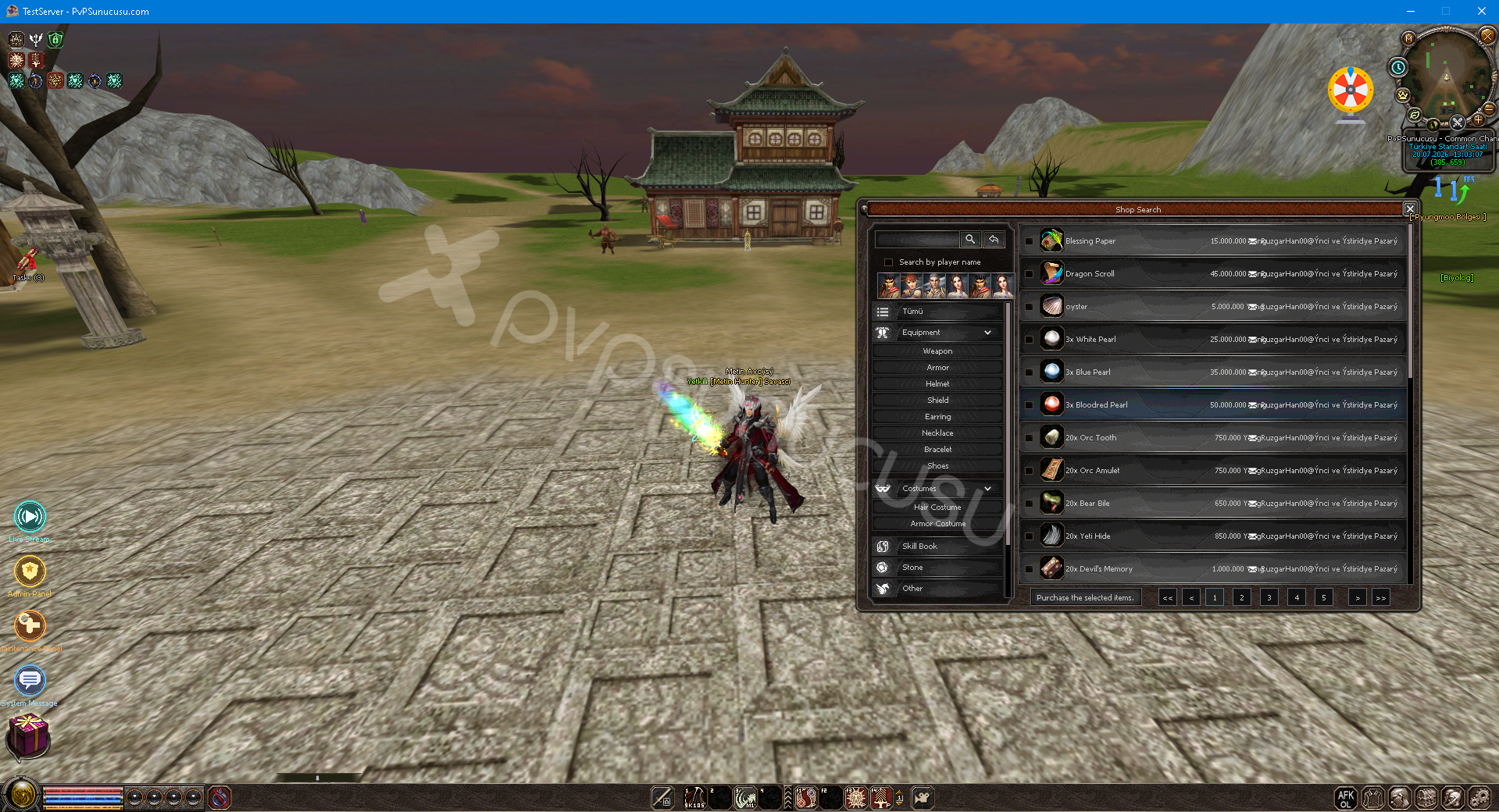
You can access the Trade Window by pressing the F5 Key from within the game.
Trash Can System
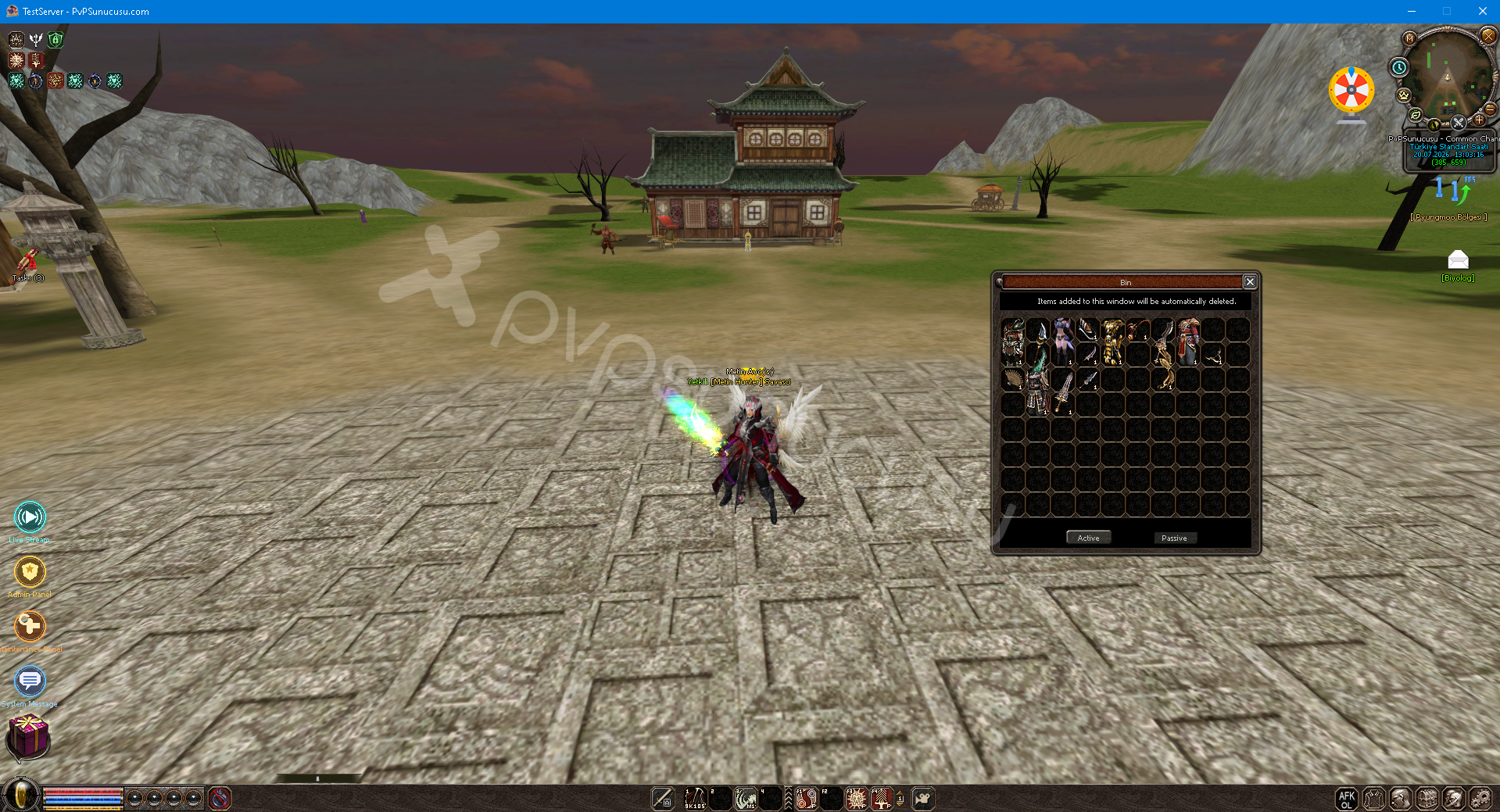
You can access the Trash Window by pressing the F5 Key from within the game.
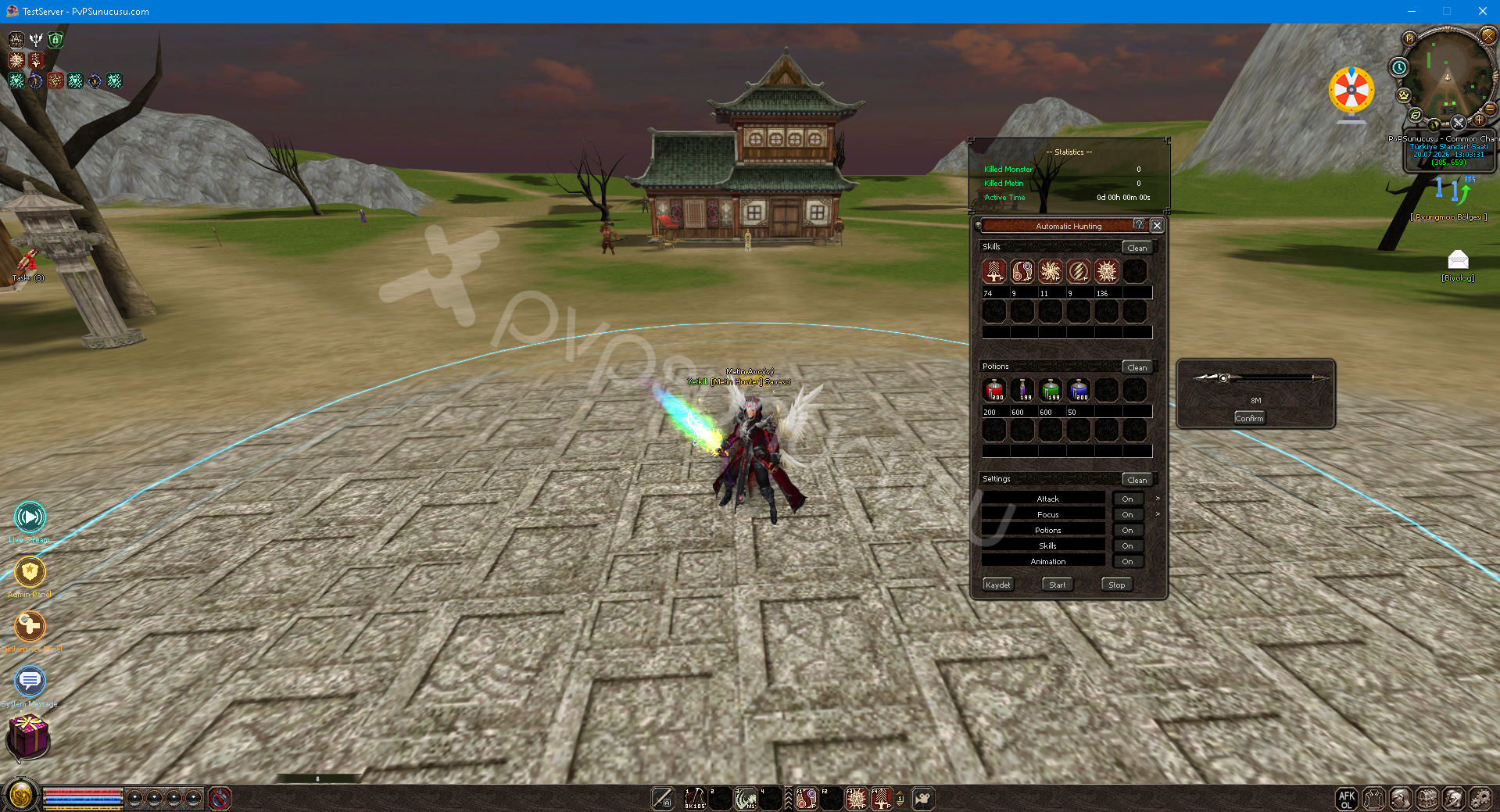
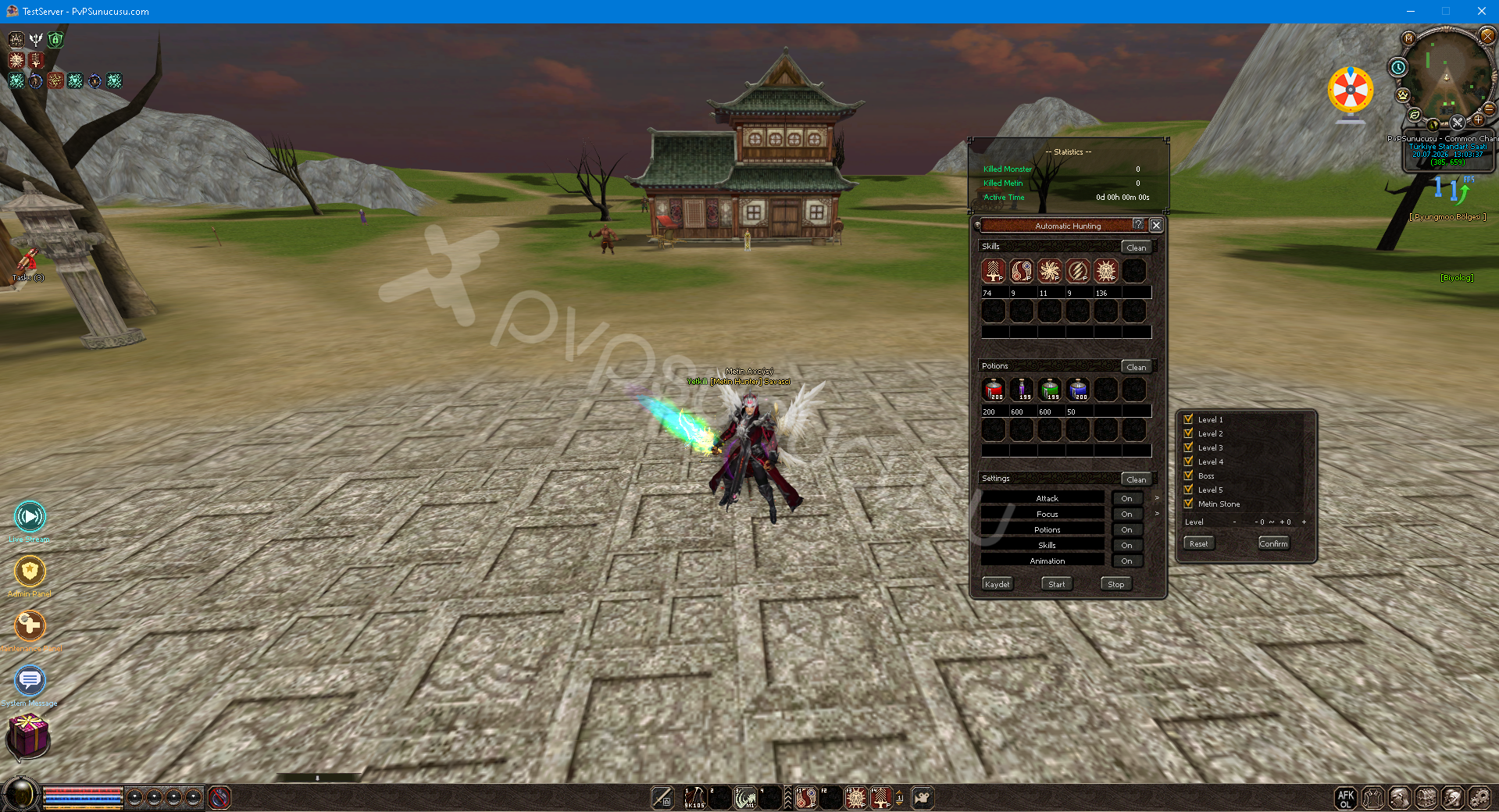
Fish Boat System
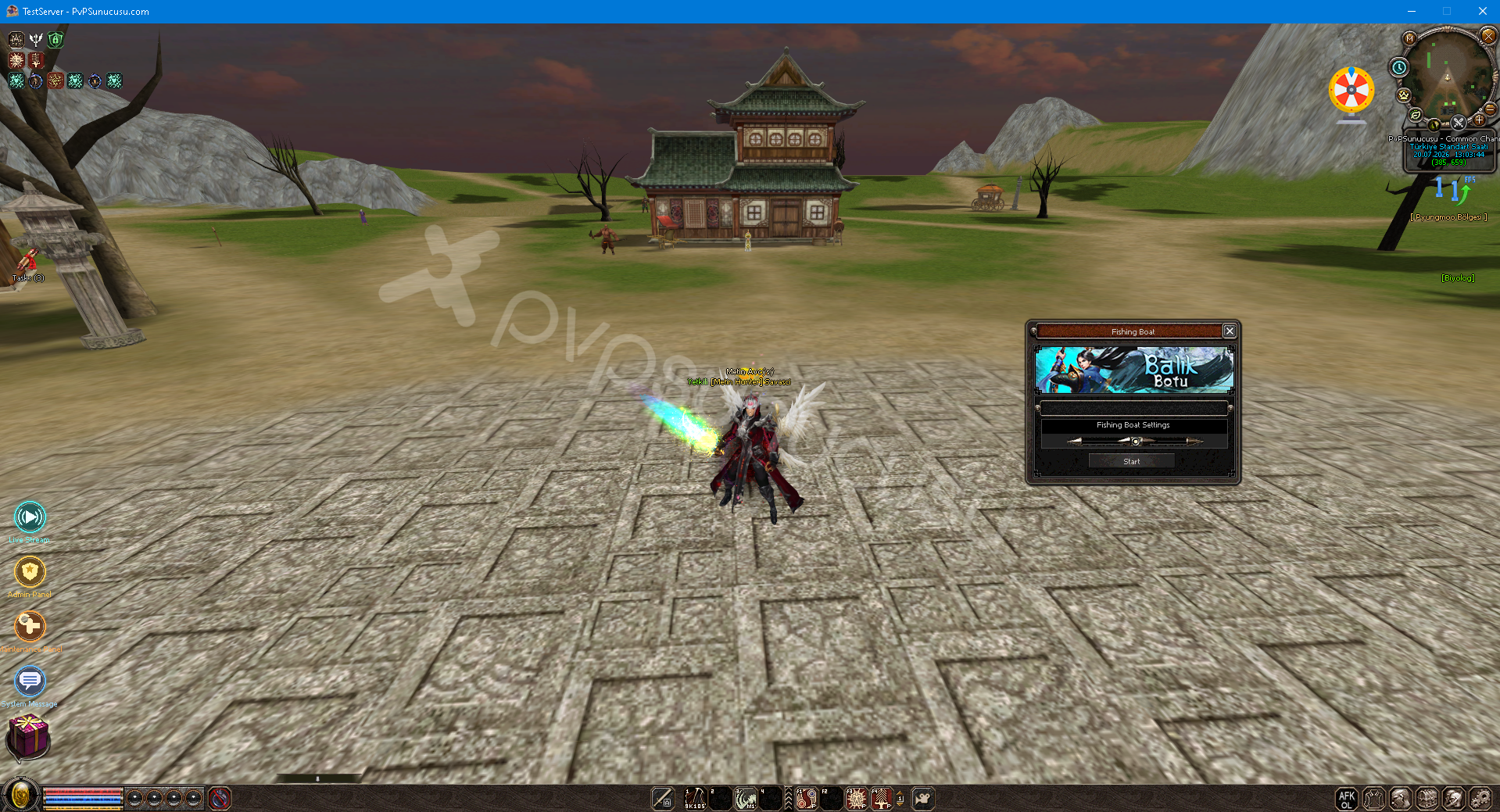
You can access the Fish Boat Window by pressing the F5 Key from within the game.
Fast Biologist System
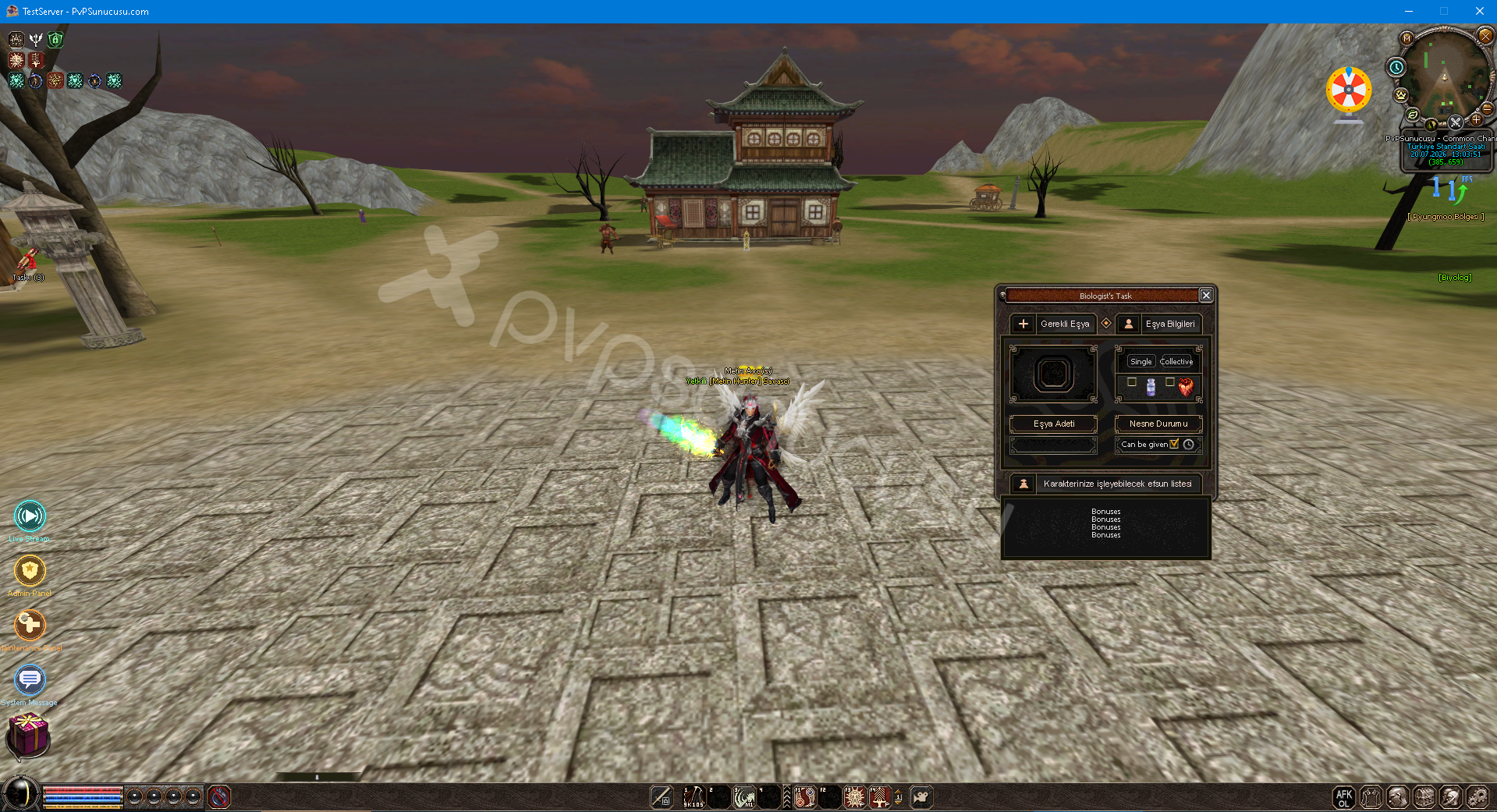
You can access the Quick Biologist Window by pressing the F5 Key from within the game.
Mount System
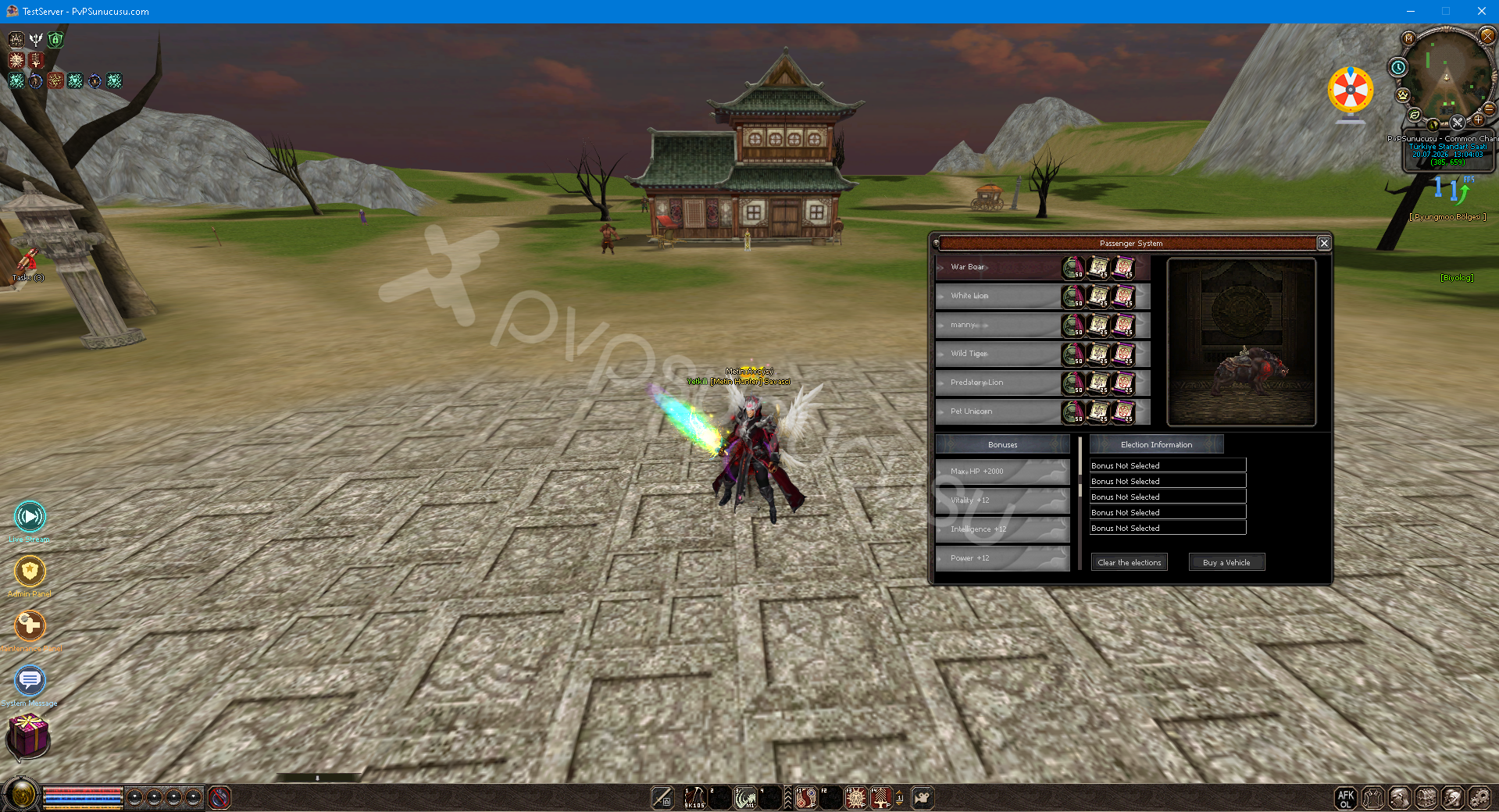
You can access the Mount System Window by pressing the F5 Key from within the game.
Title System
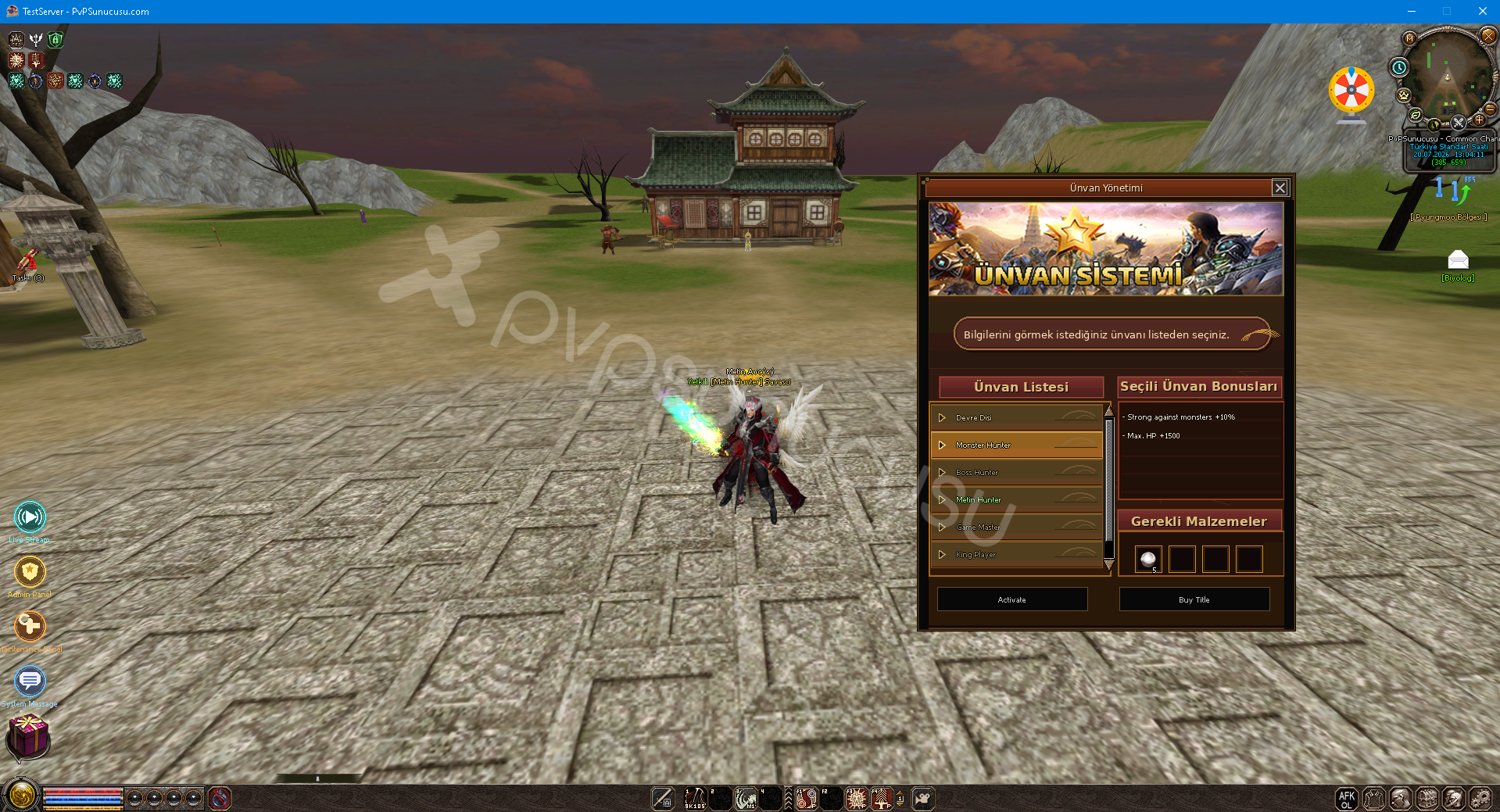
You can access the Title System Window by pressing the F5 Key from within the game.
Battle Pass System
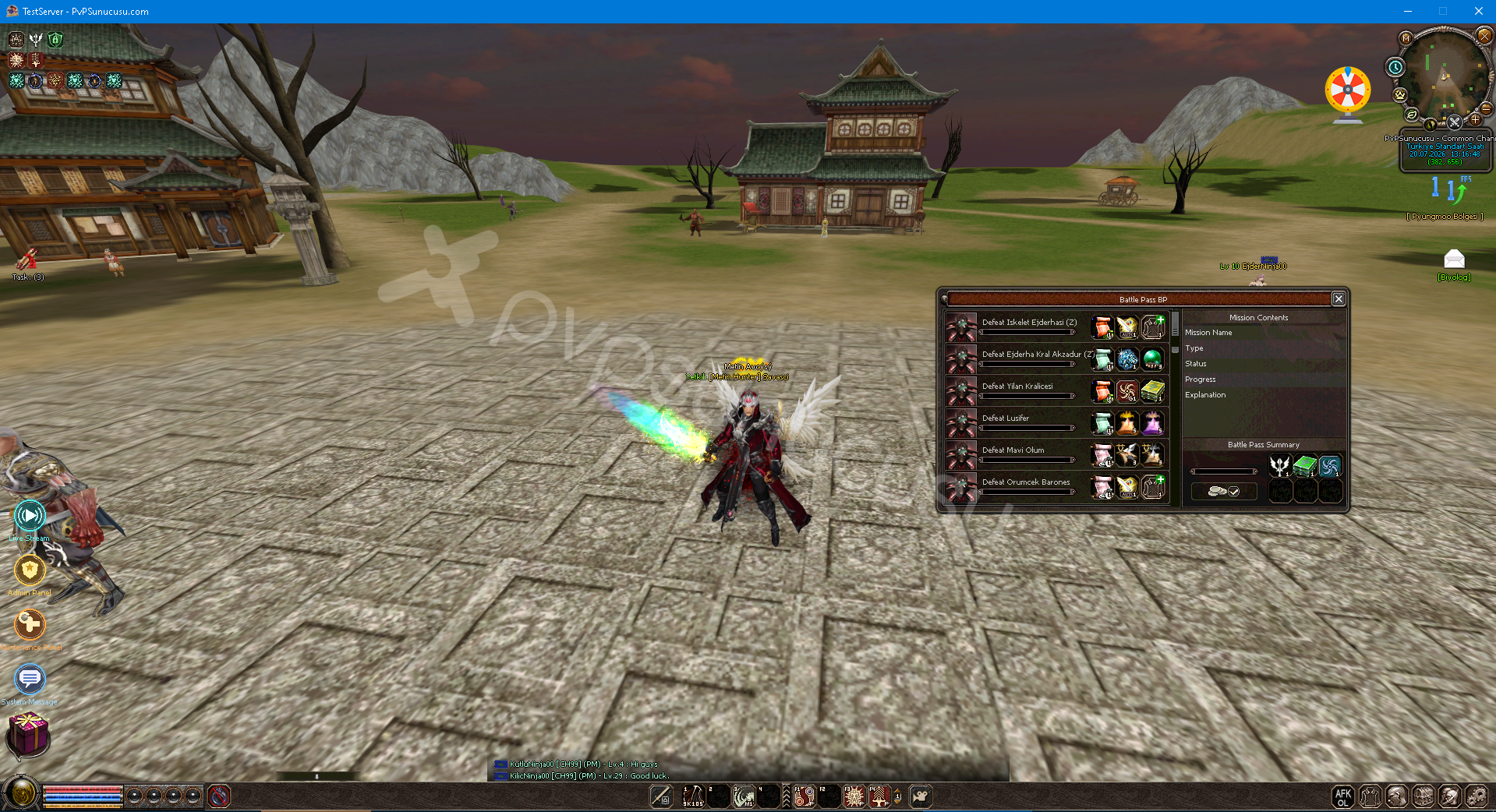
You can access the Battle Pass System Window by pressing the F5 Key from within the game.
F6 Teleportation Board System
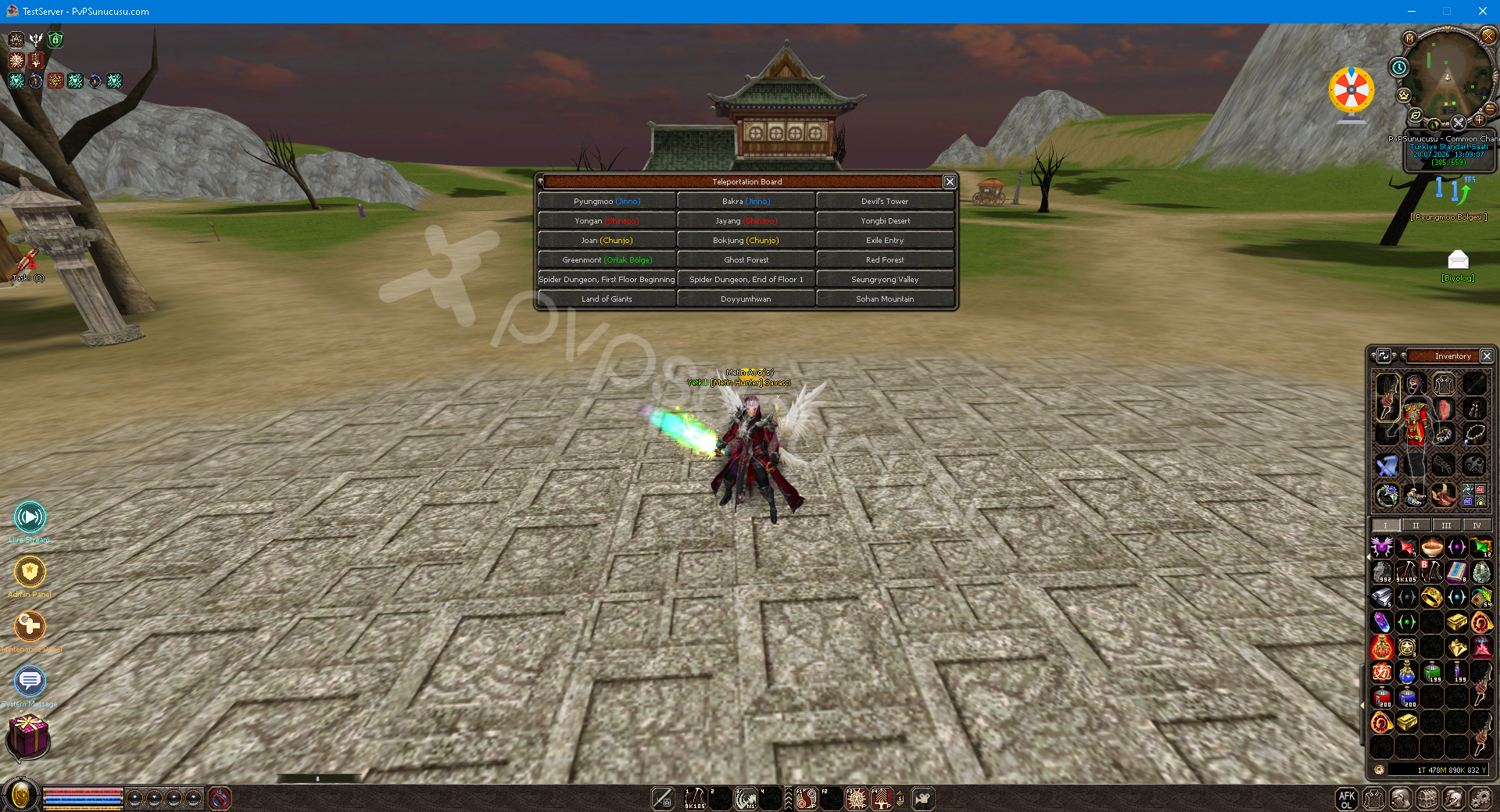
You can access the Teleport Board window by pressing the F6 key within the game.
F7 Are you in? Aren't you there? System
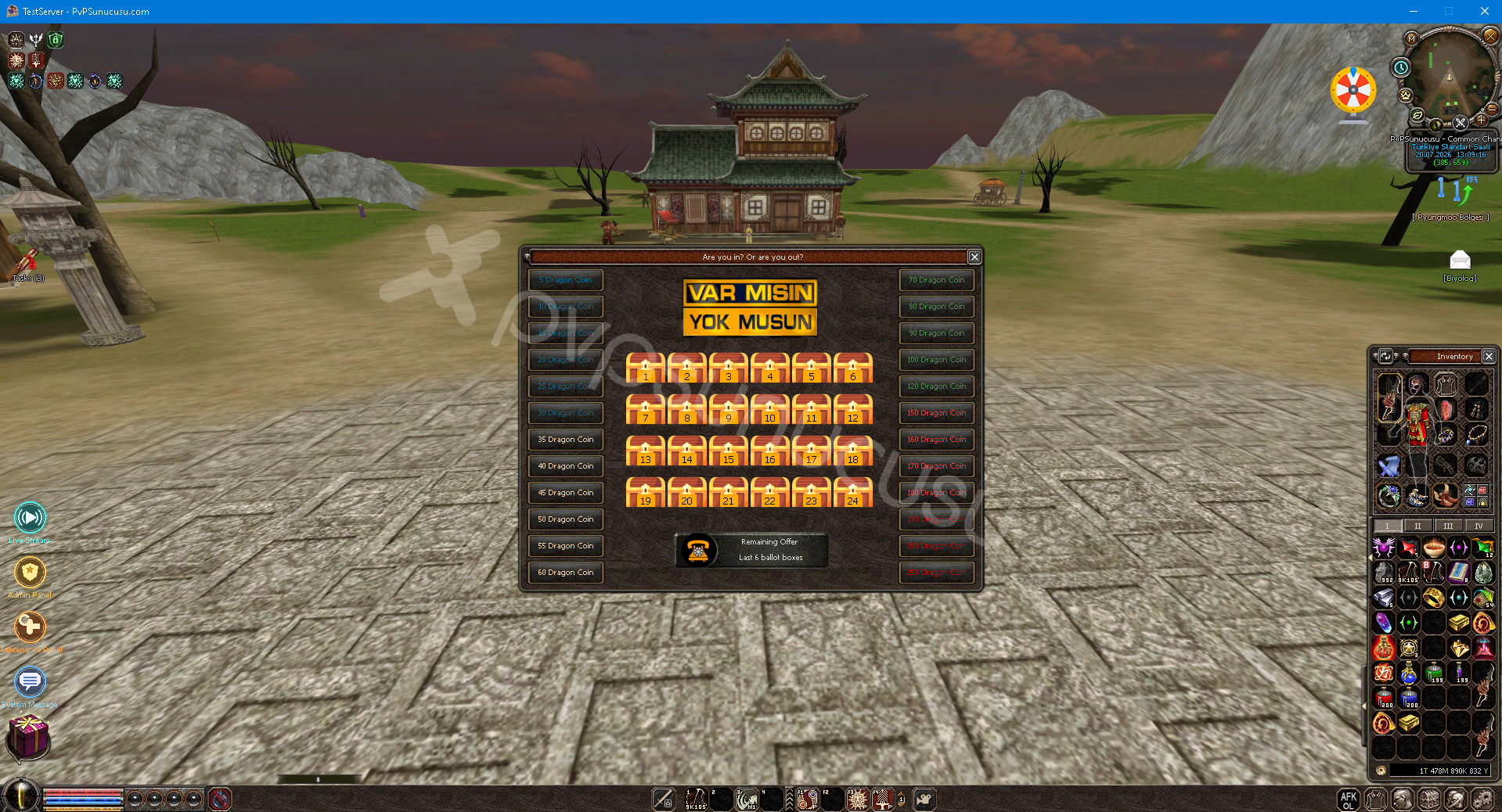
By pressing F7 from within the game, Are You There? Aren't you there? You can reach its window.
K Inventory System
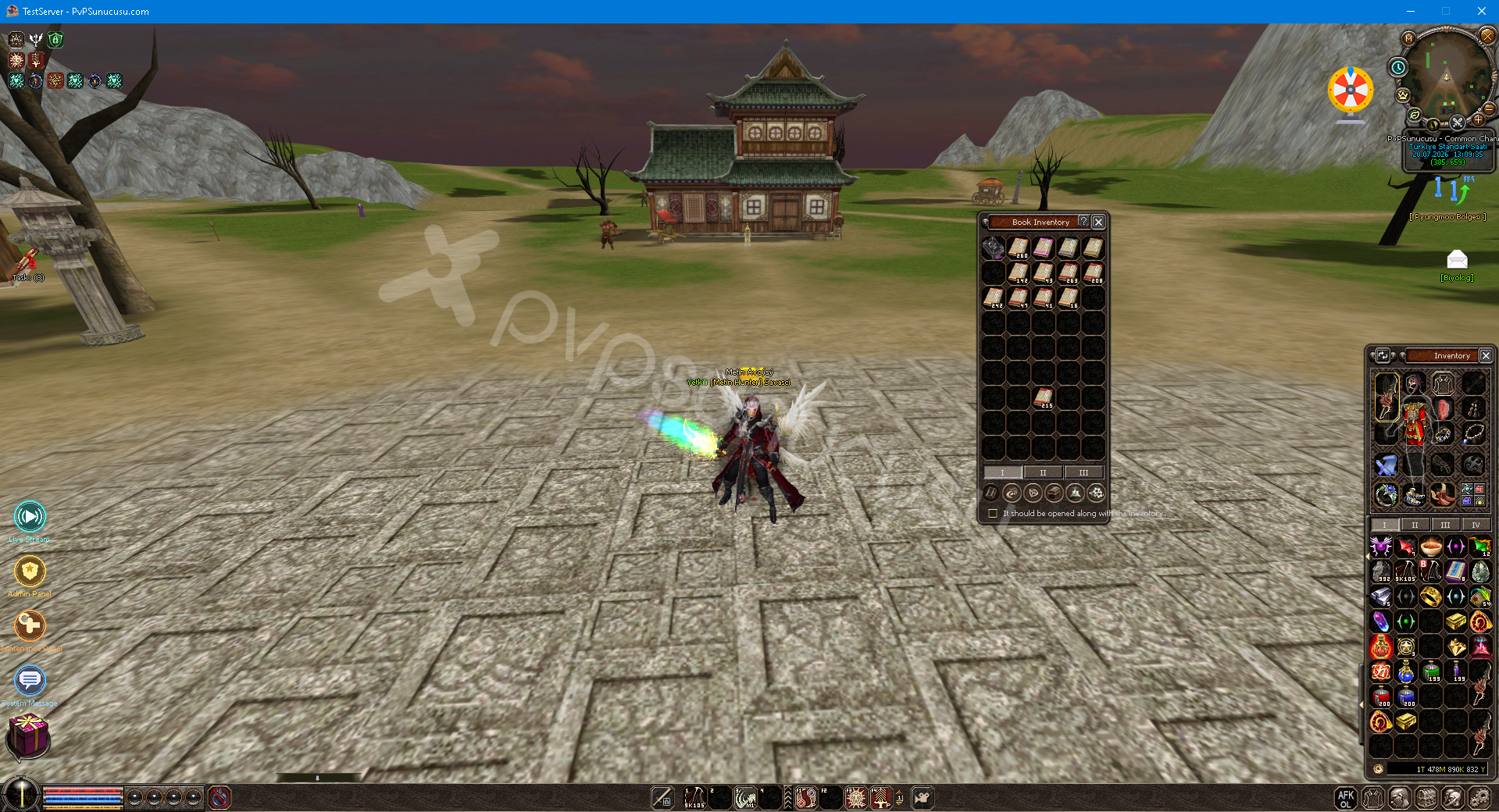
You can access the K Inventory window by pressing the K Key within the game.
Alchemy System
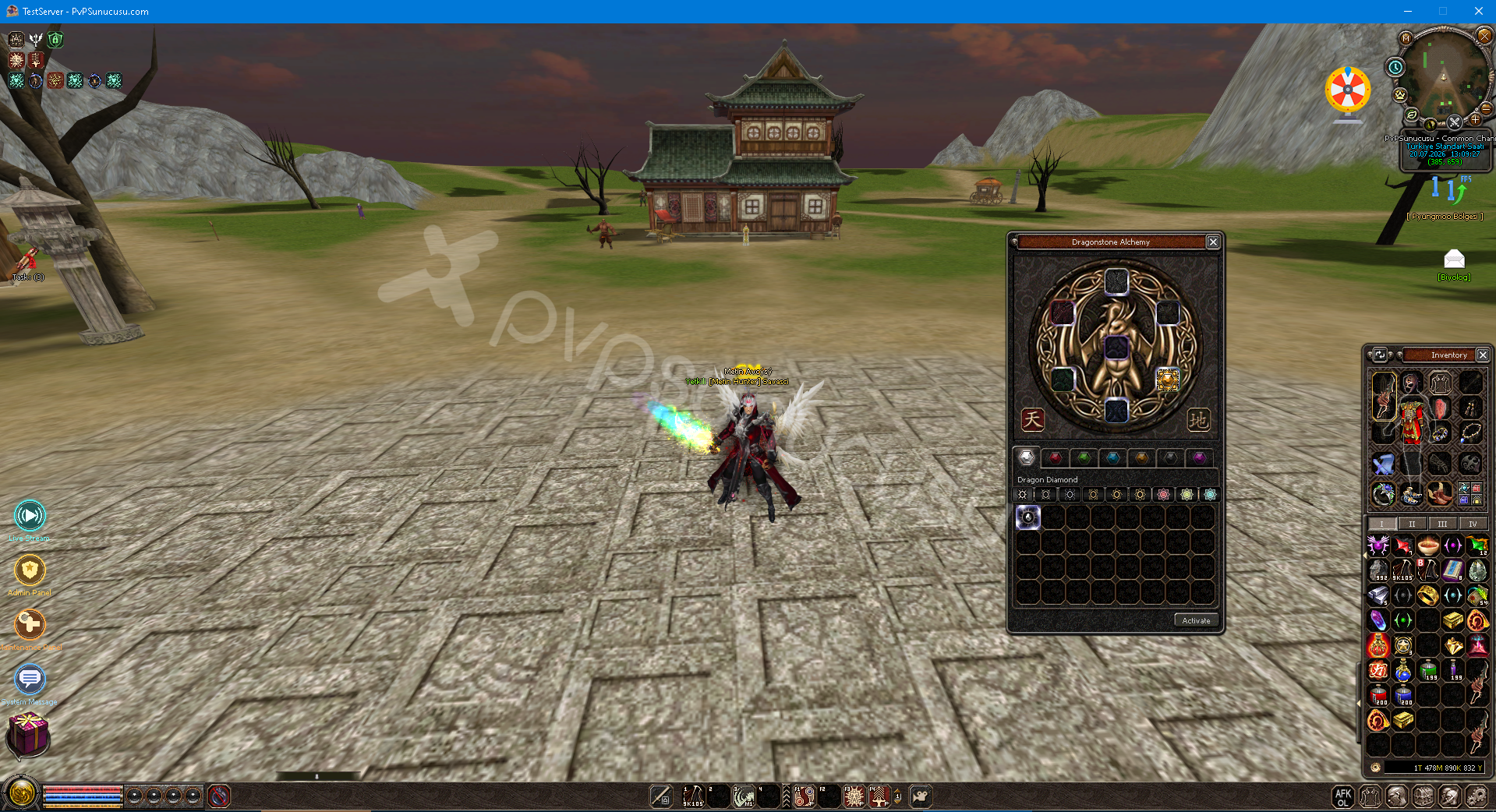
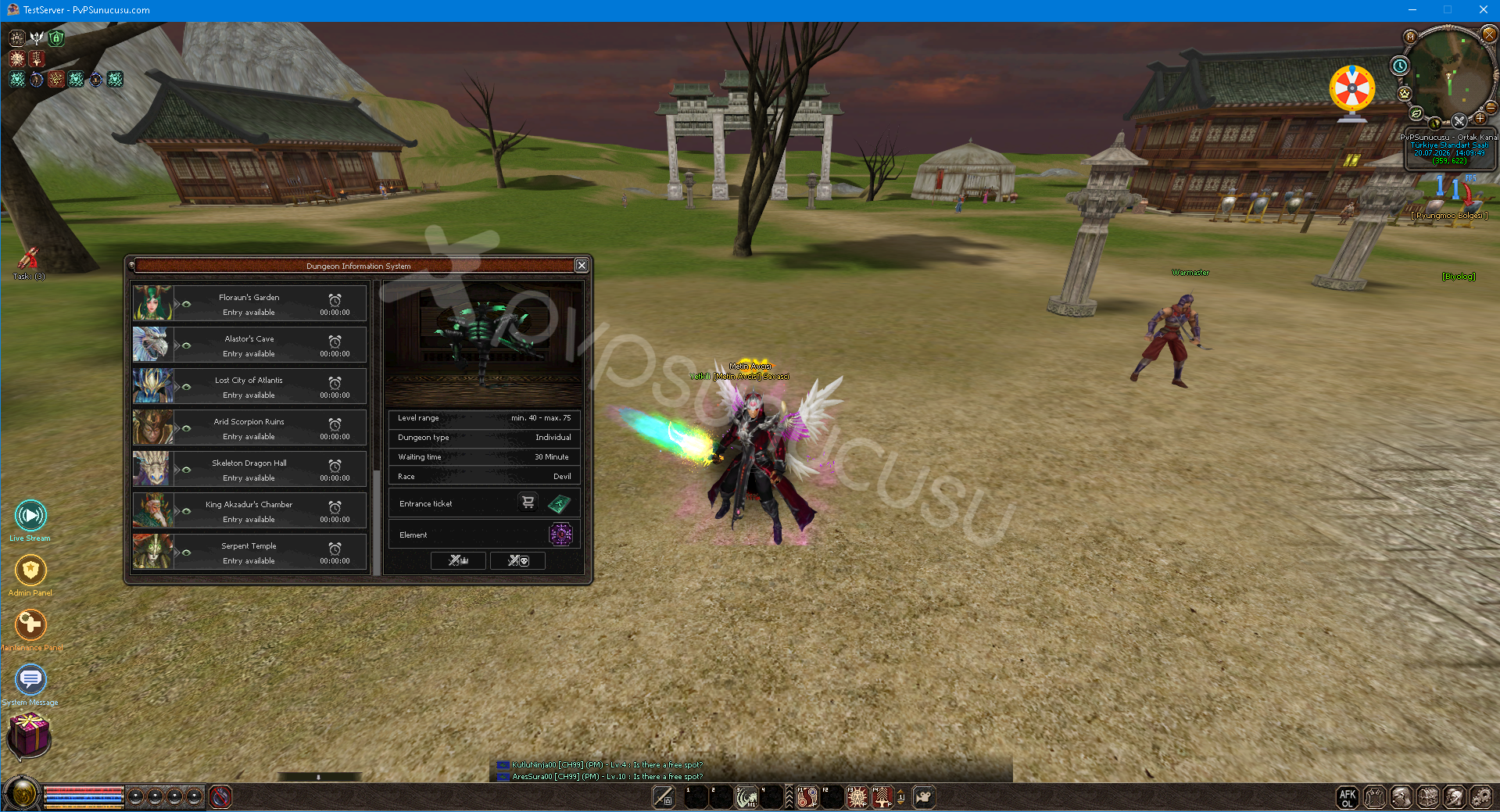
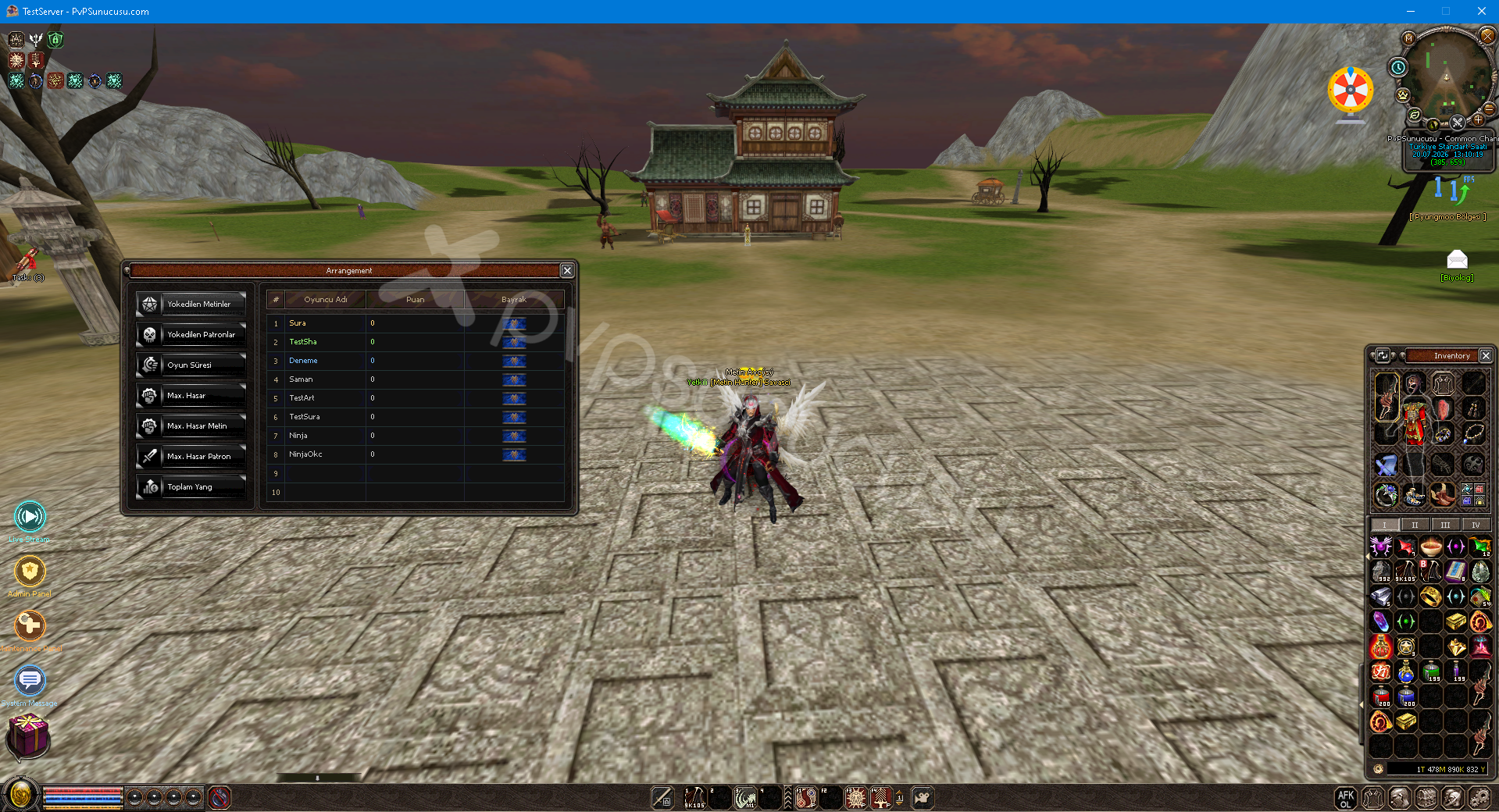
In-Game Ranking System
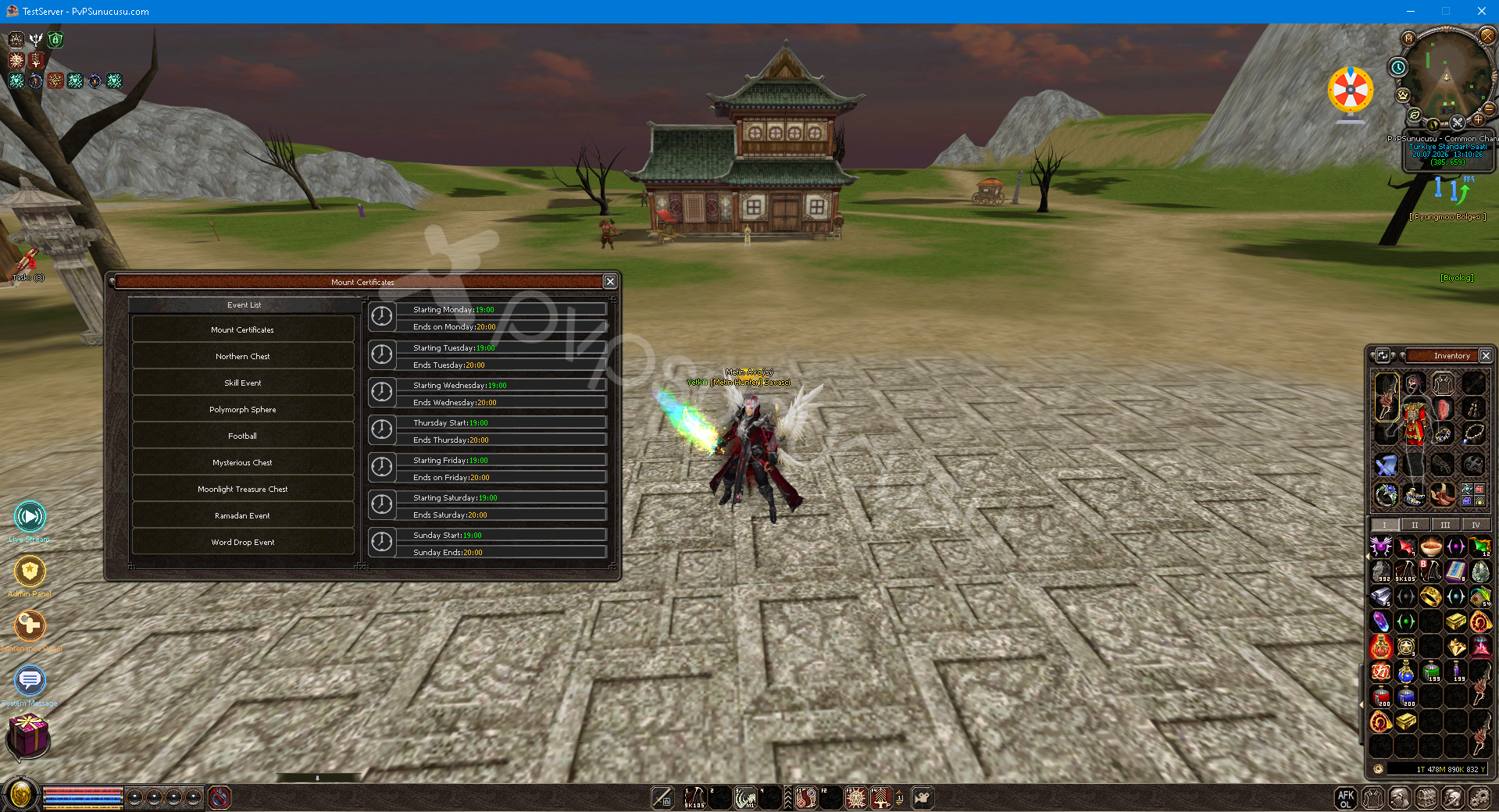
Etkinlik Takvimi
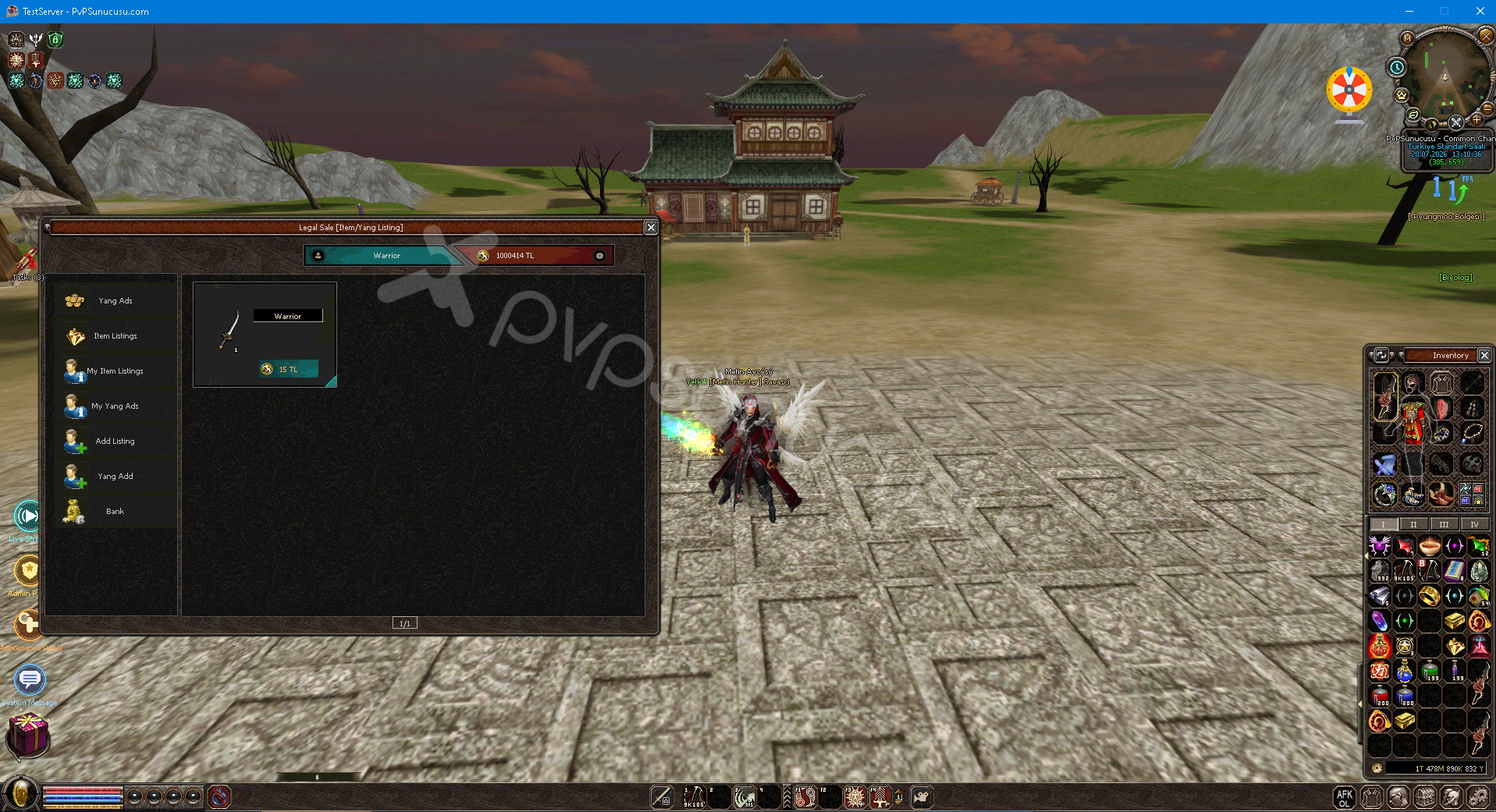
Legal Sales System
Live Broadcast System
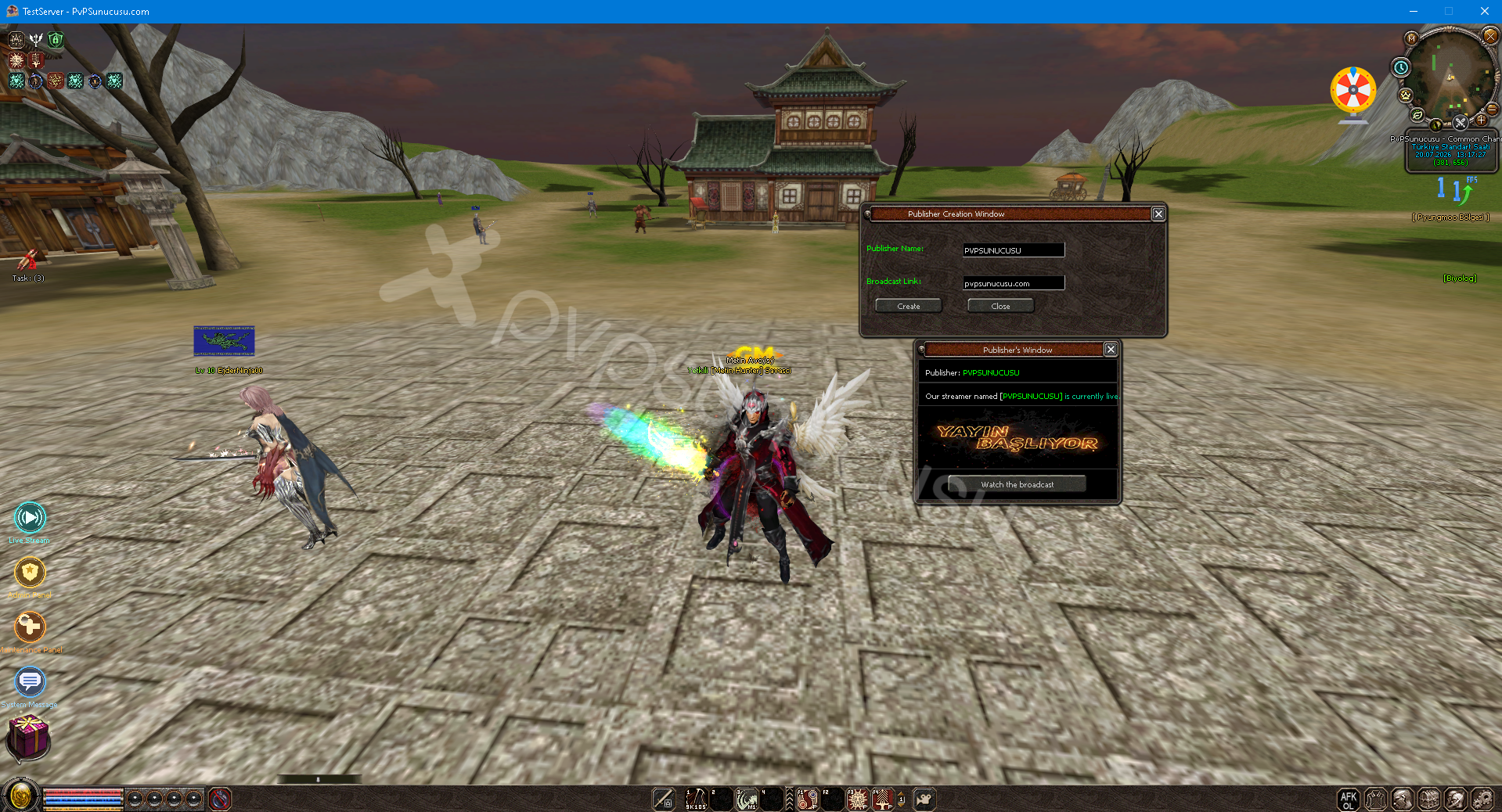
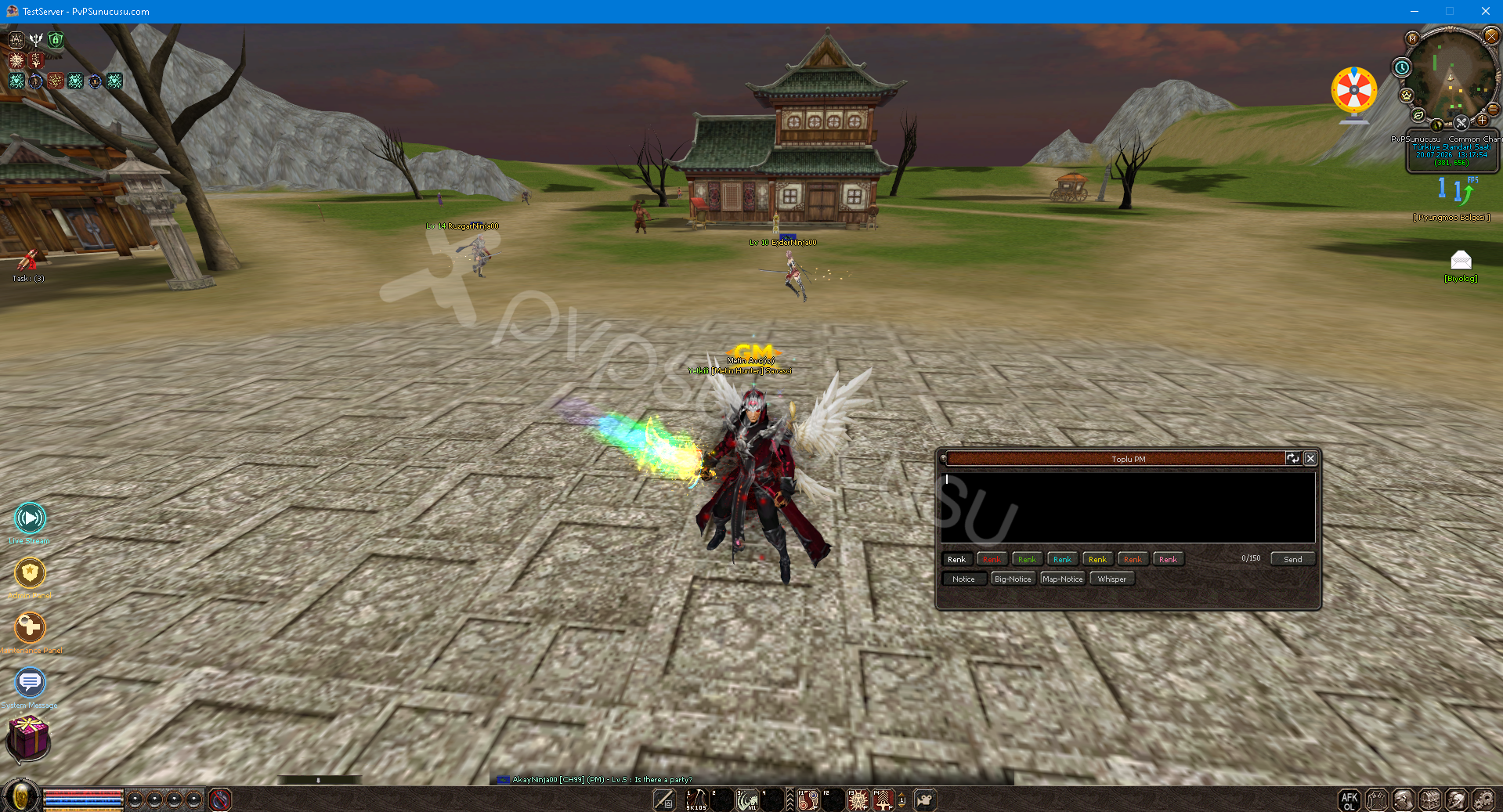
Bulk Pm System
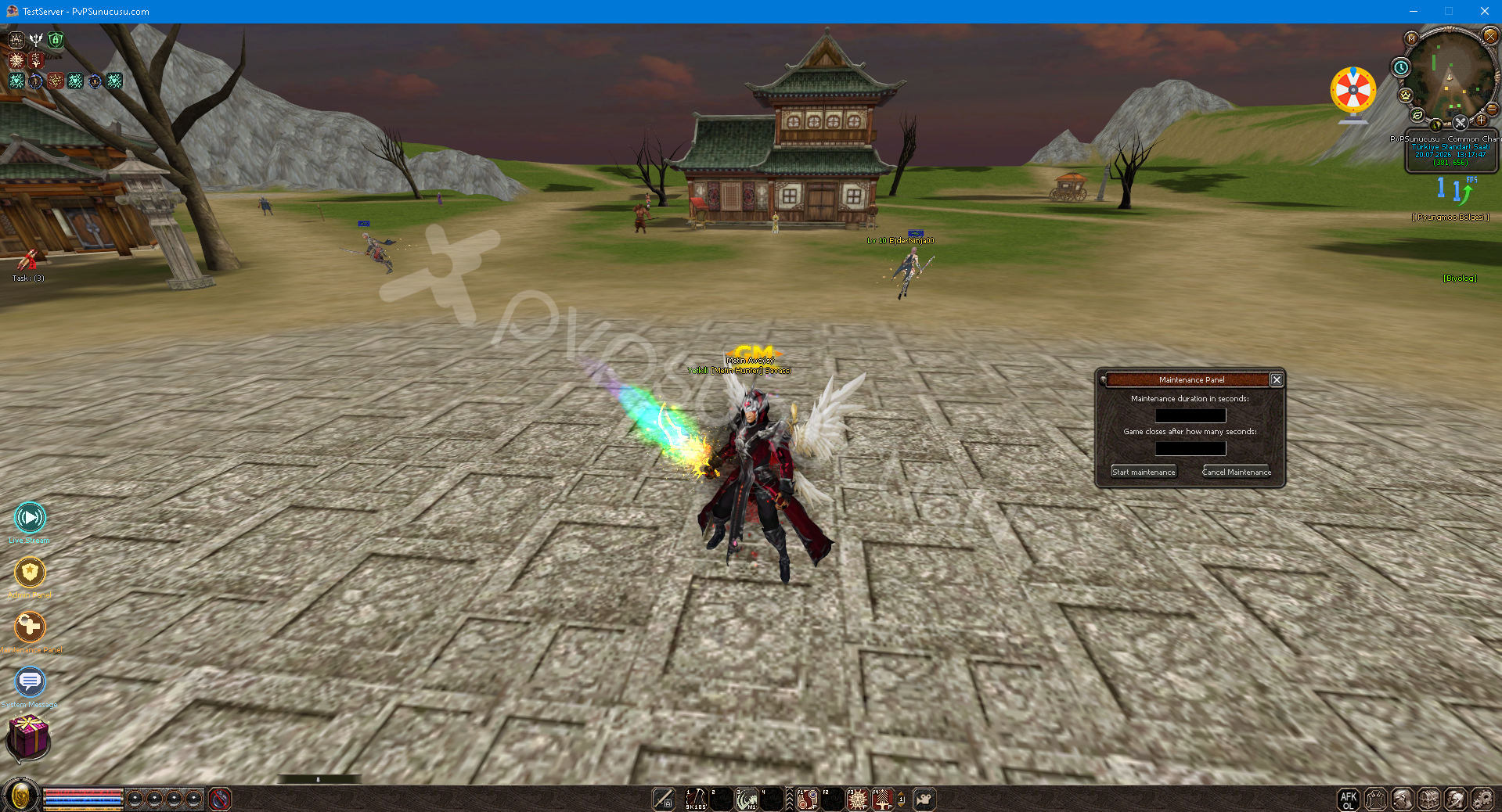
In-game GM Maintenance Panel
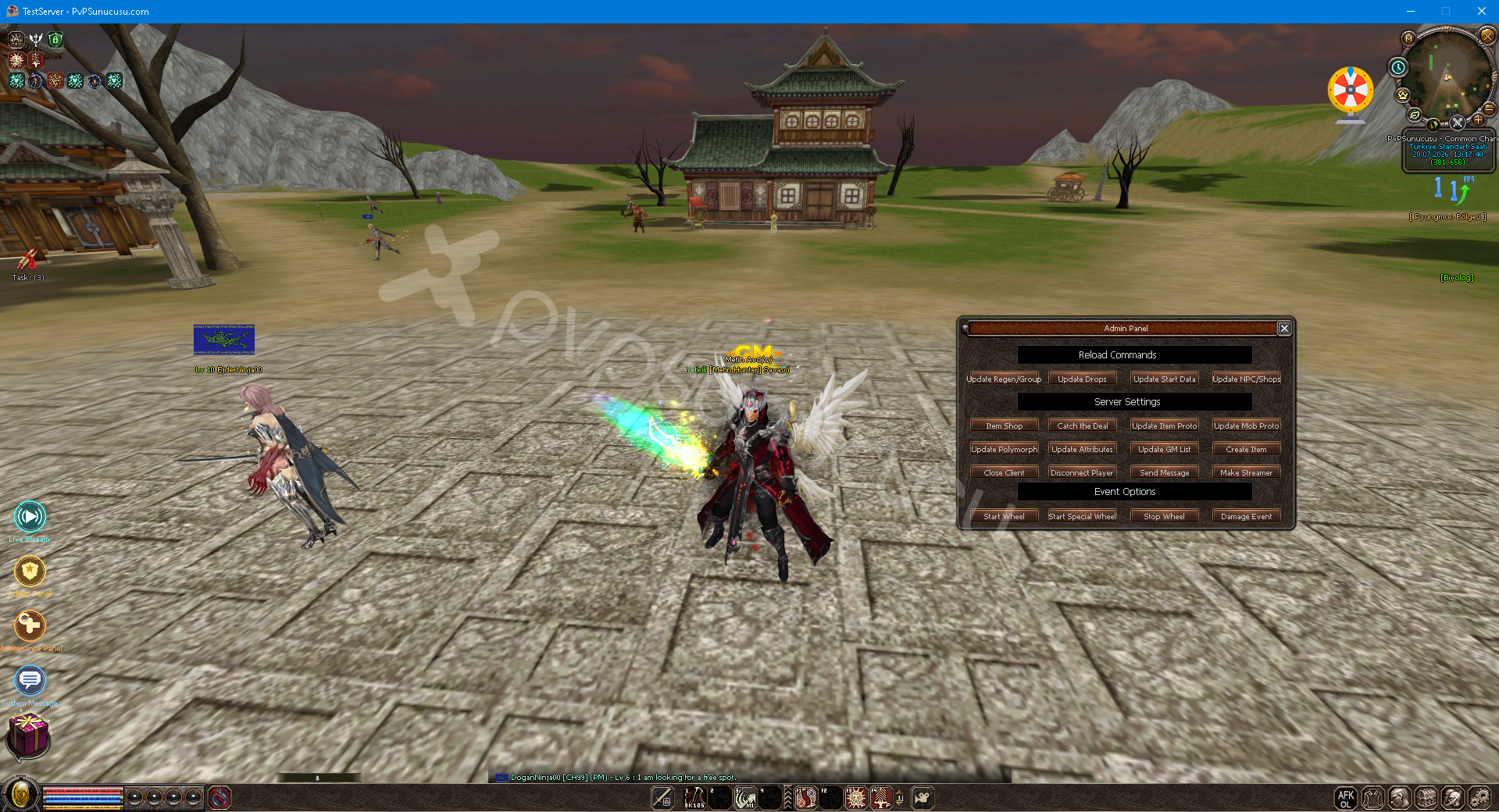
In-game GM Management Panel
AFK Modu
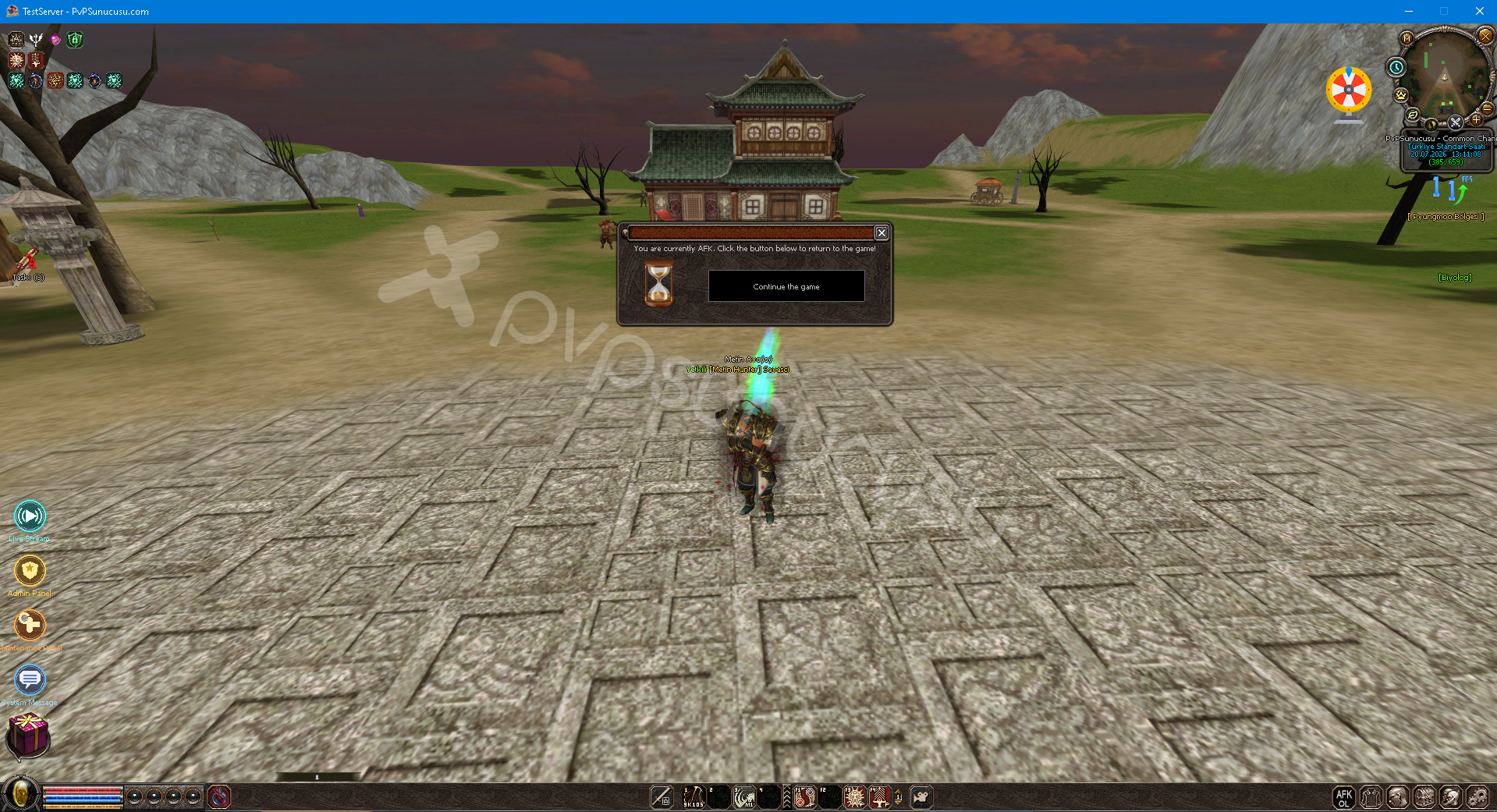
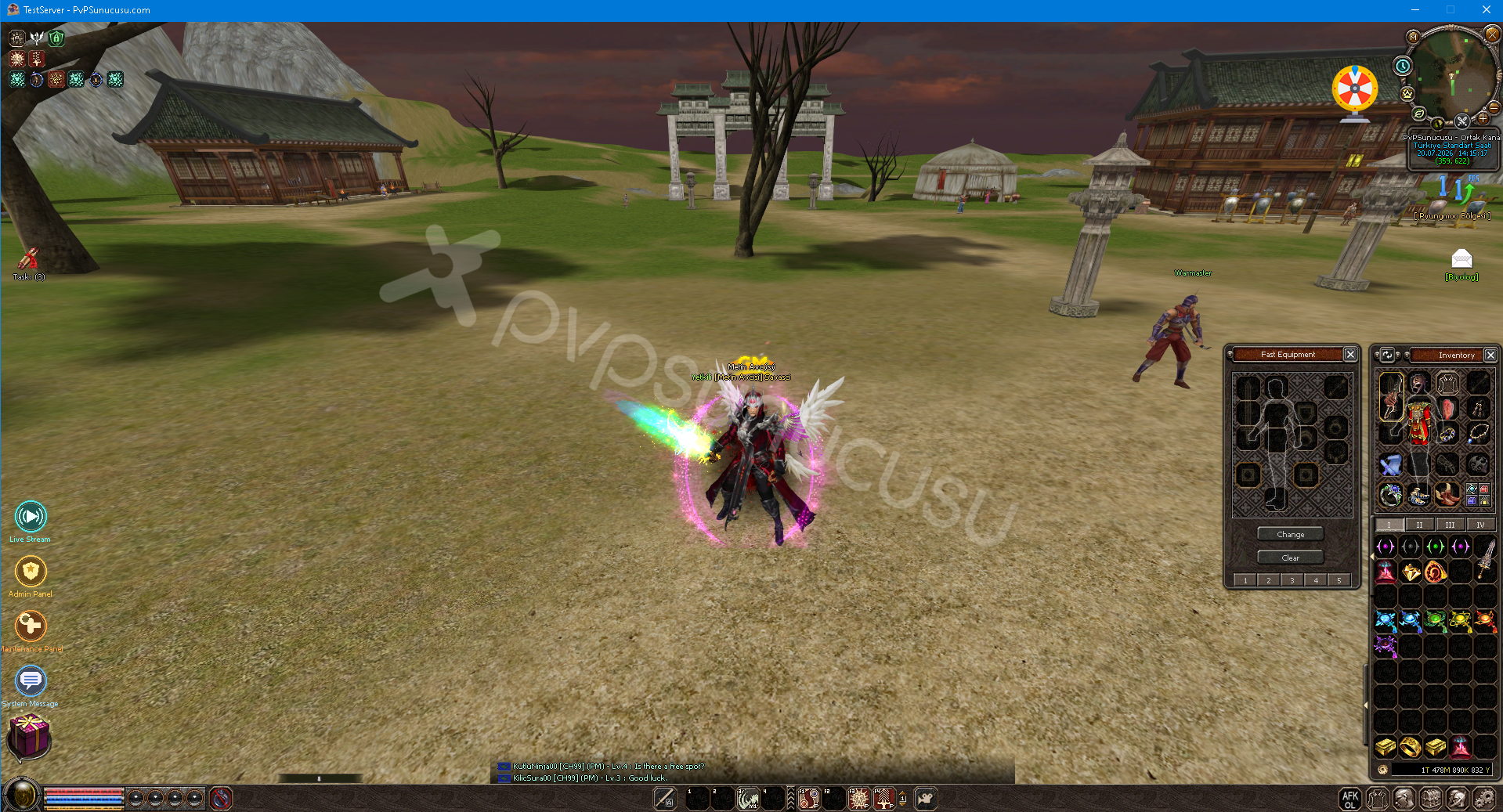
Fast Equipment System
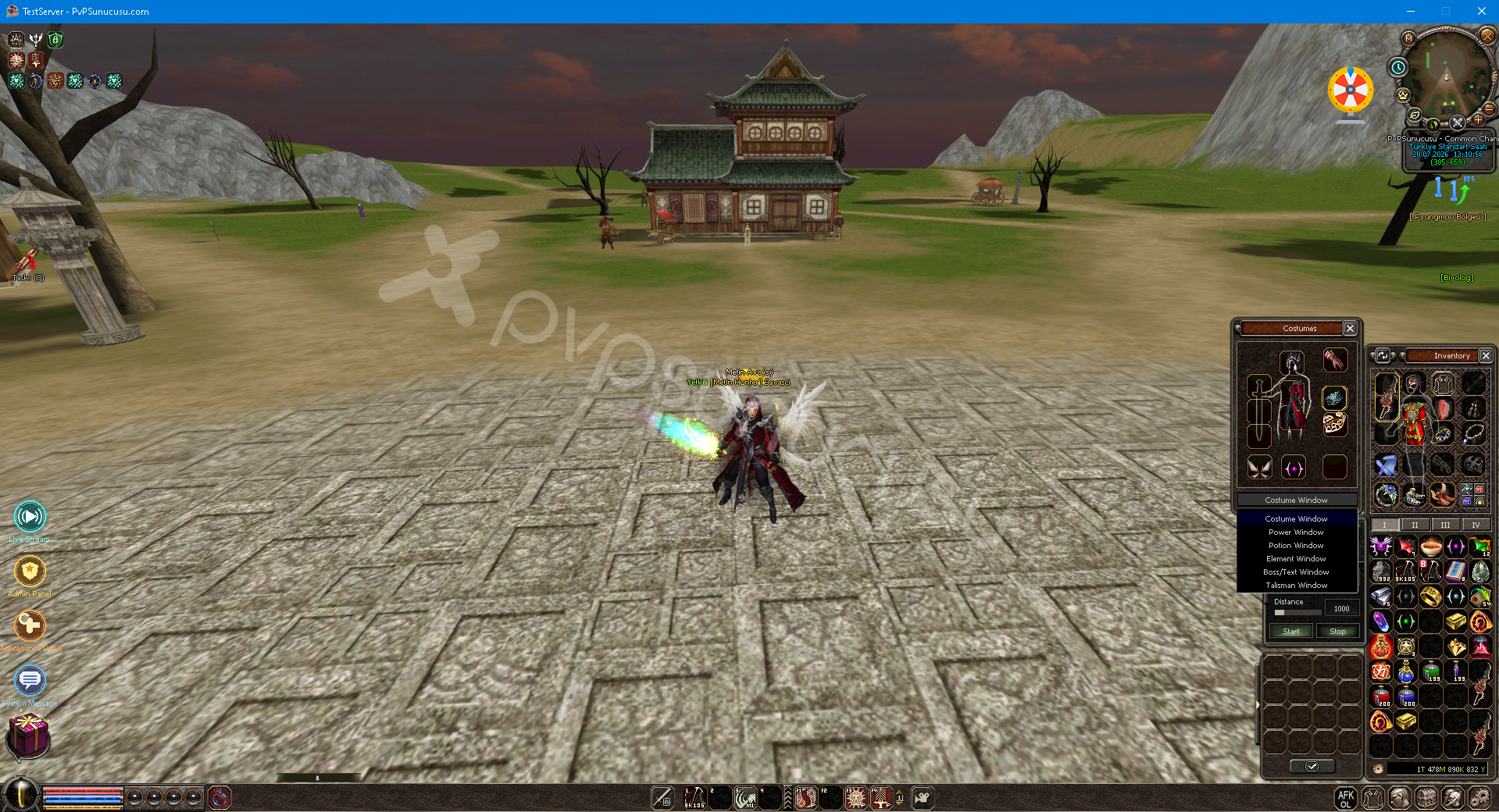
Advanced Costume Window
Multi Language System
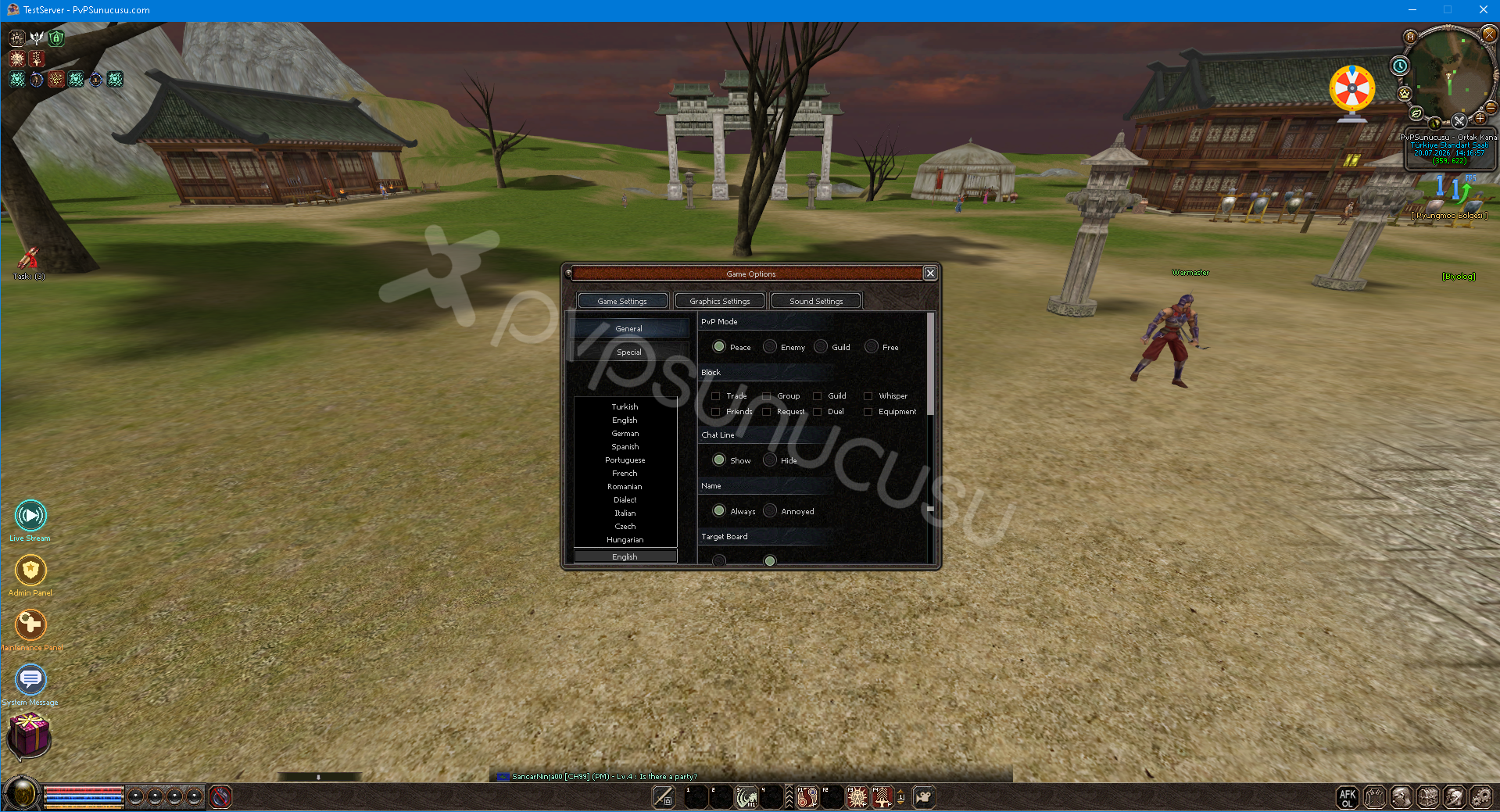
You can instantly change the language of the game from the game options menu. You do not need to log out of the game, the language changes instantly. We have a total of 11 language options. 🚀
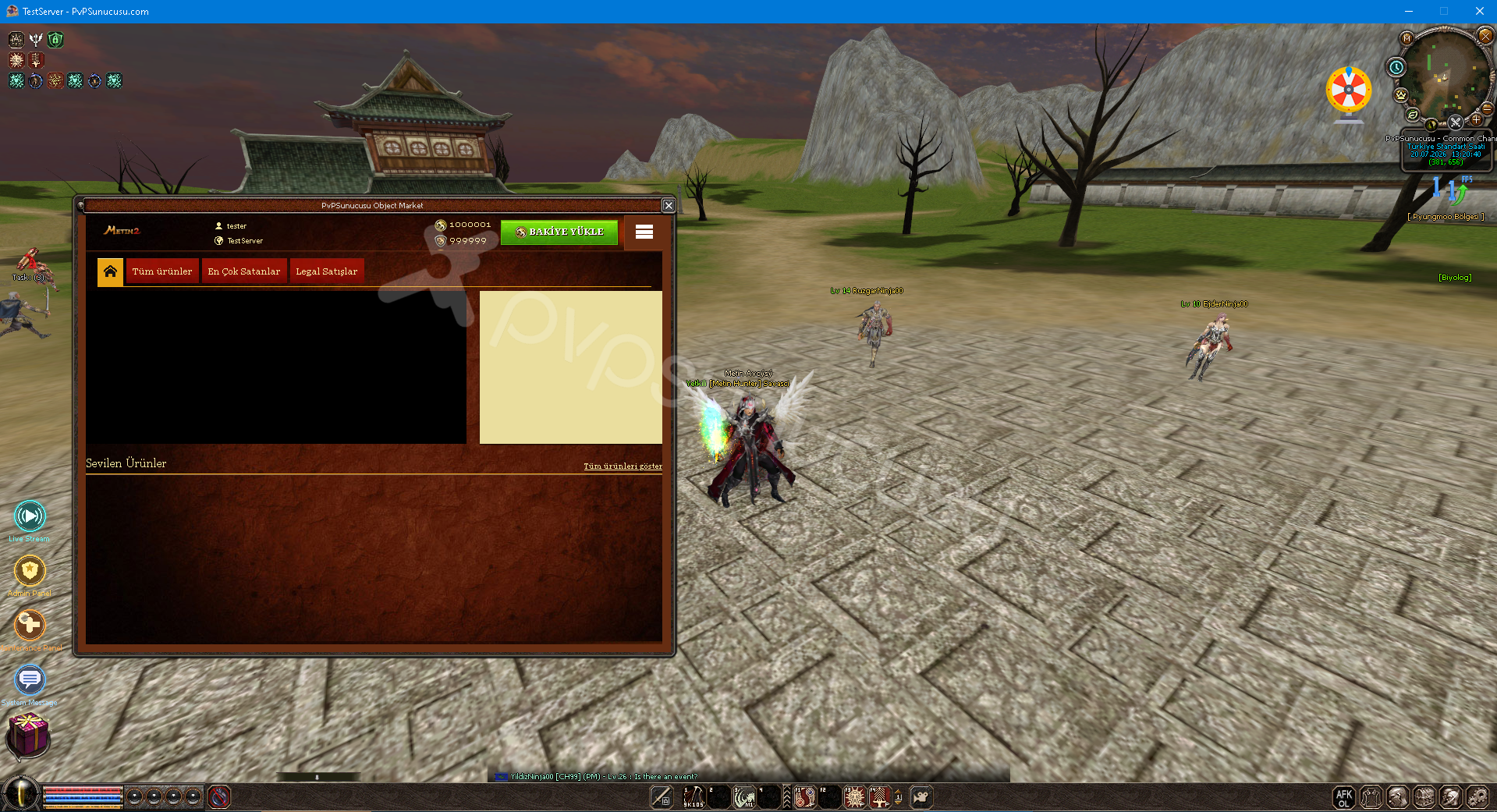
In-Game Object Market System
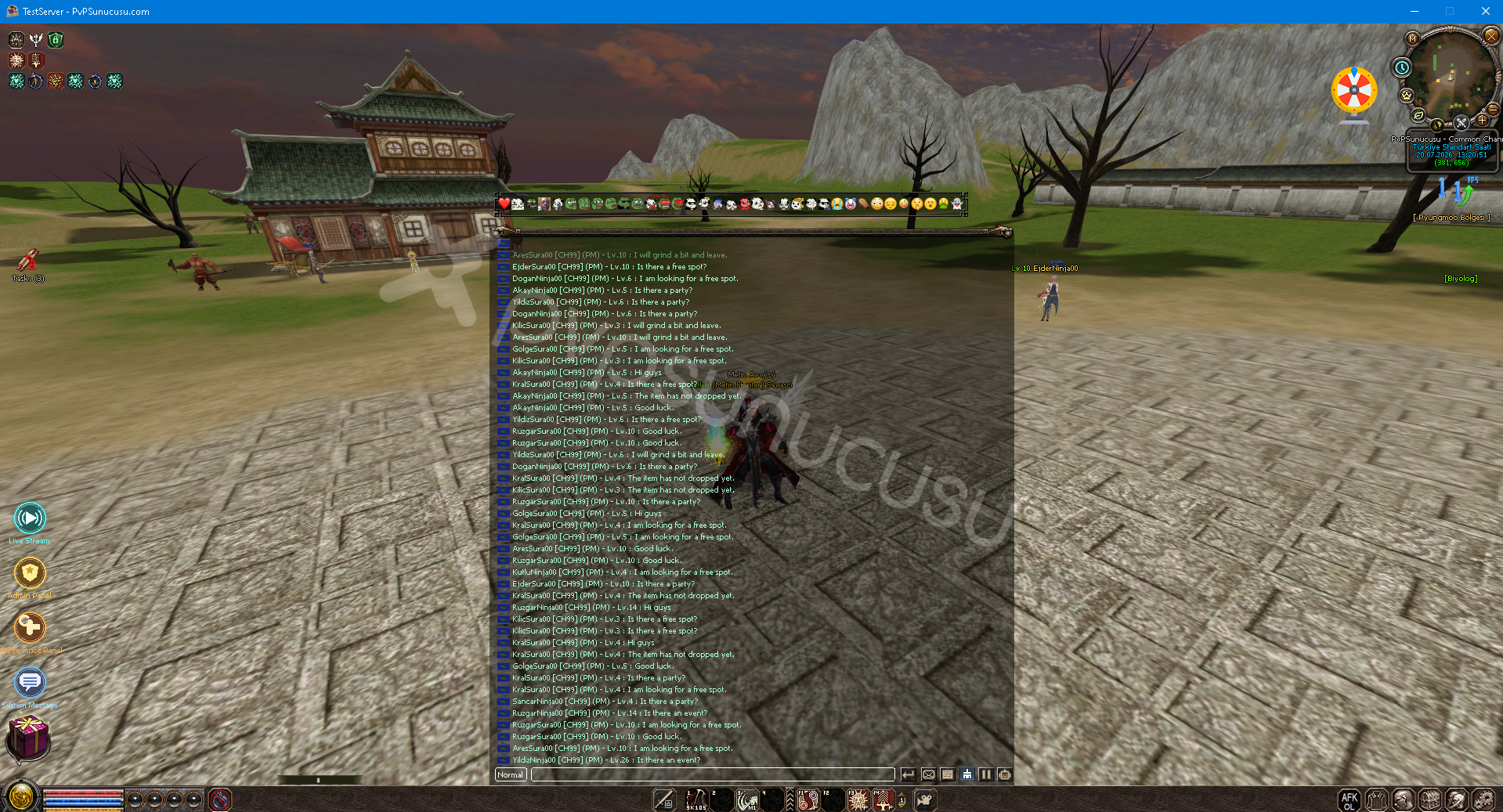
Chat Emoji System
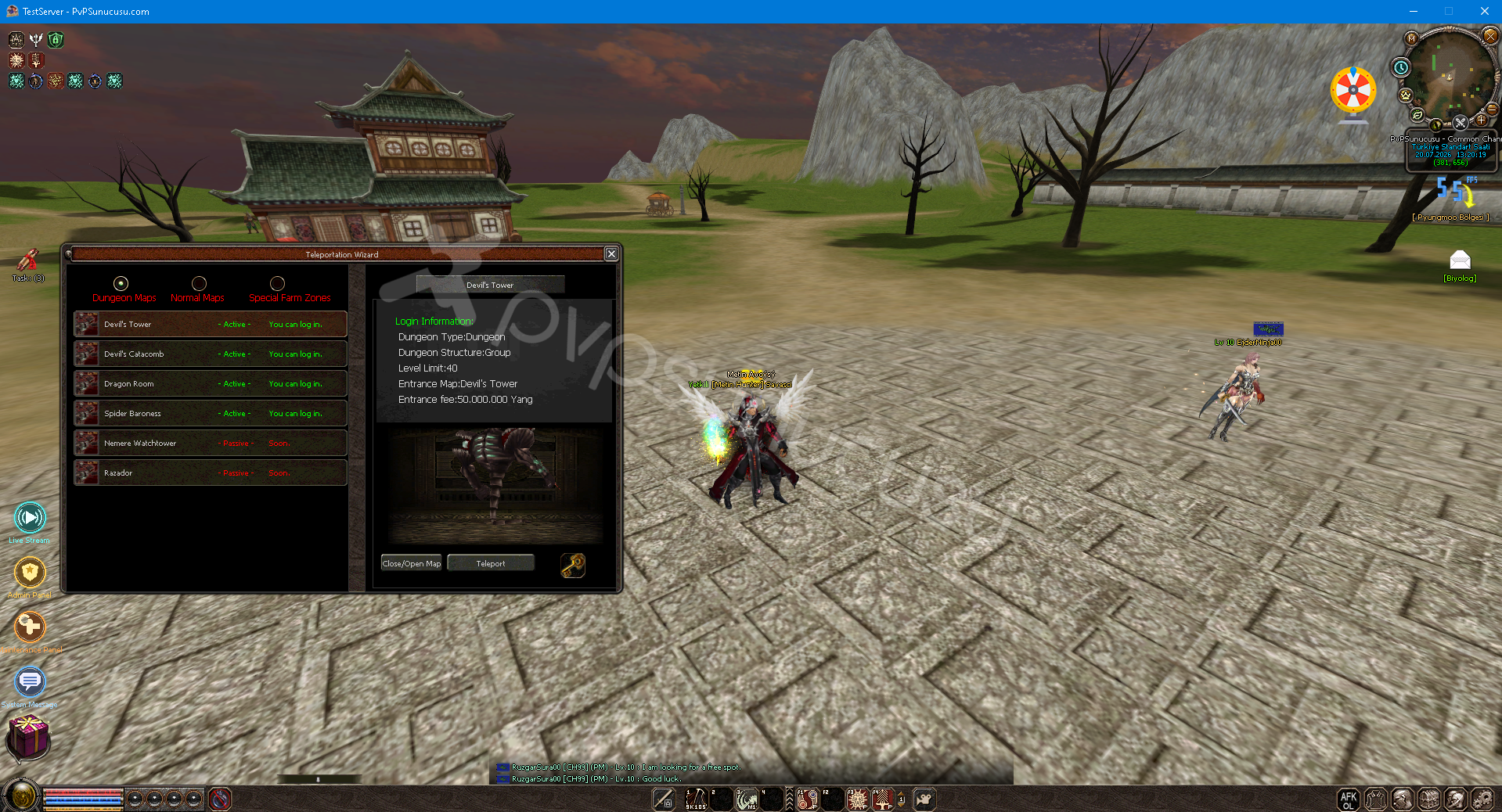
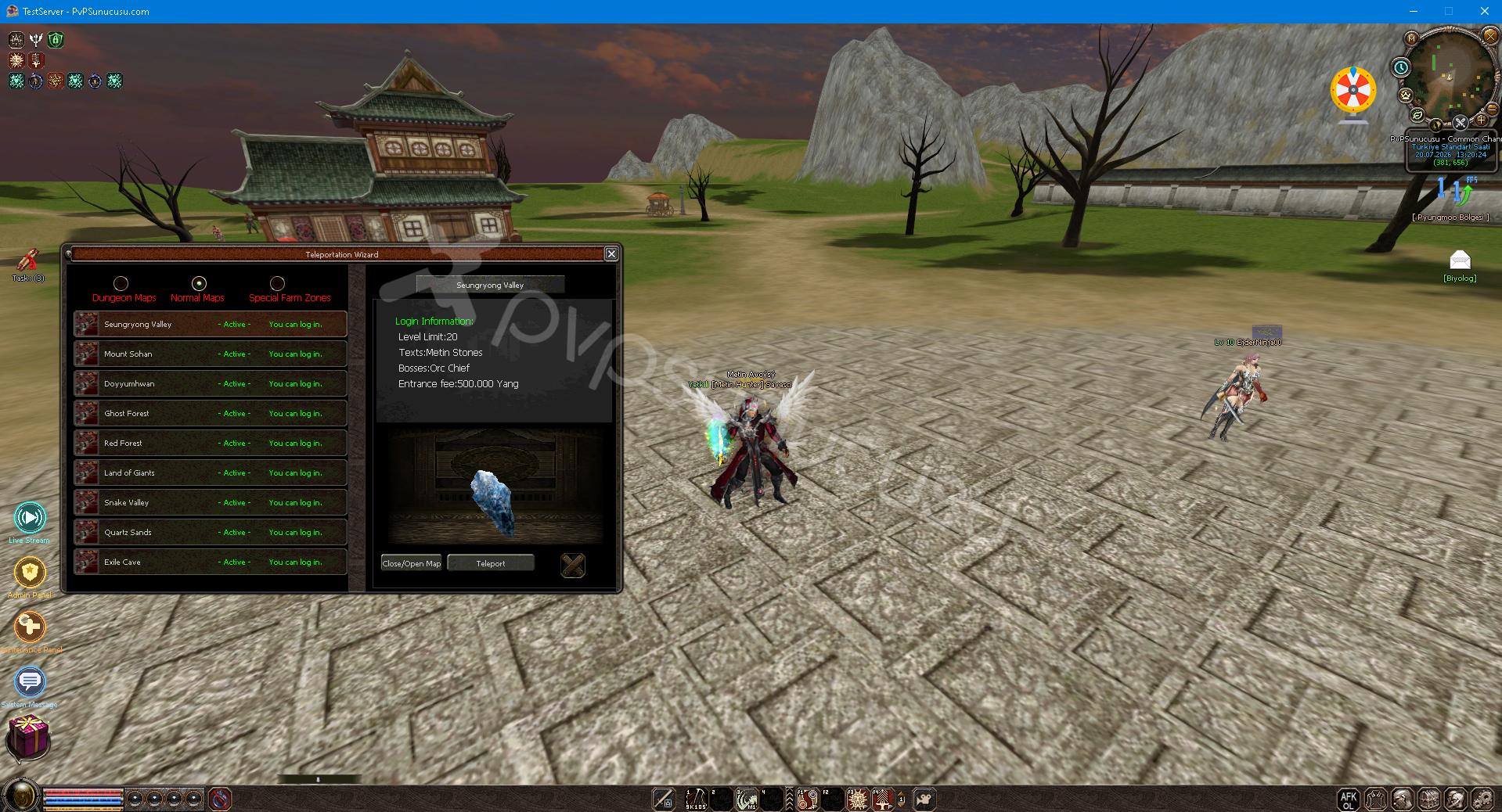
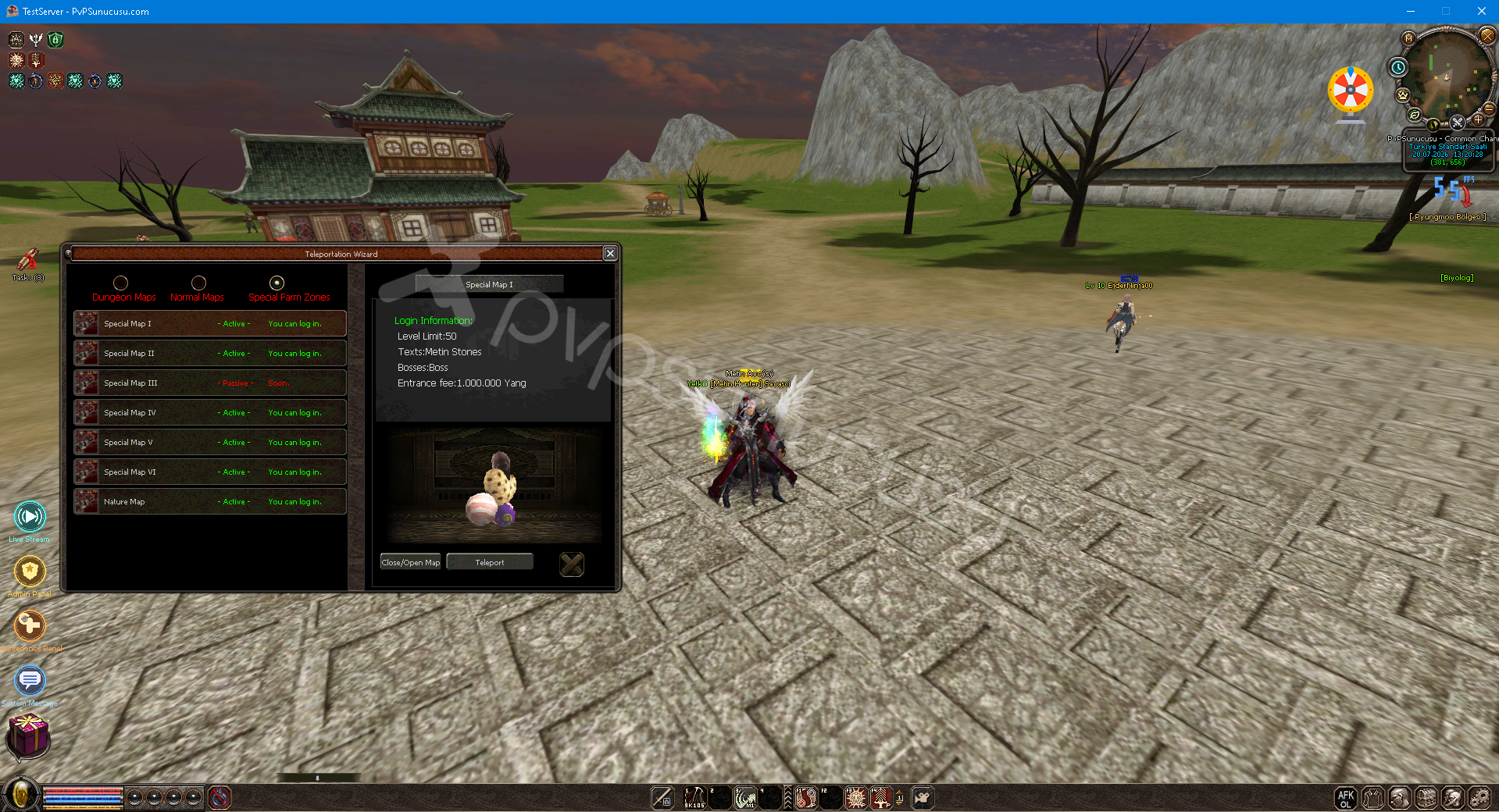
Text/Drop Information System
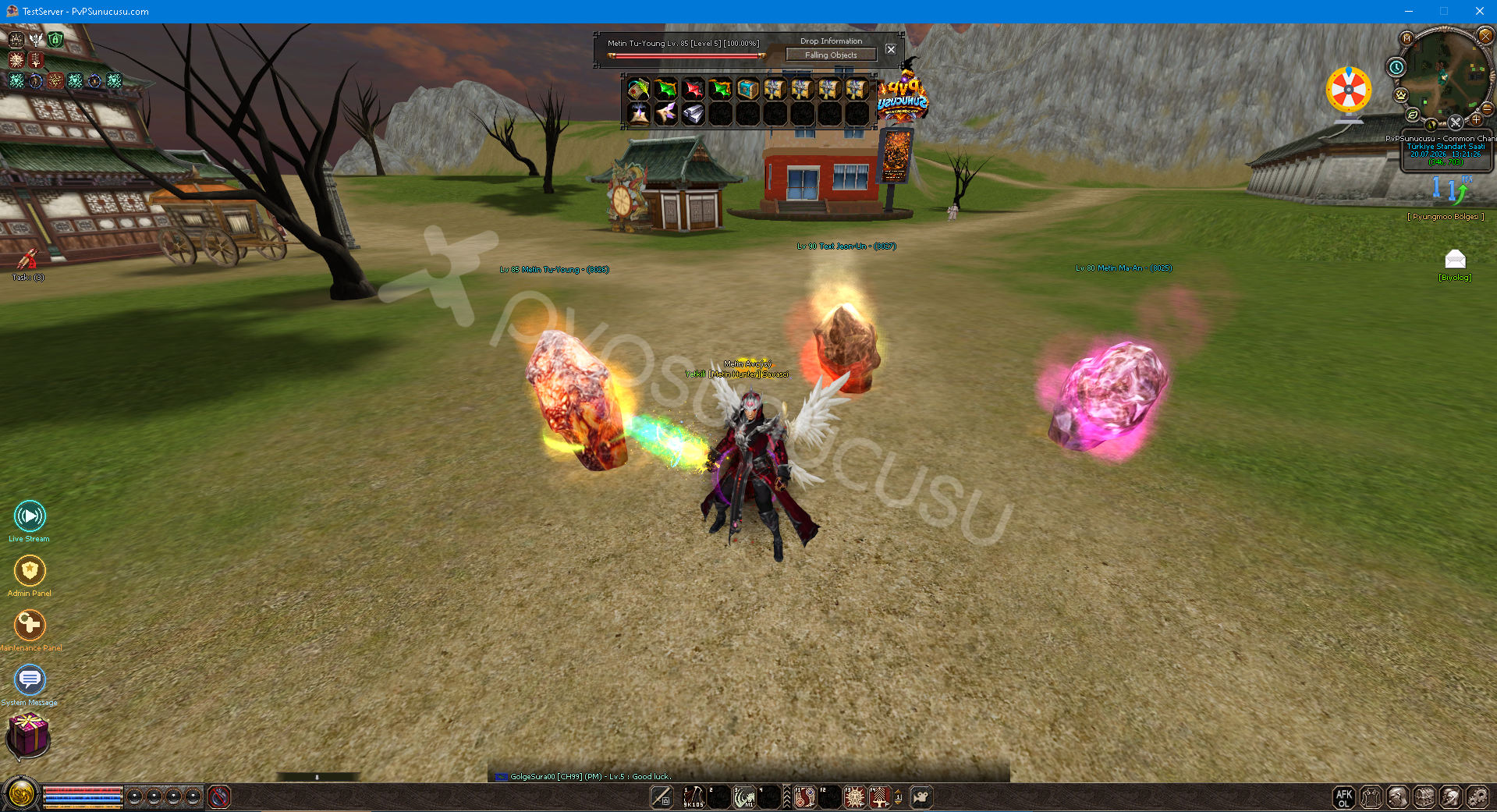
Element System
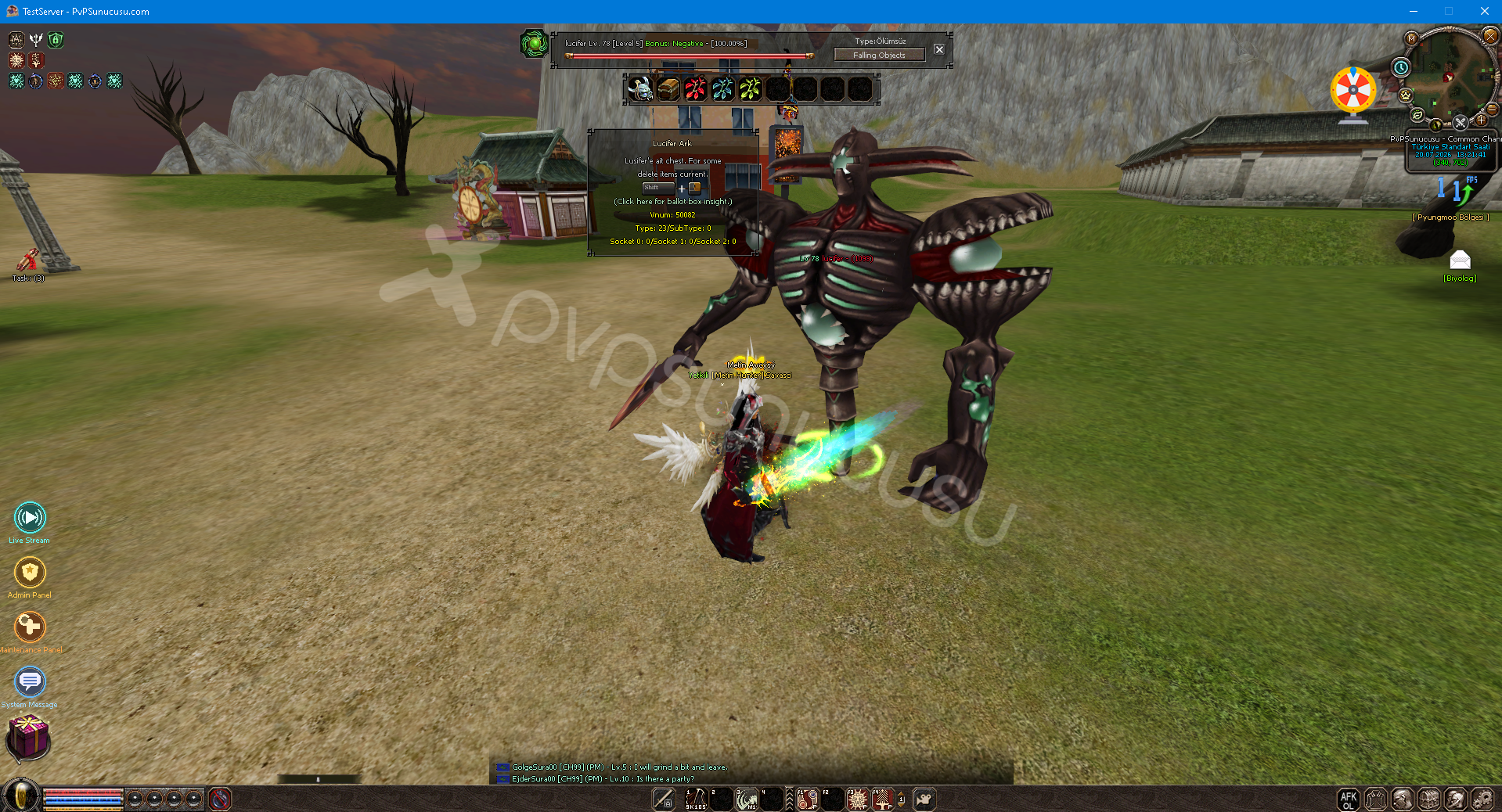
Ballot Box Insight System
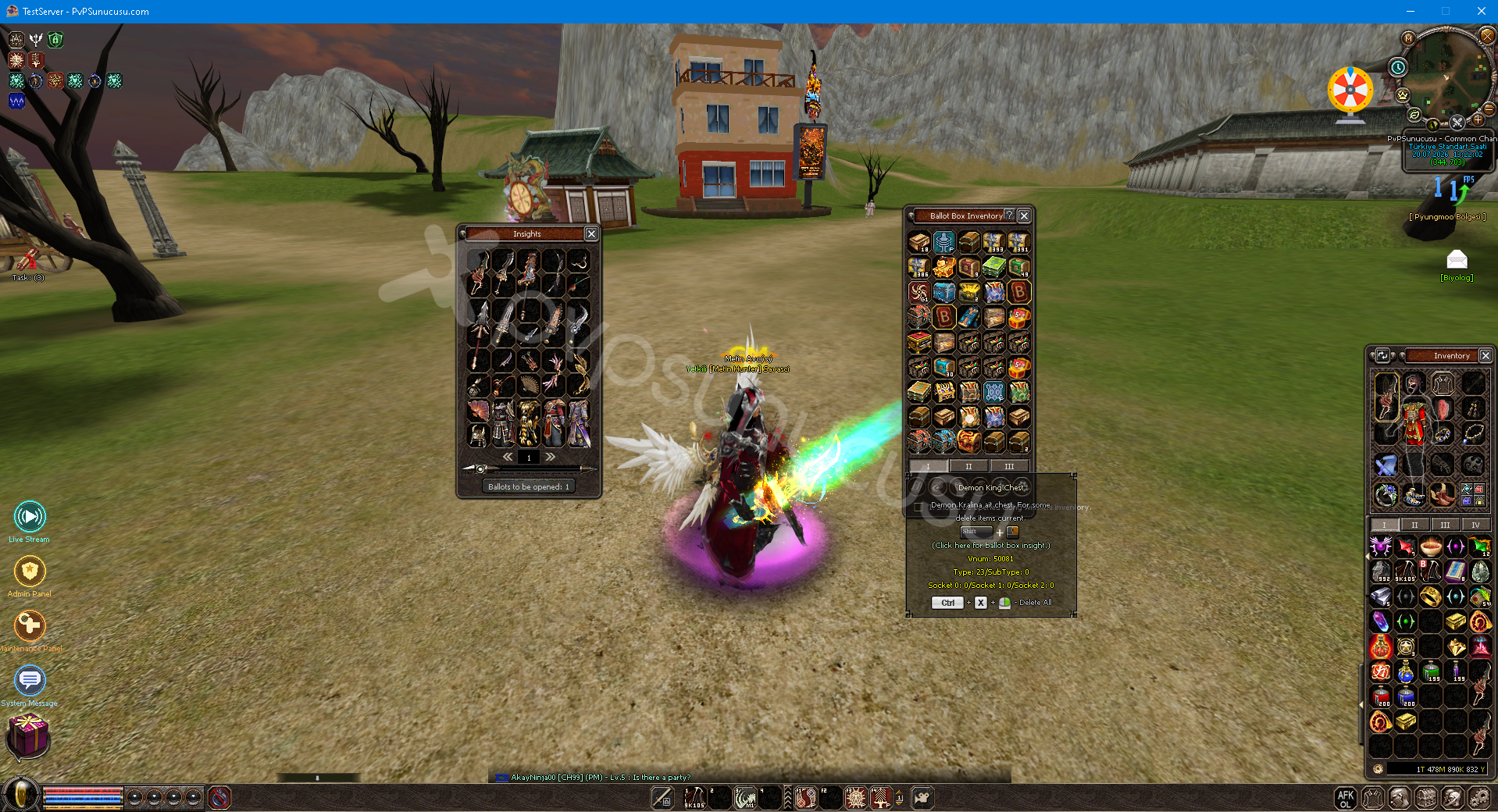
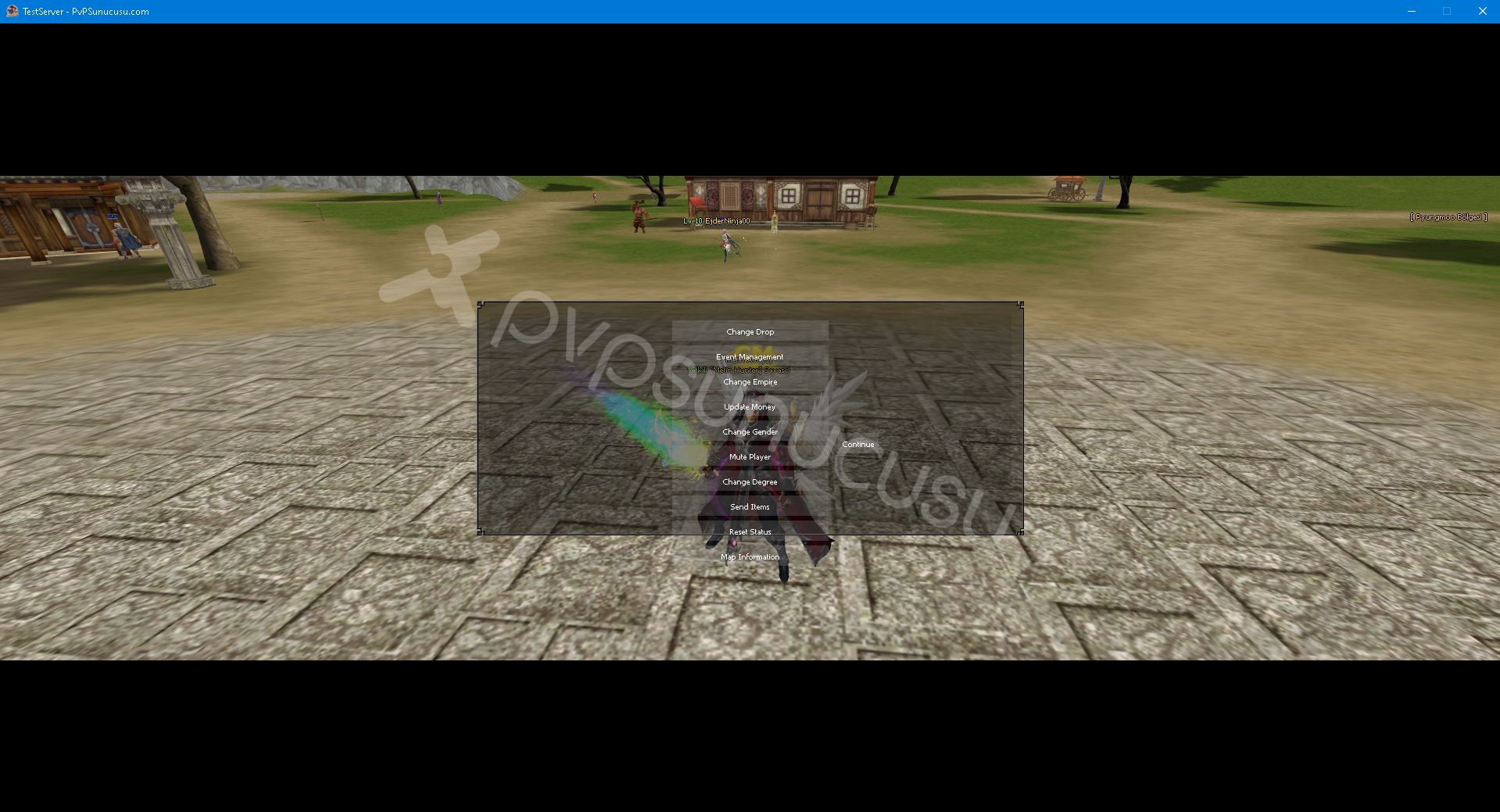
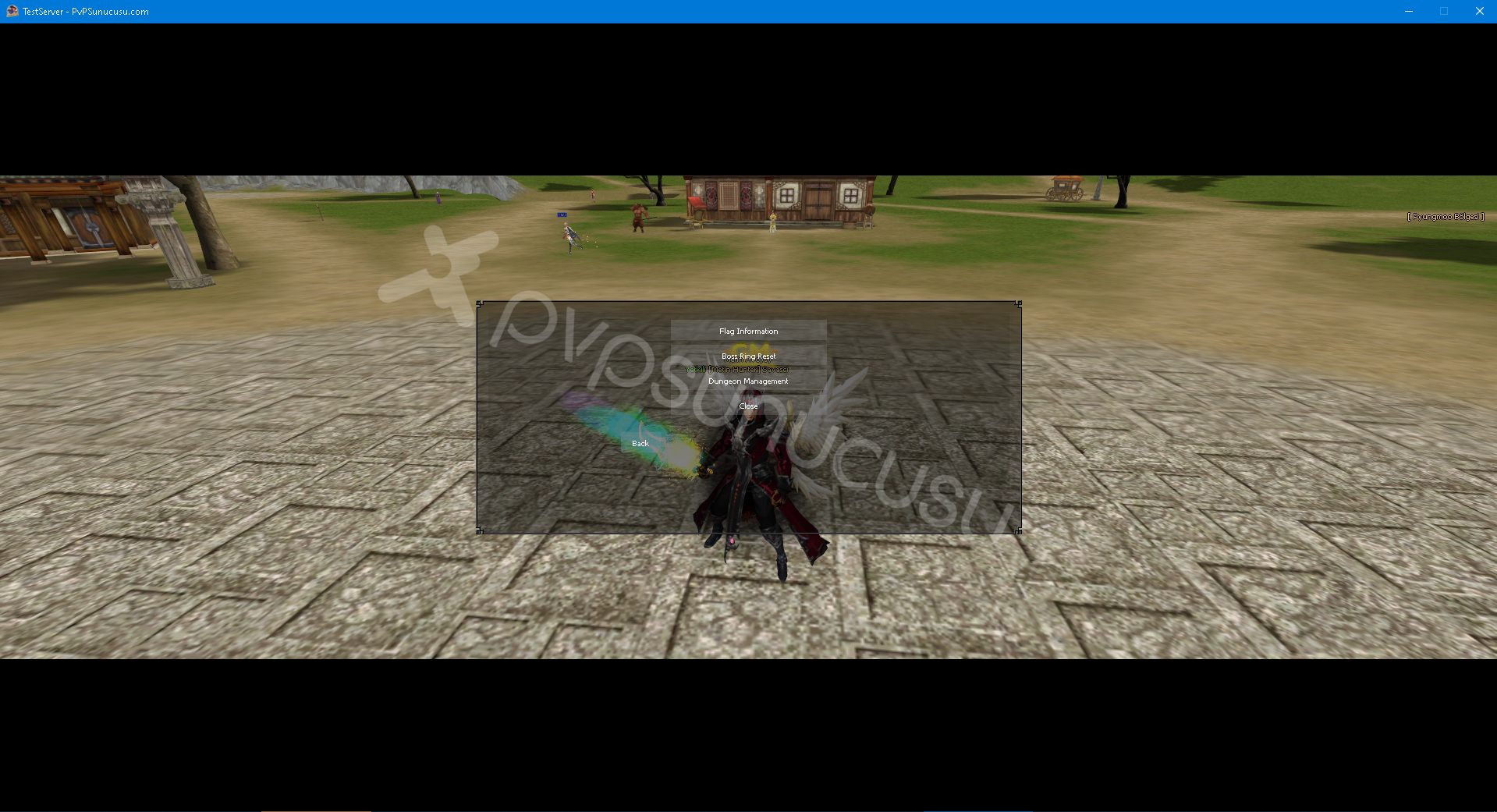
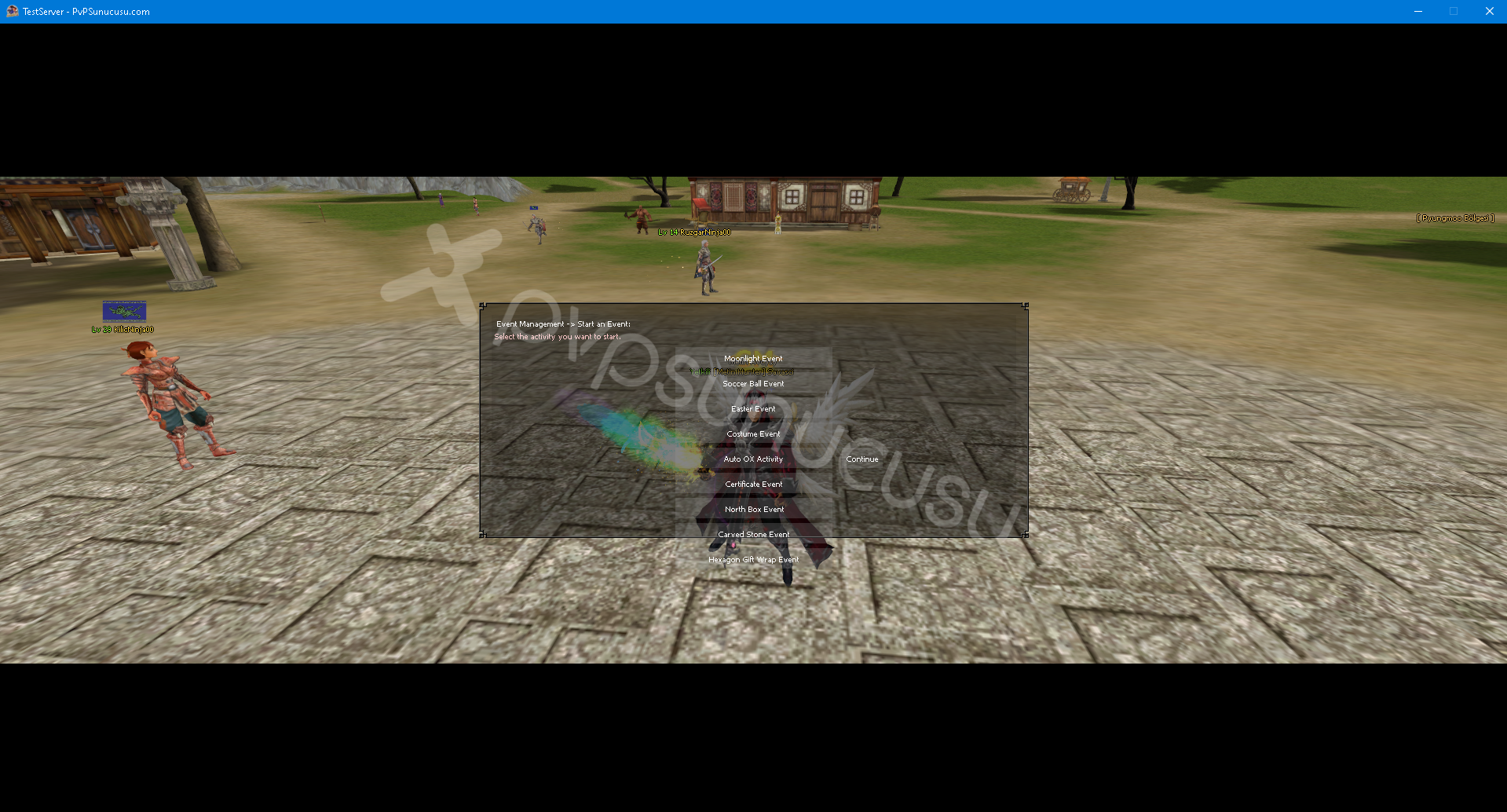
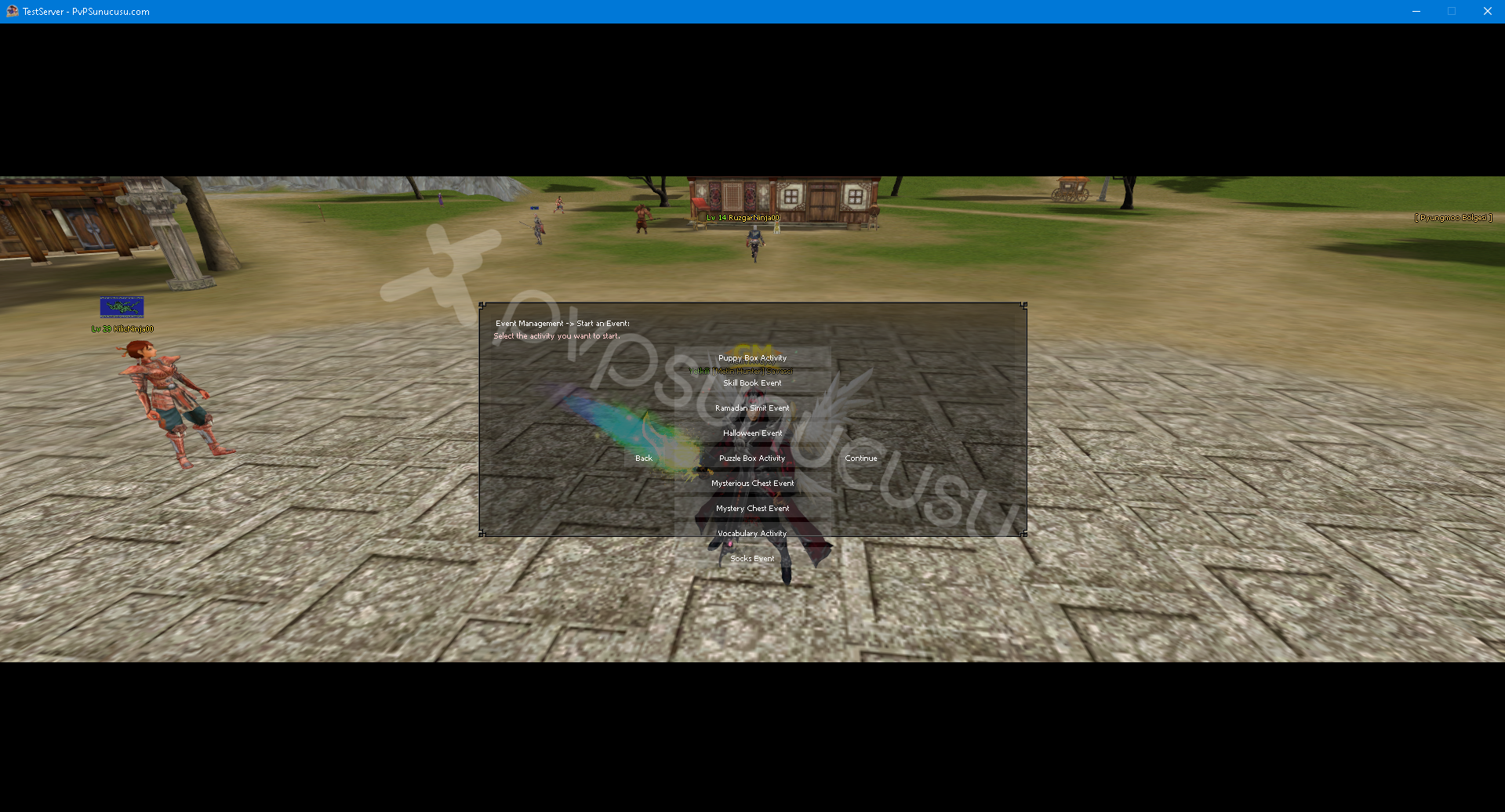
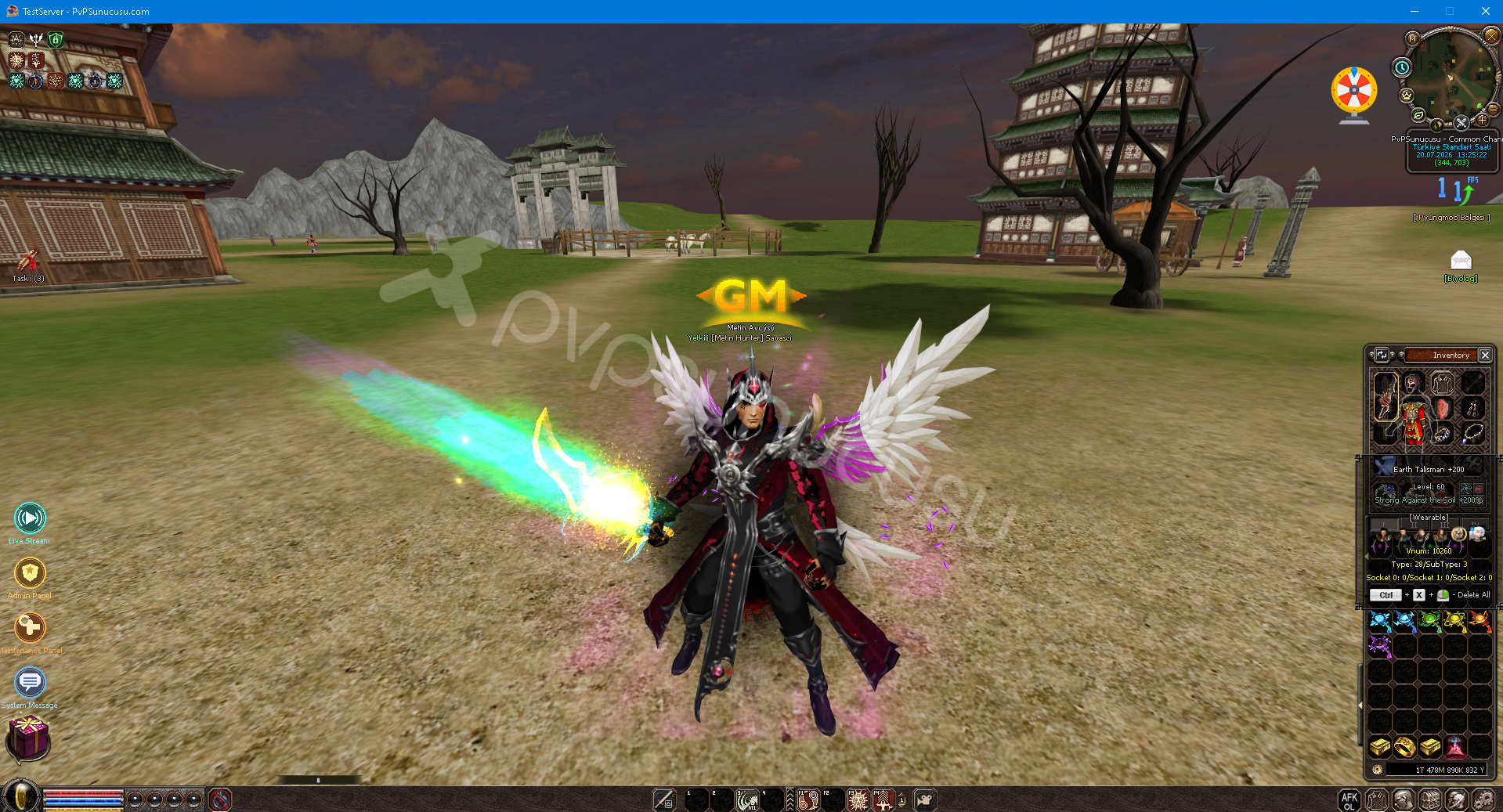
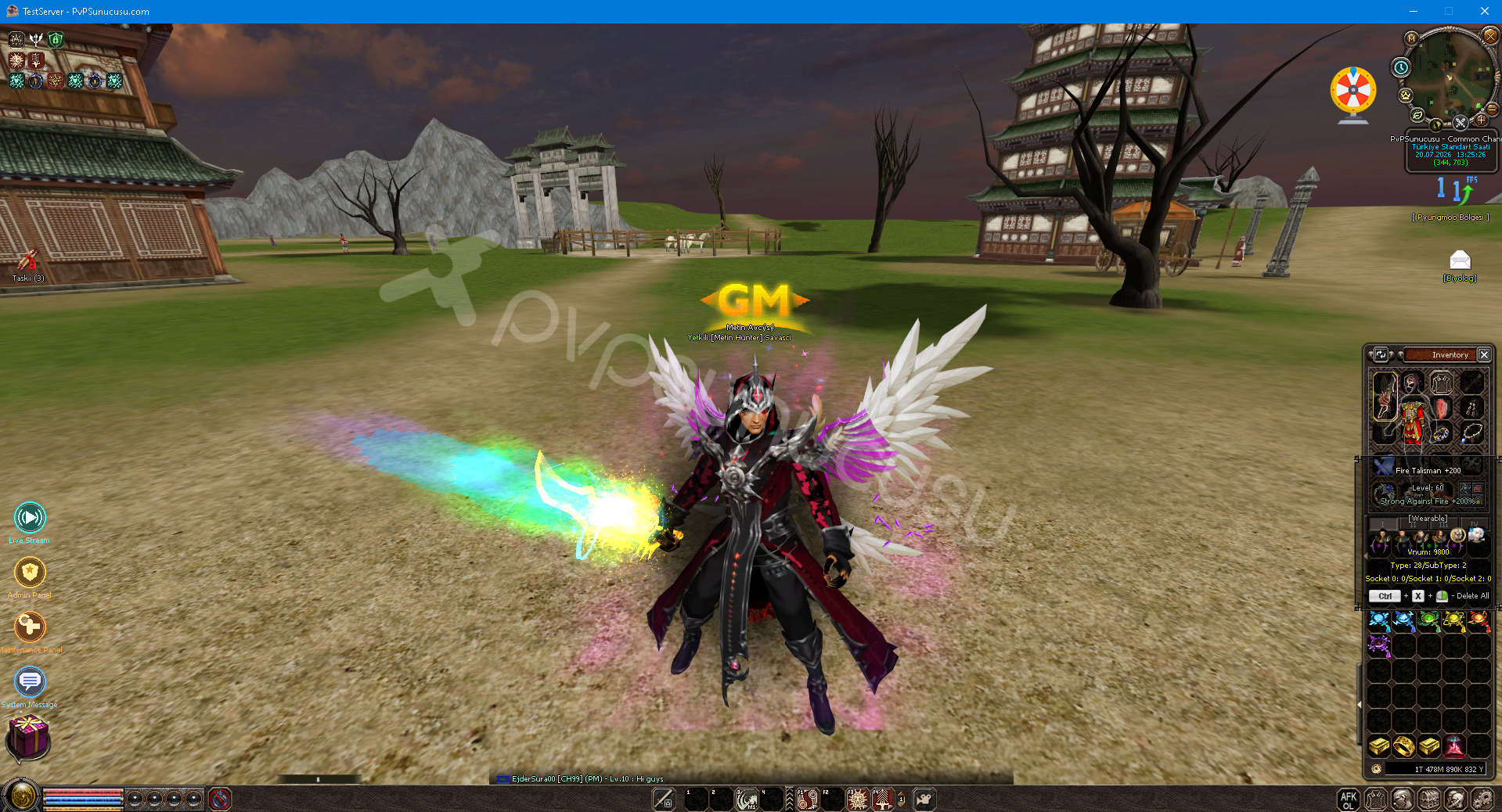
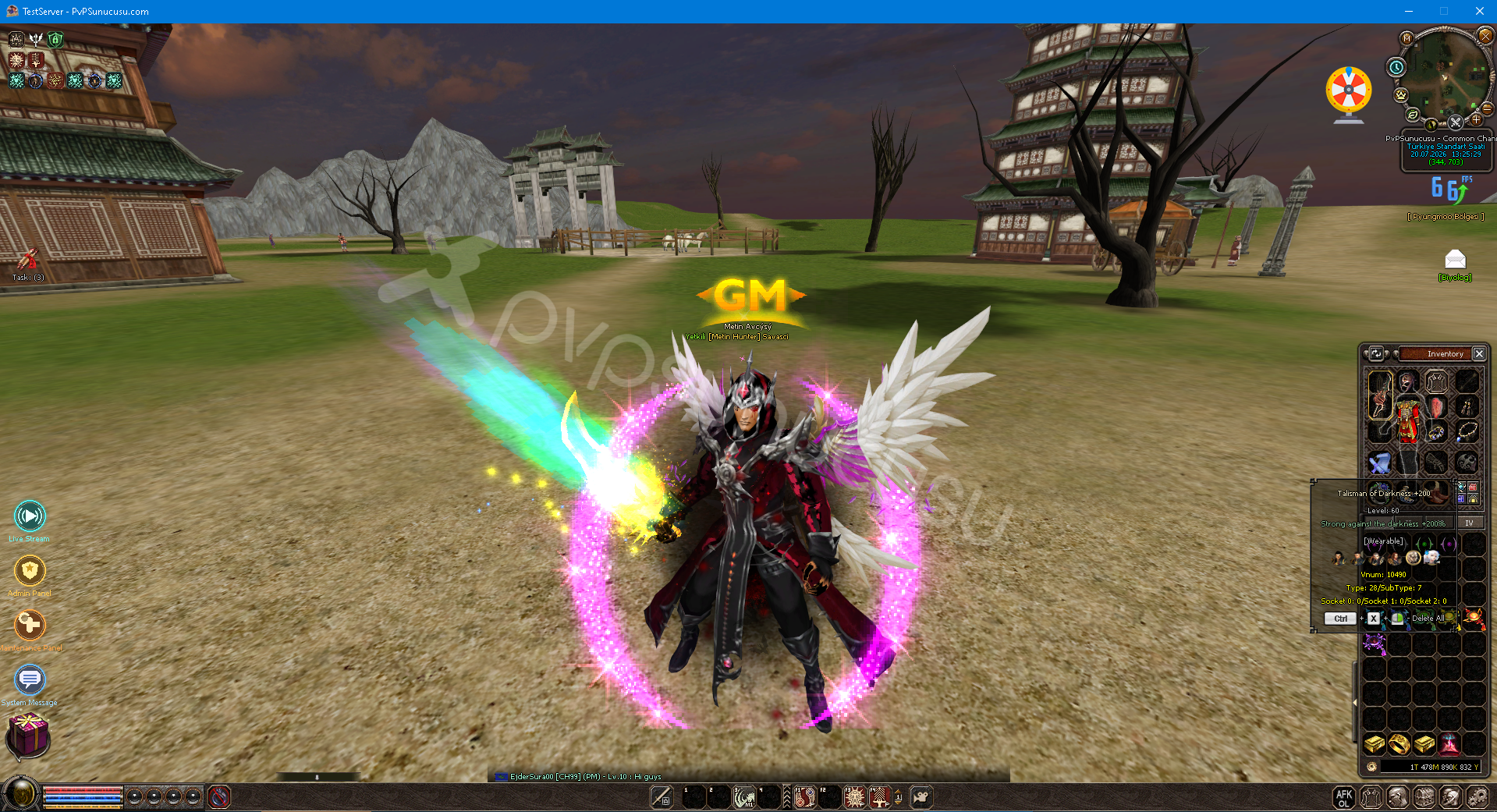
Dungeon Time Reset Object
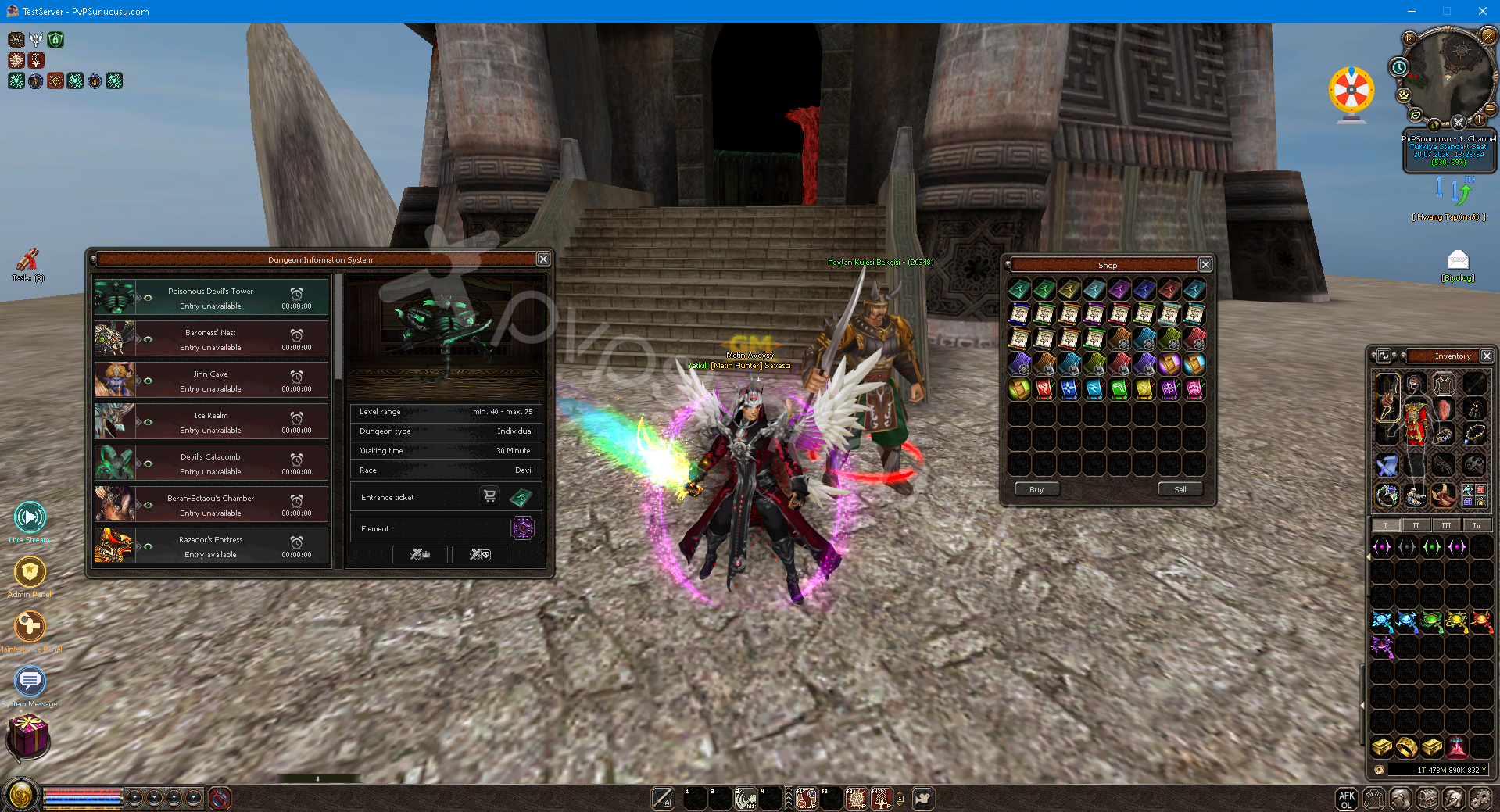
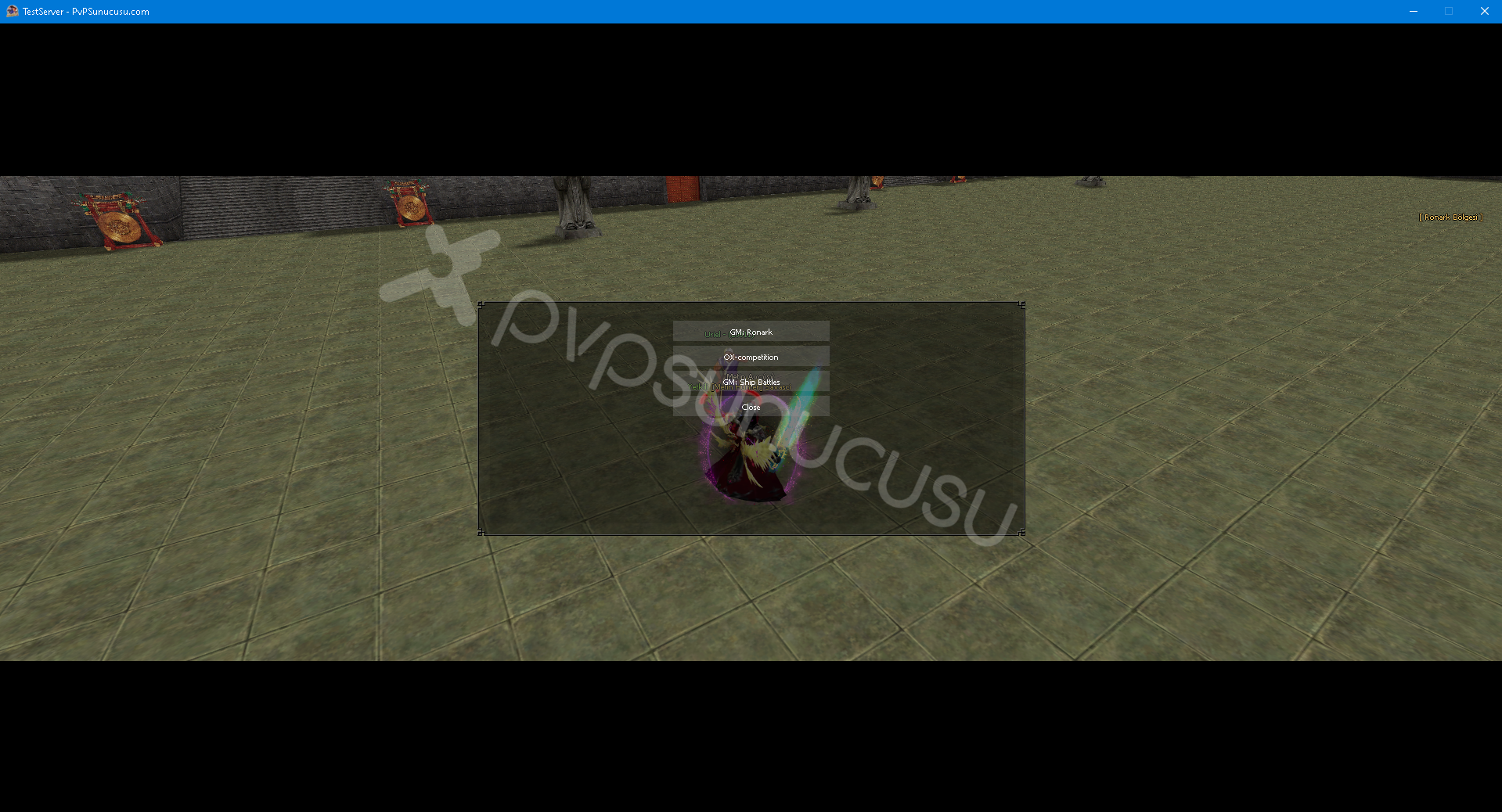
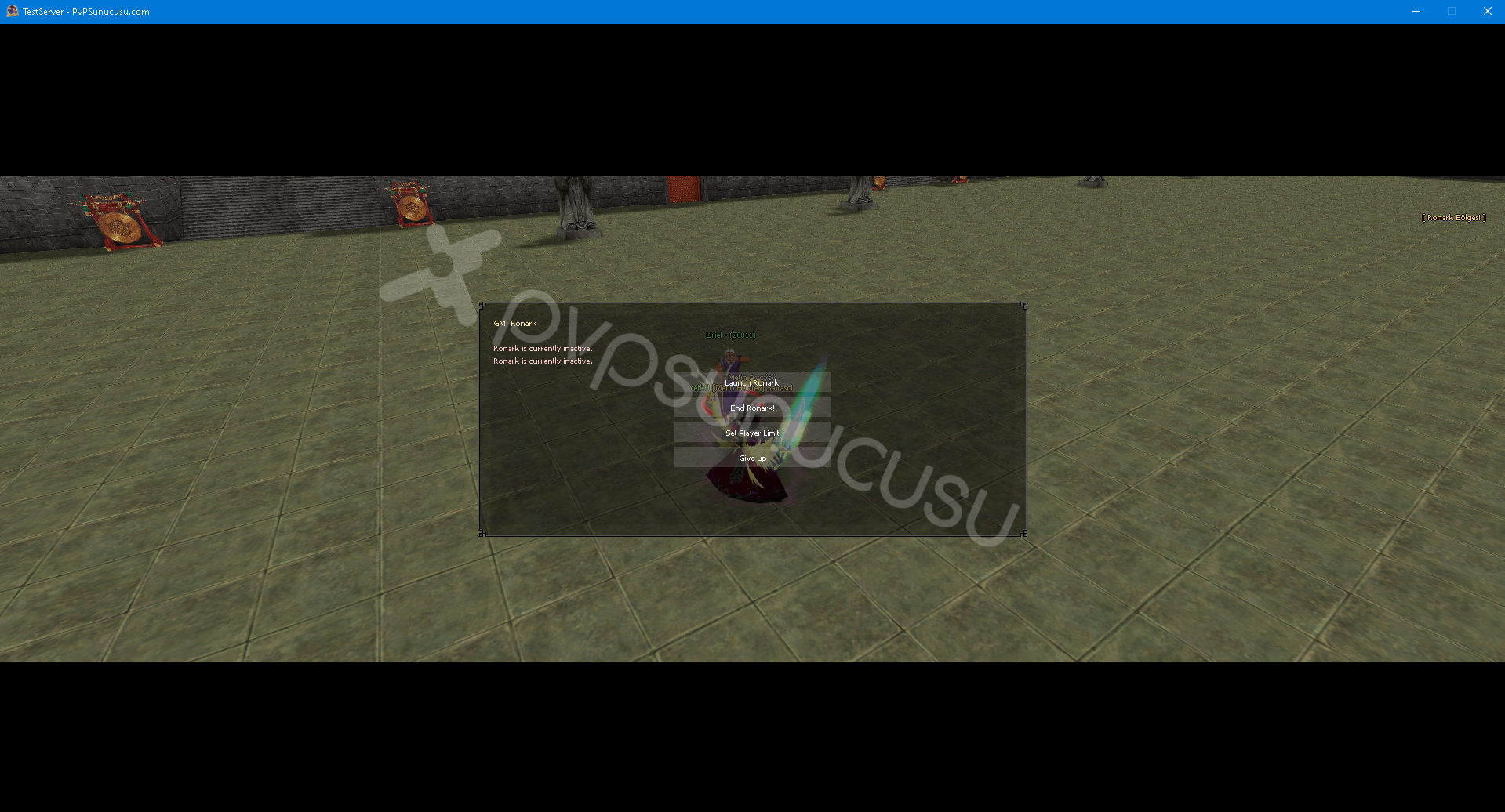
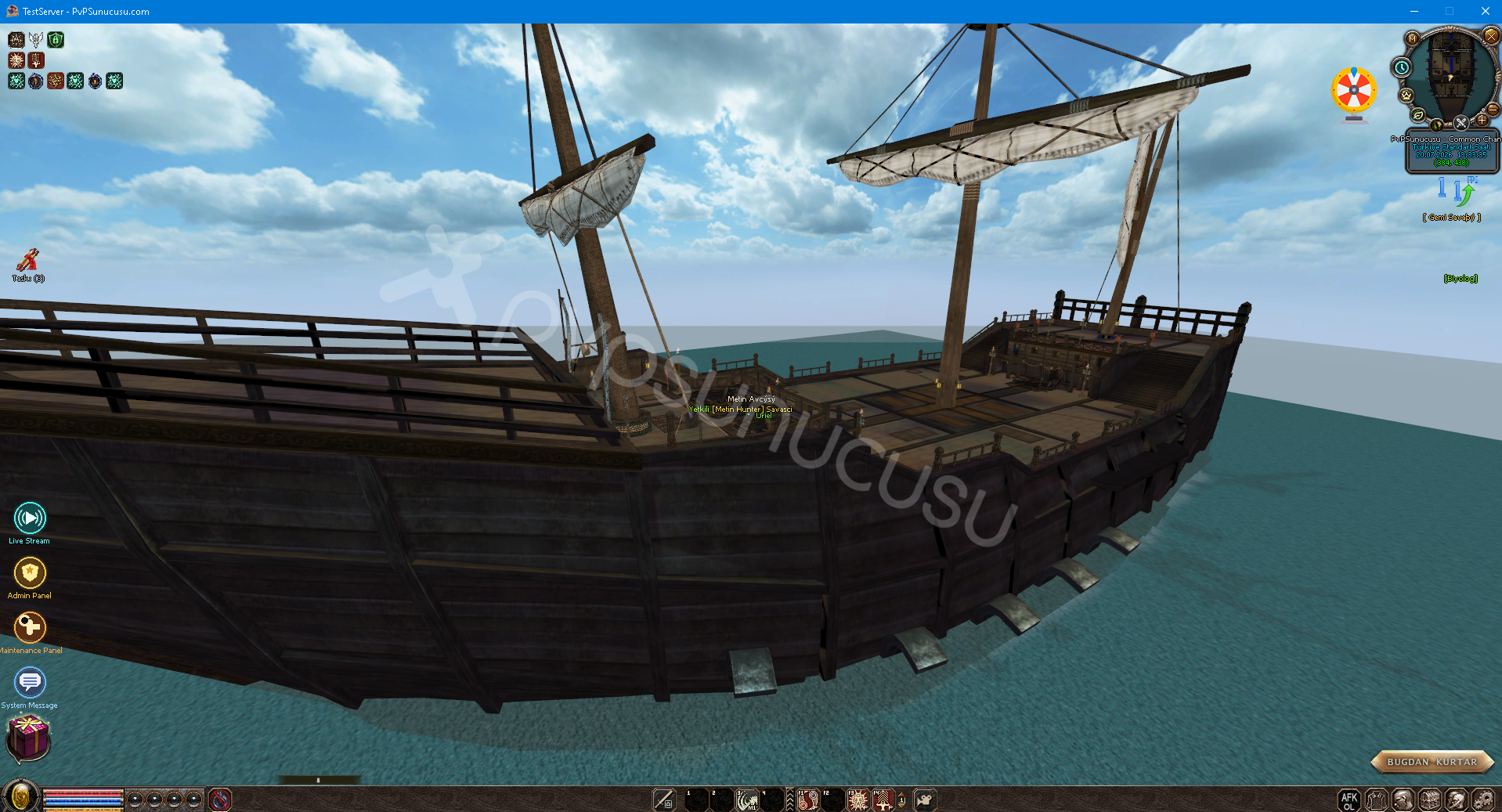
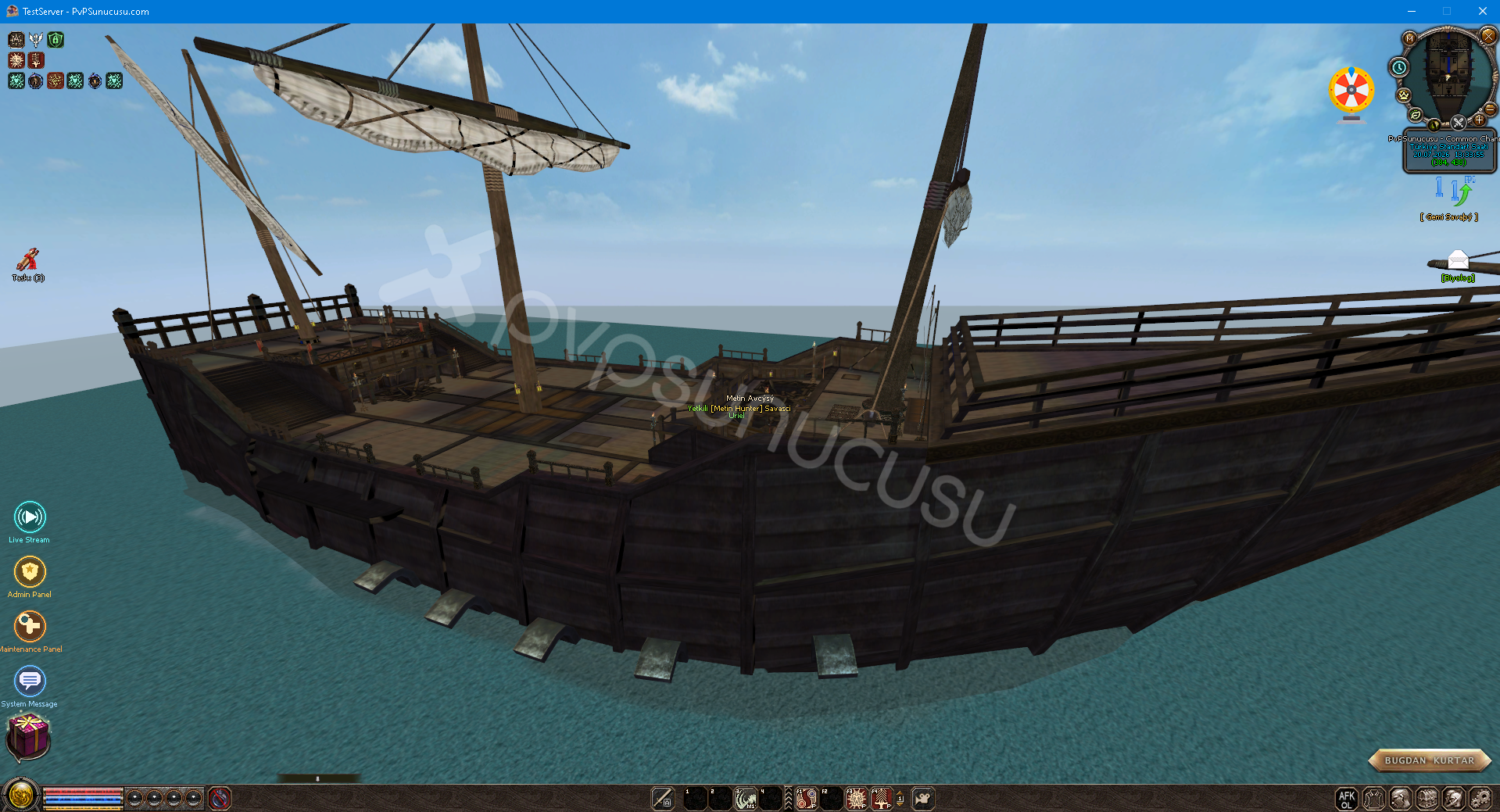
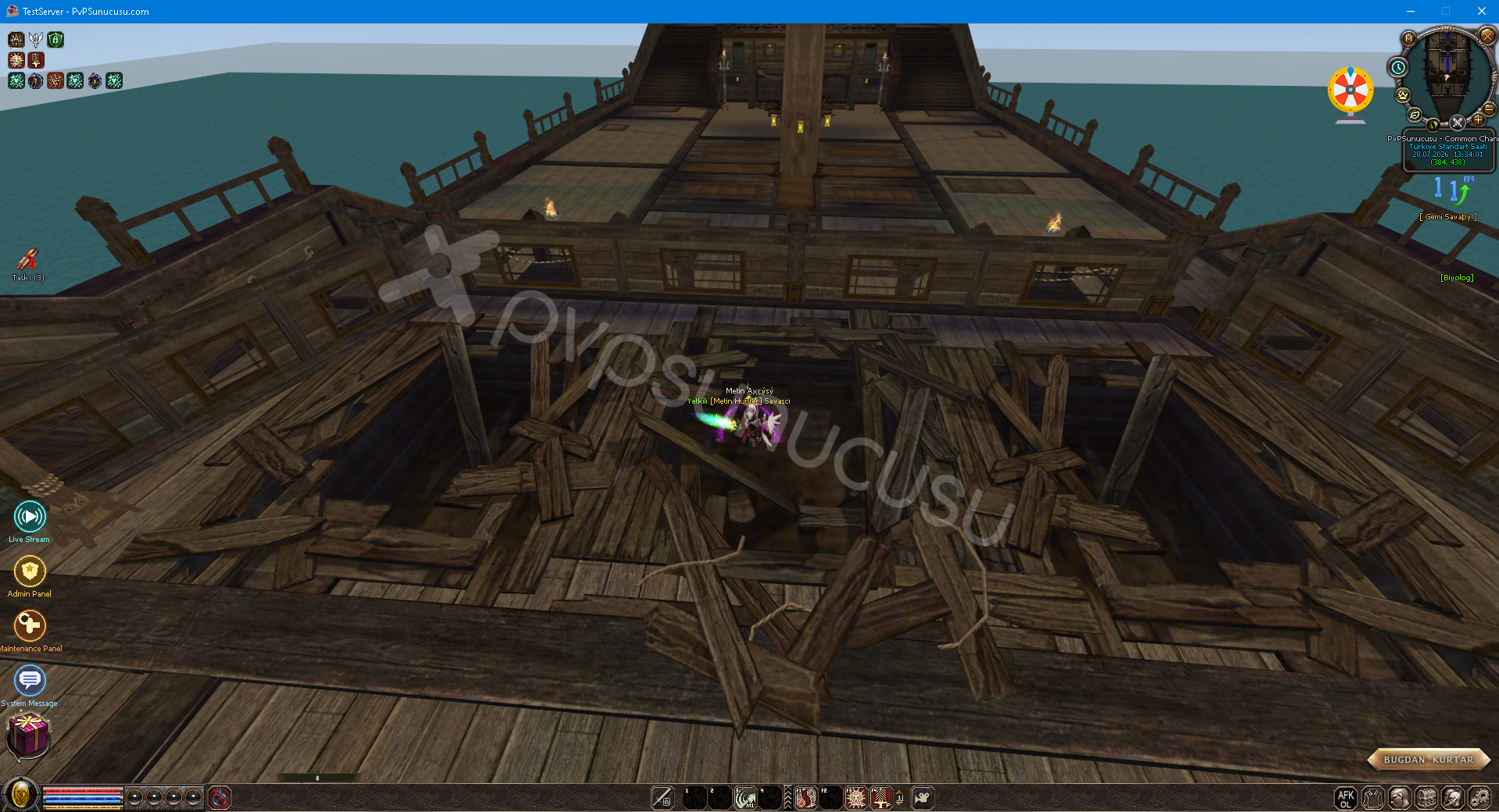
Model Preview System
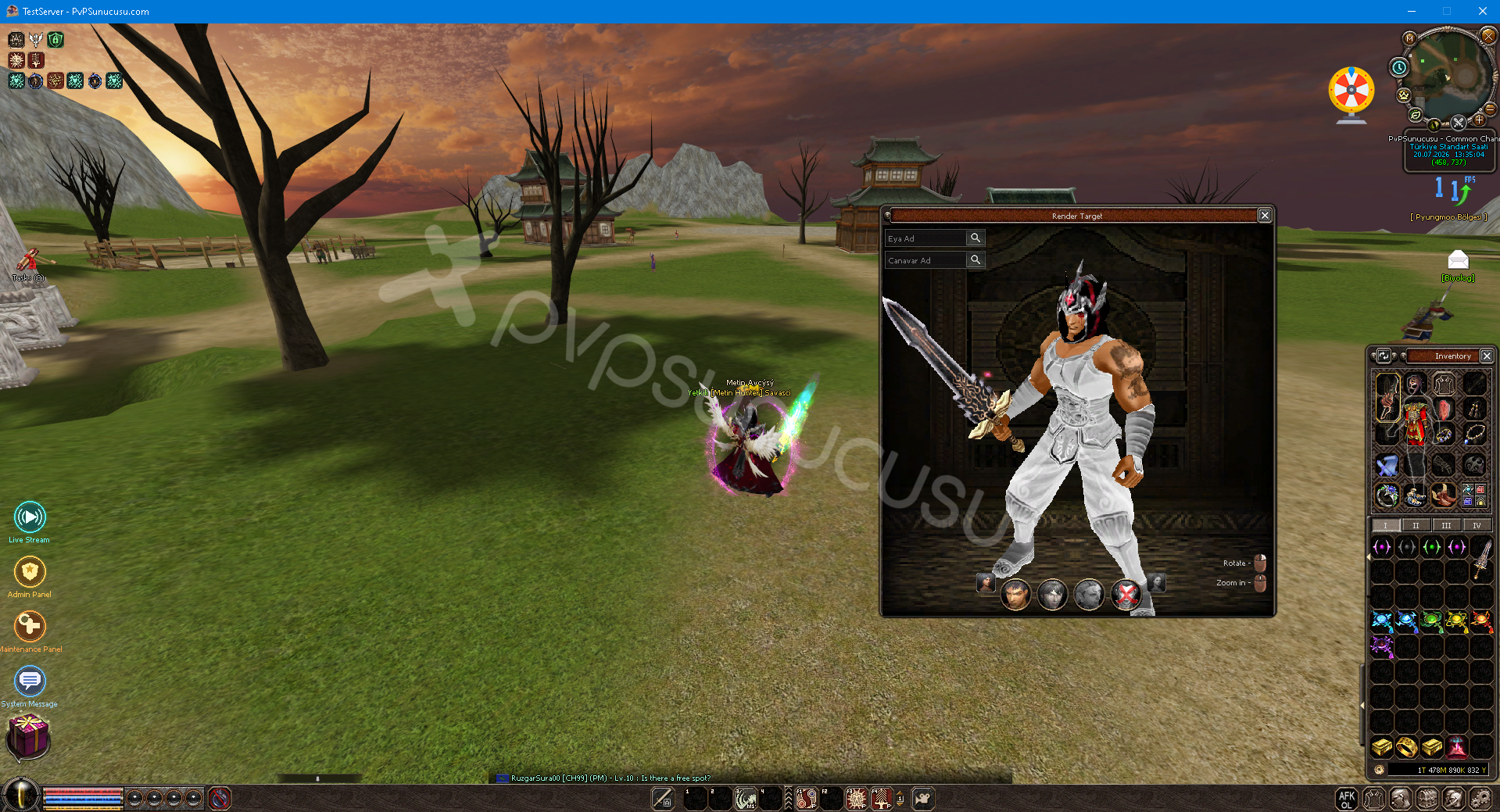
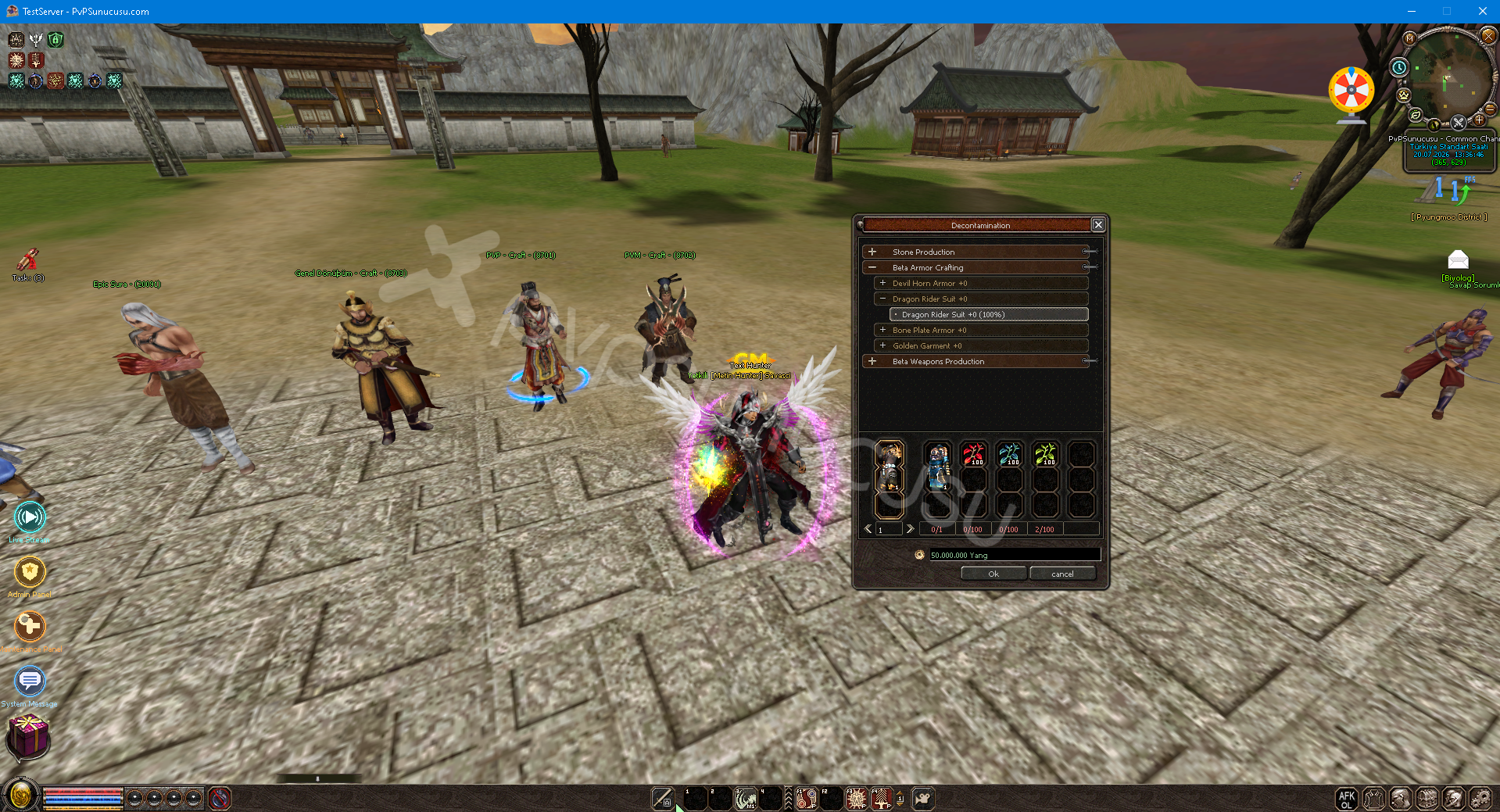
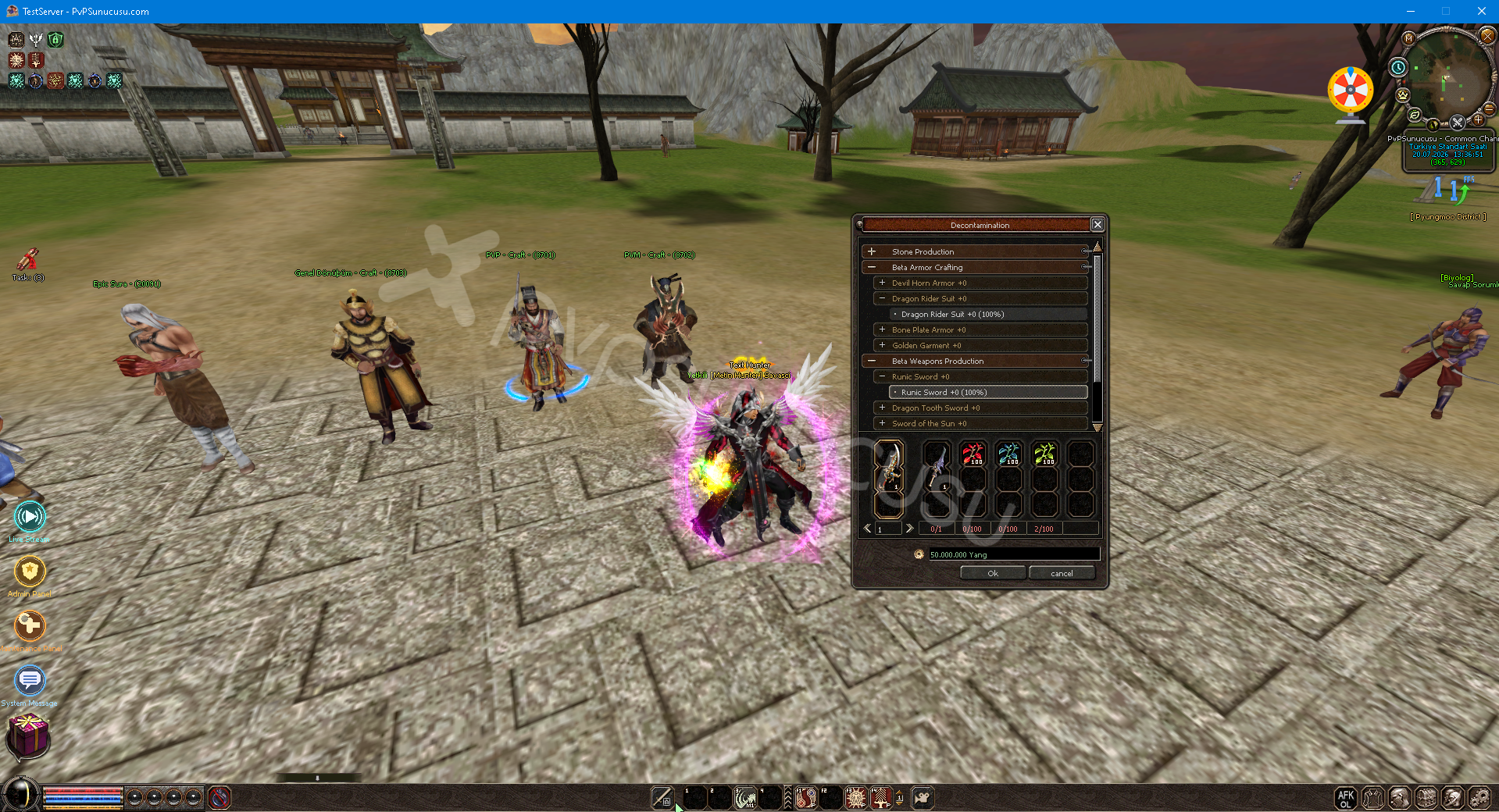
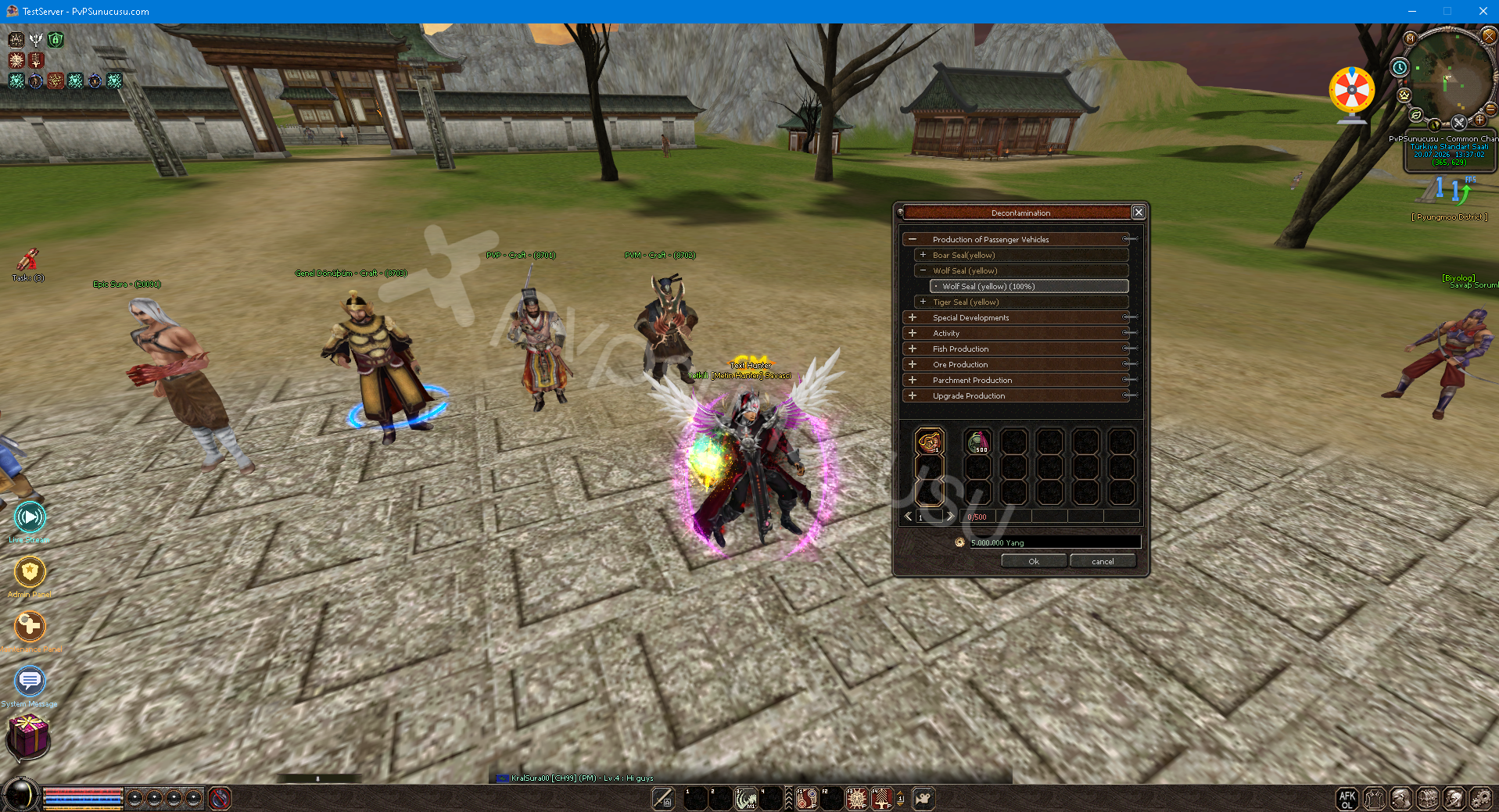
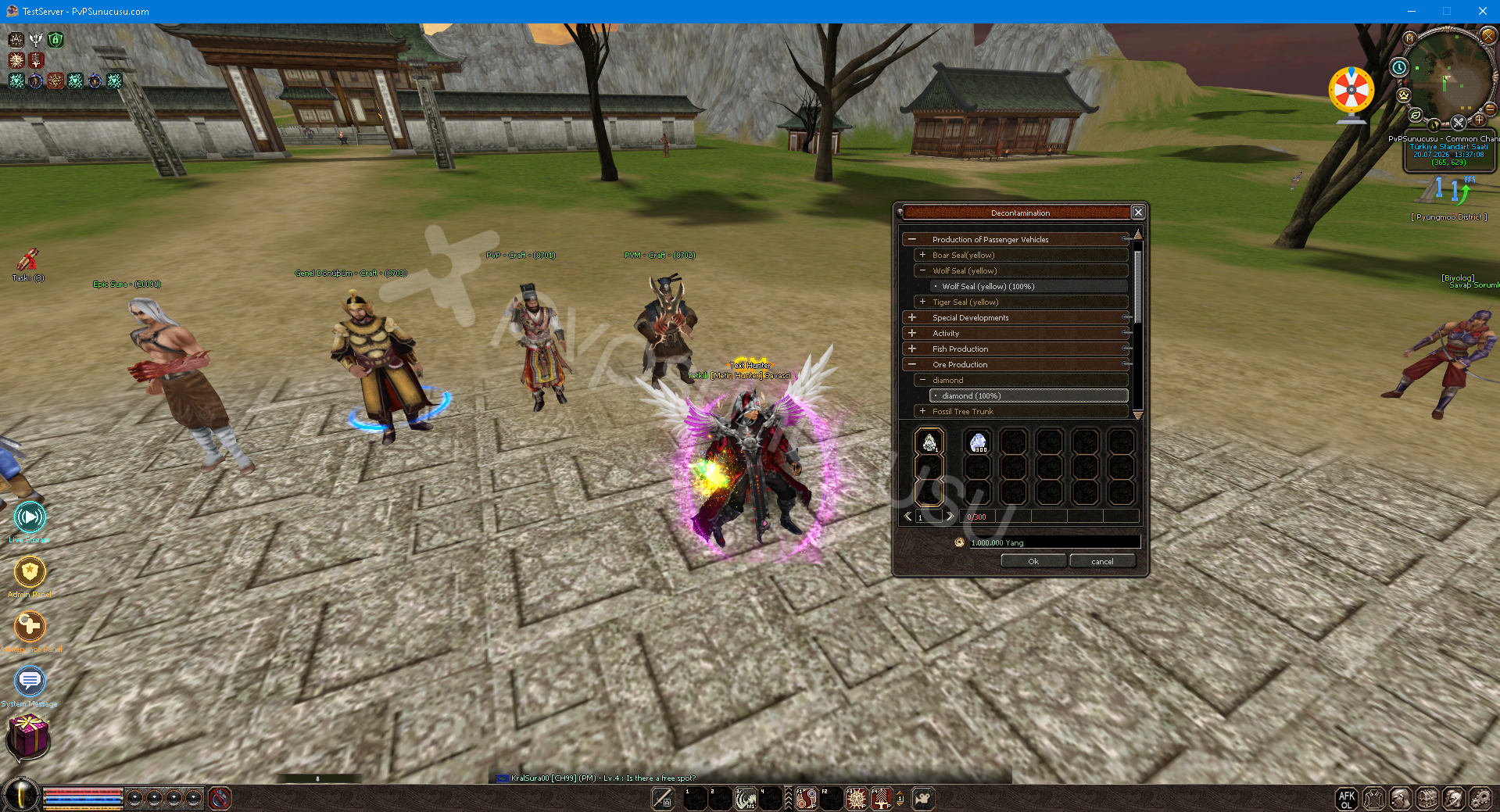
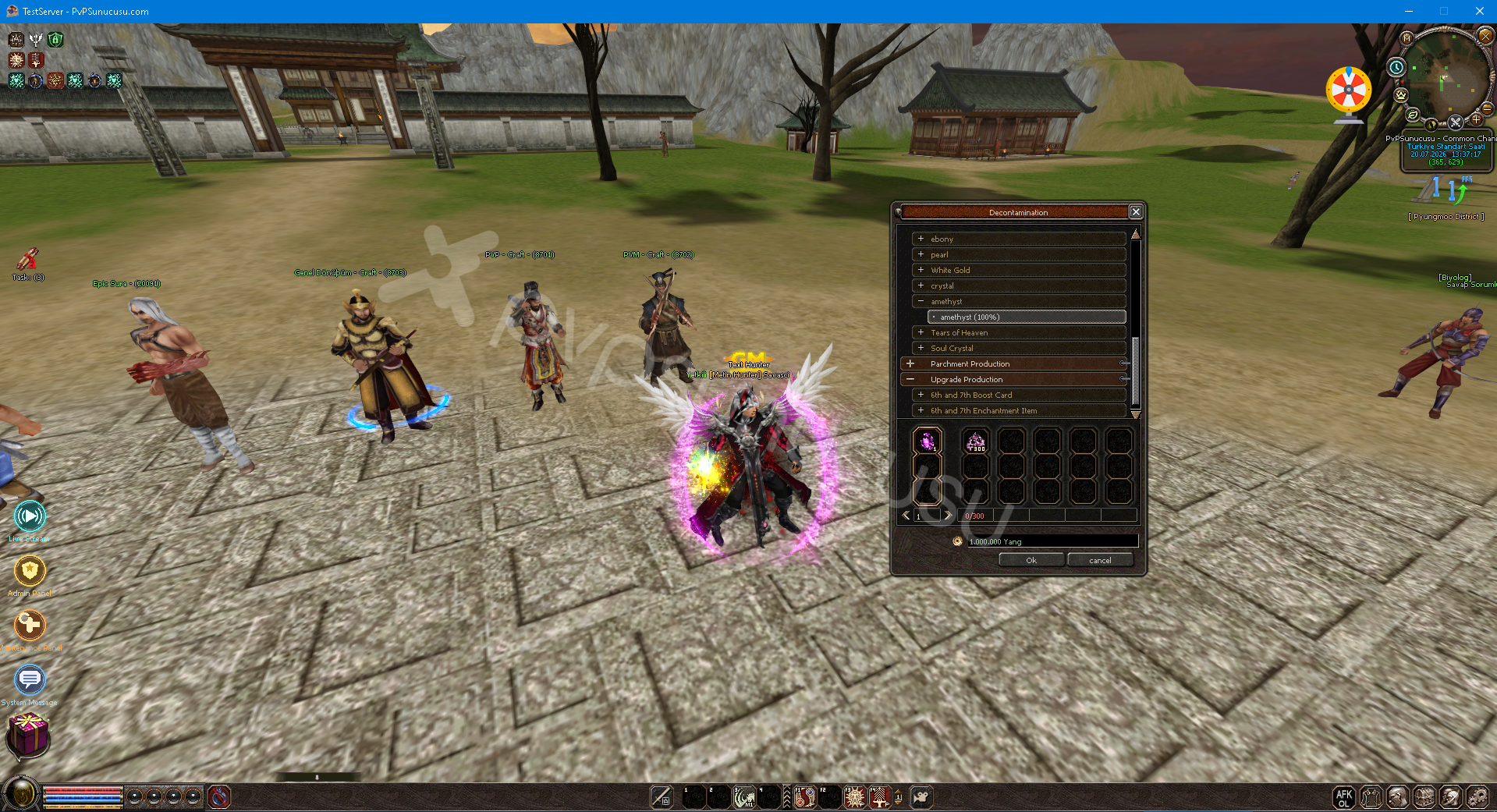
Aura System
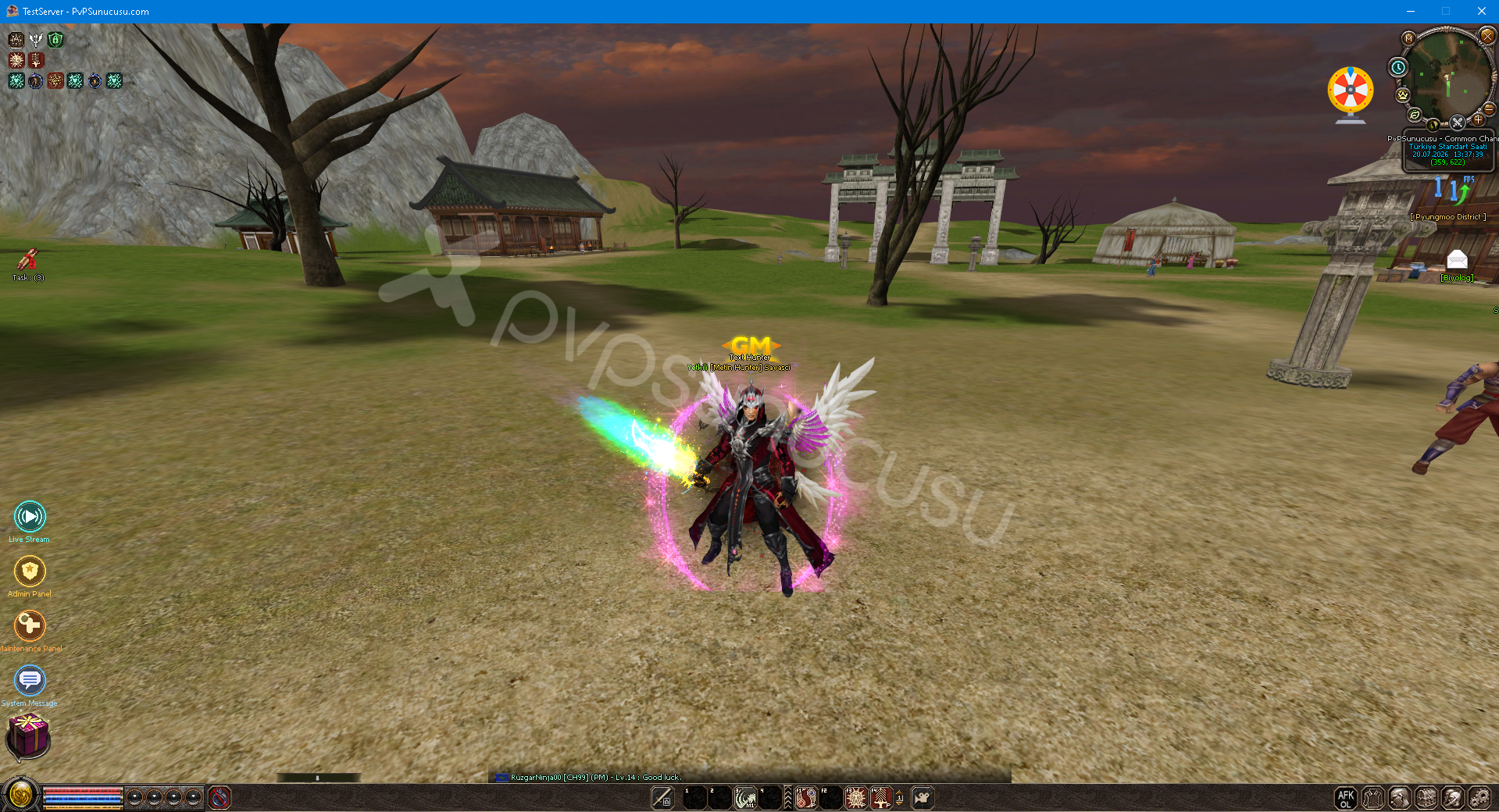
Ancient Enchantment System
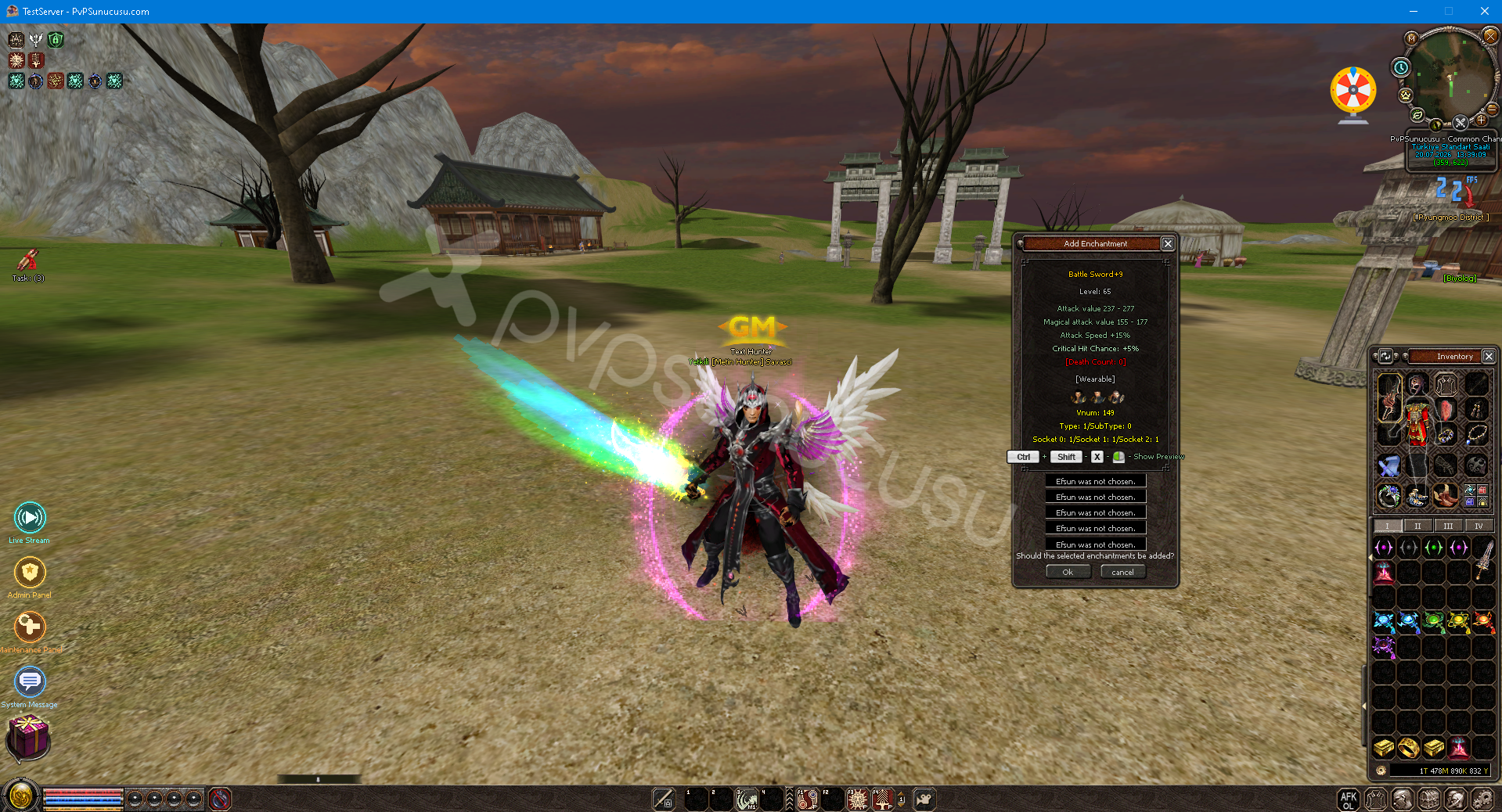
Evolution System
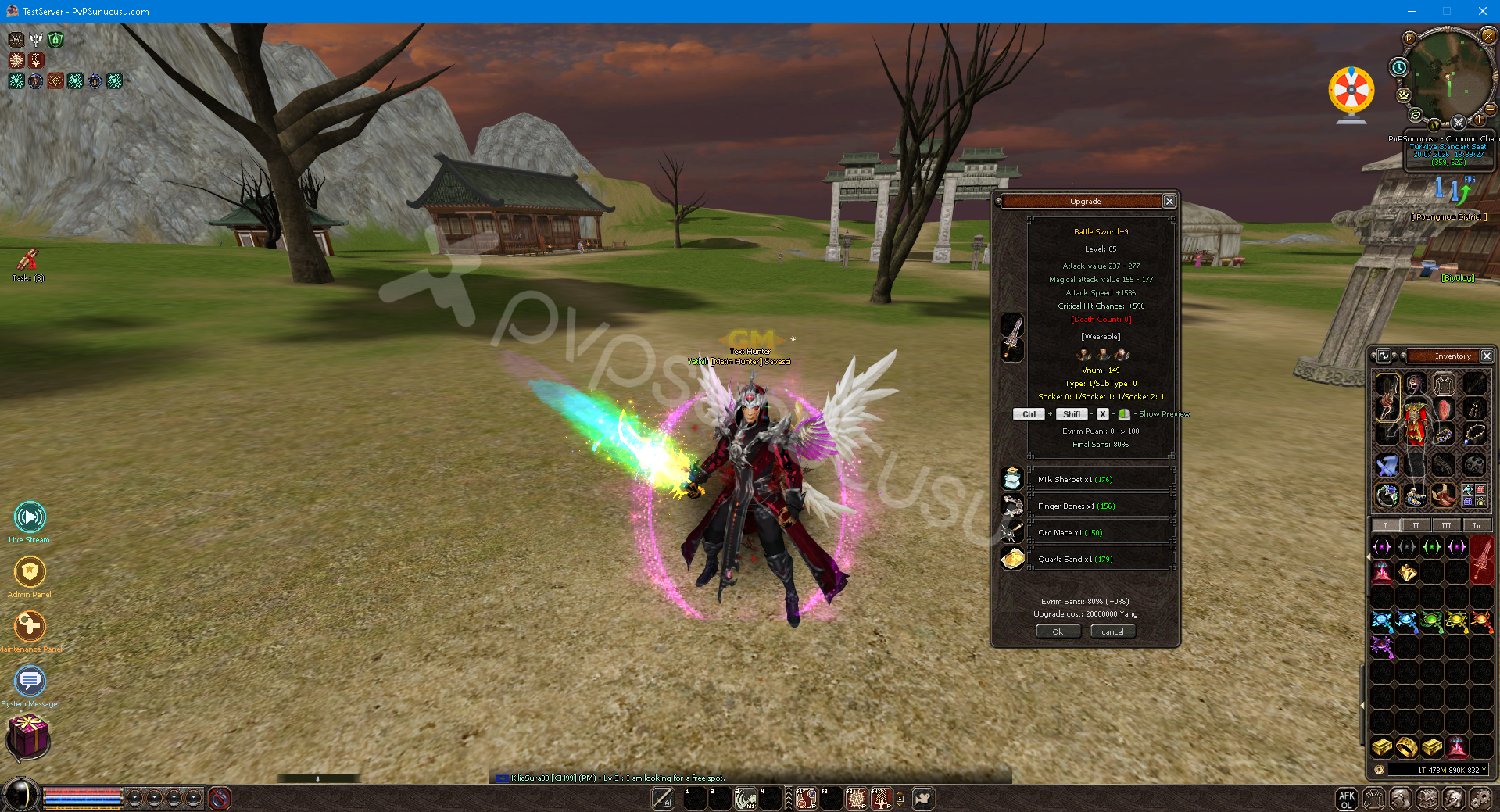
Fake Chat System
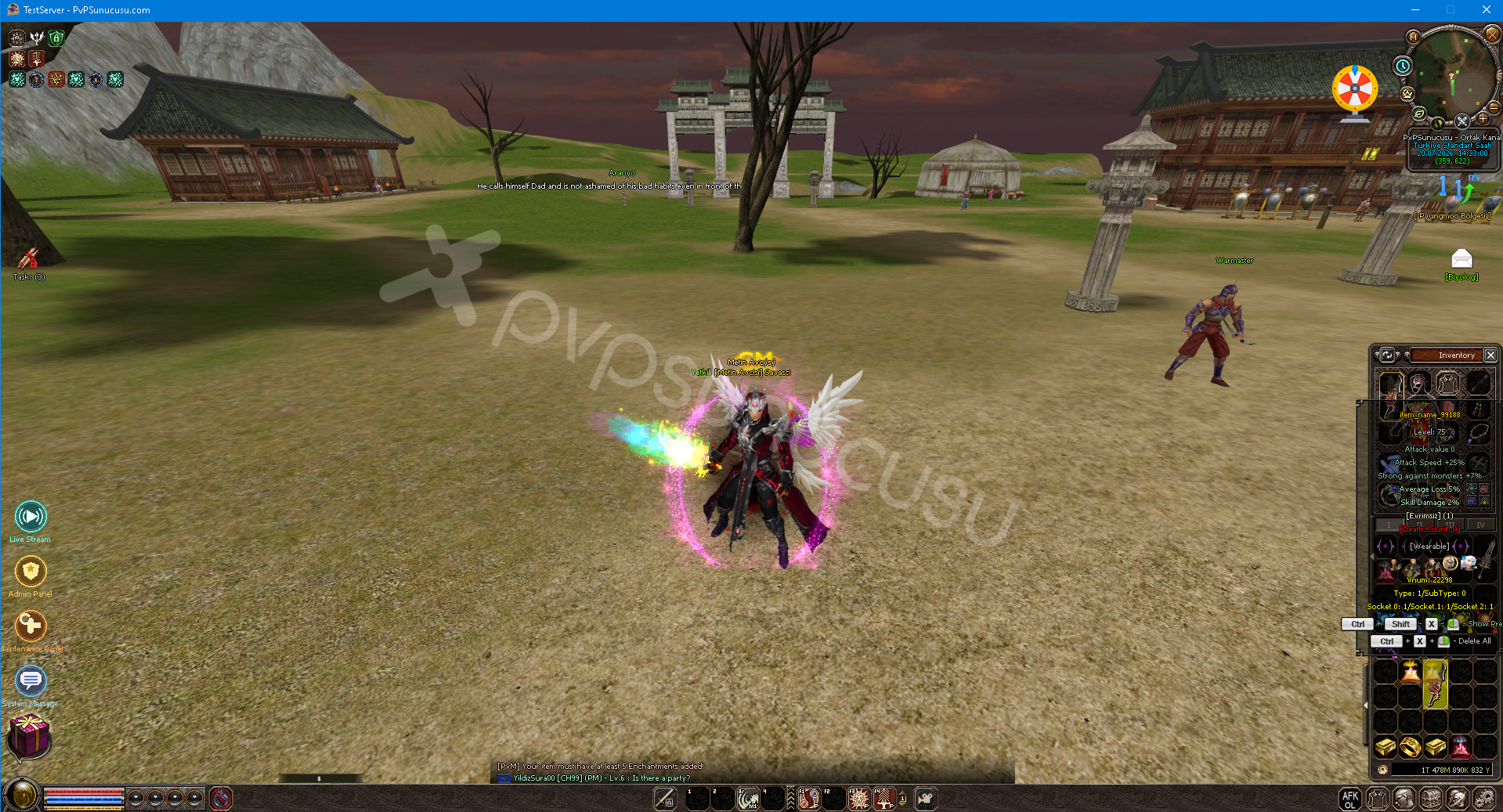
Ortalama Efsun Nesnesi
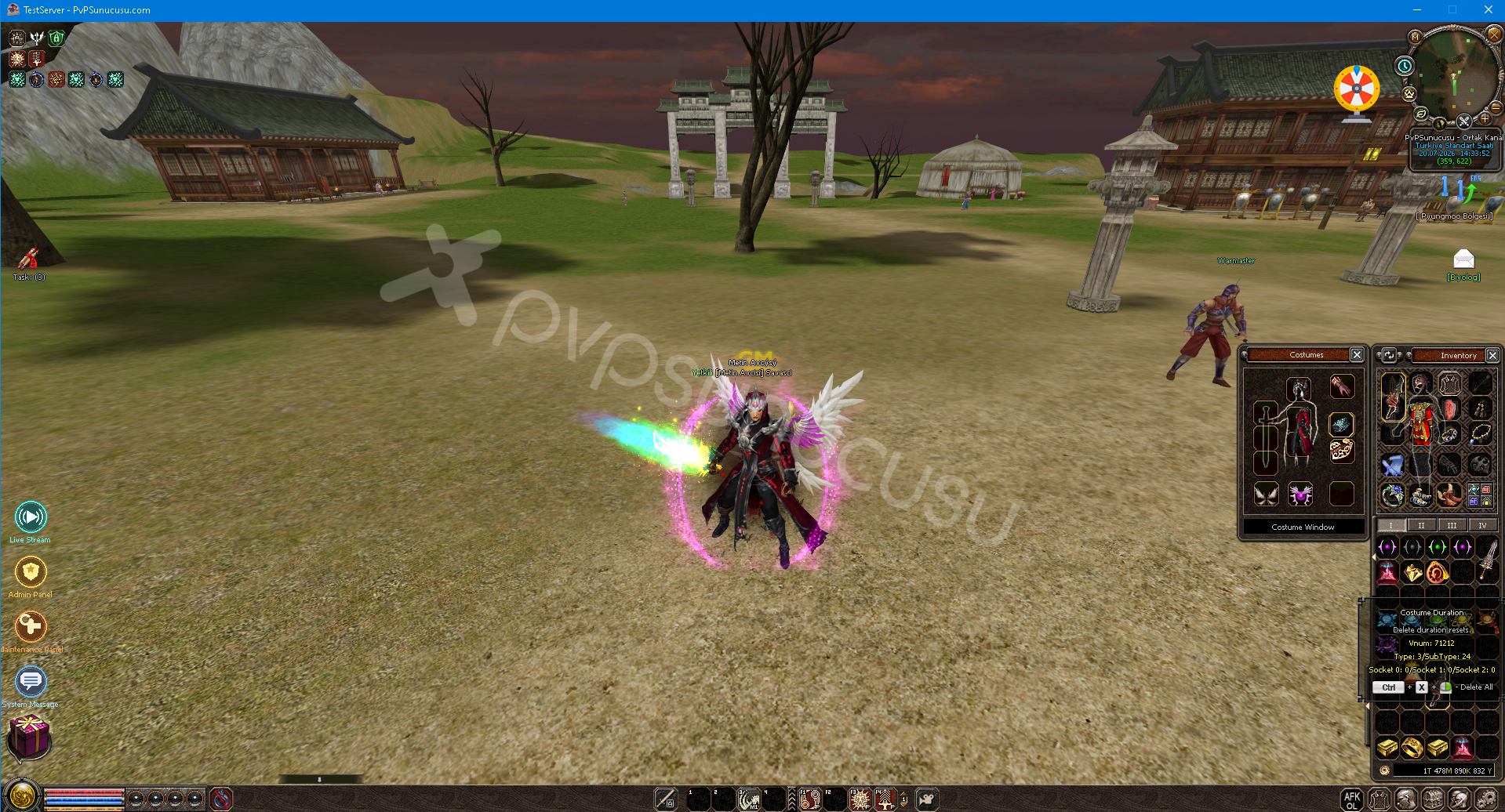
Costume/Mount/Pet Expiration System
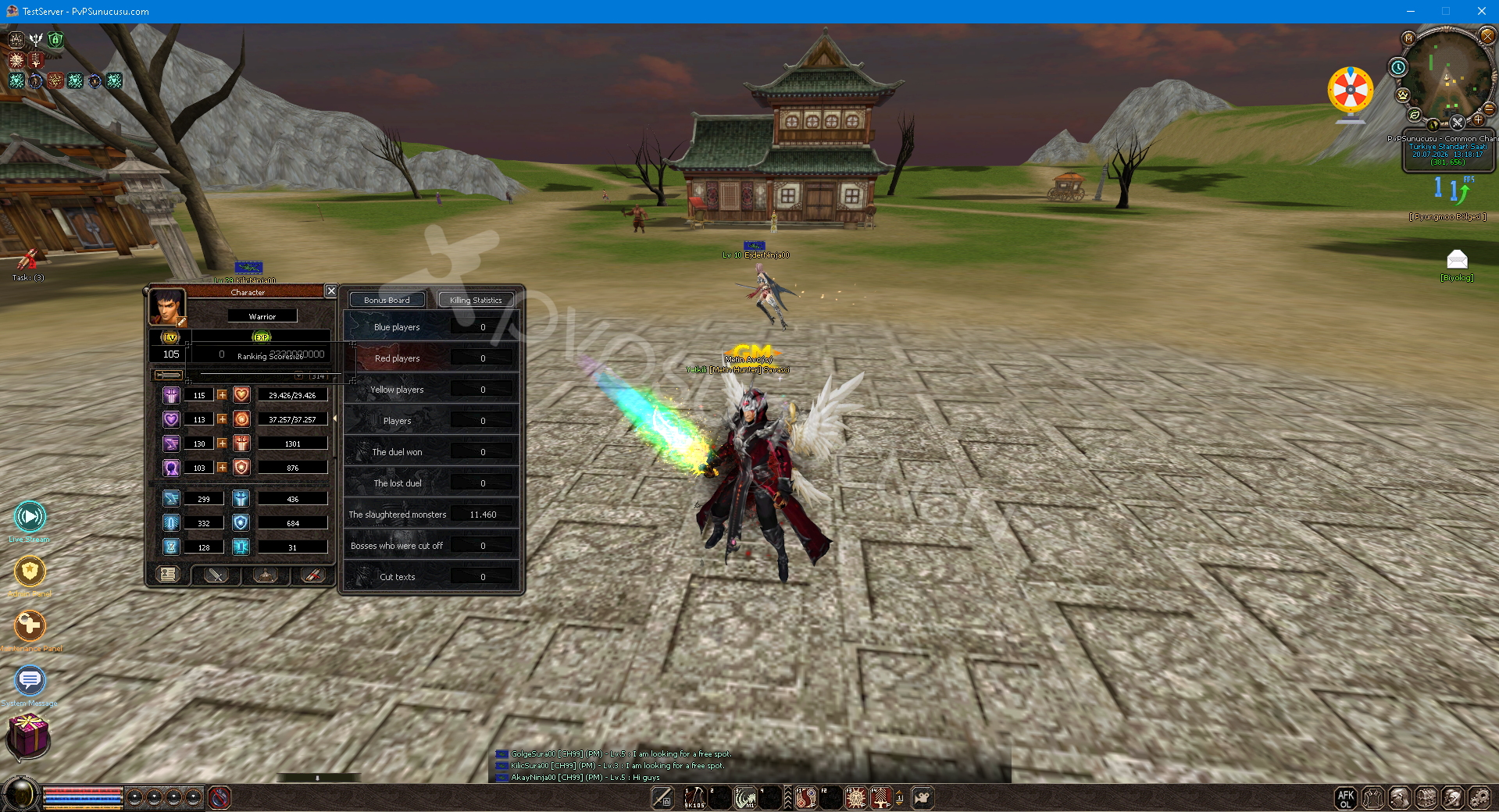
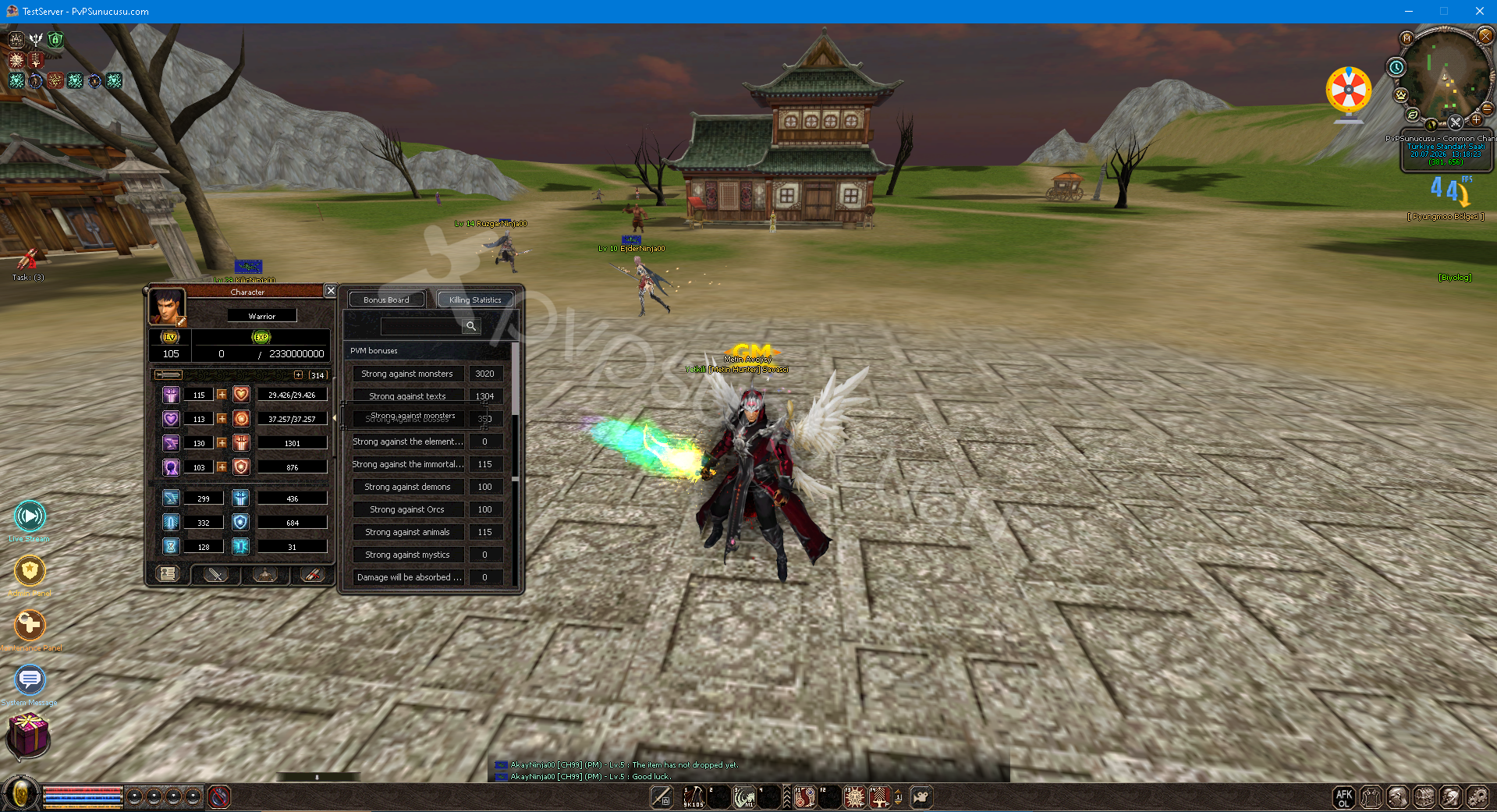
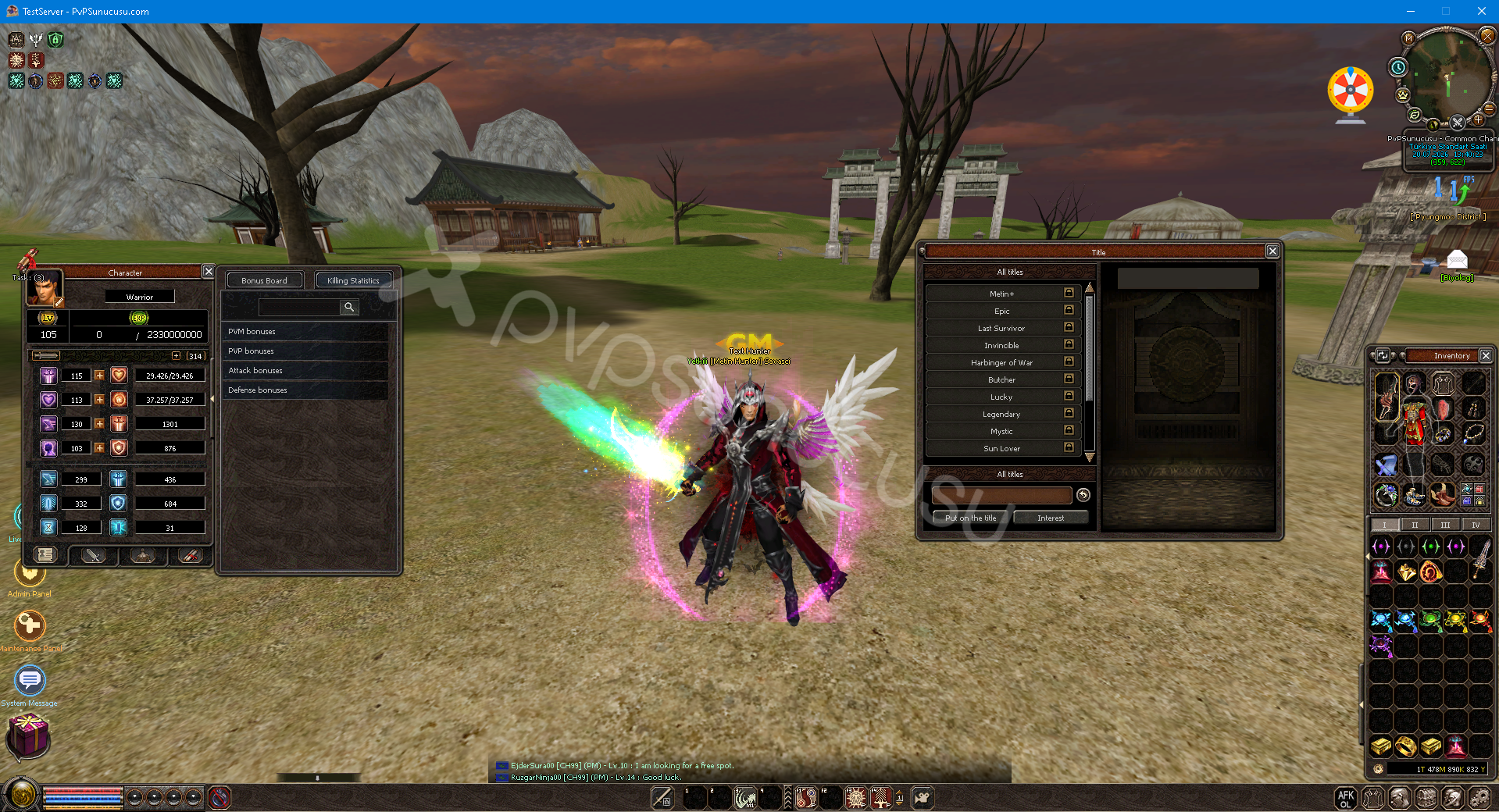
Title System/Bonus Board System
New Passive Skills
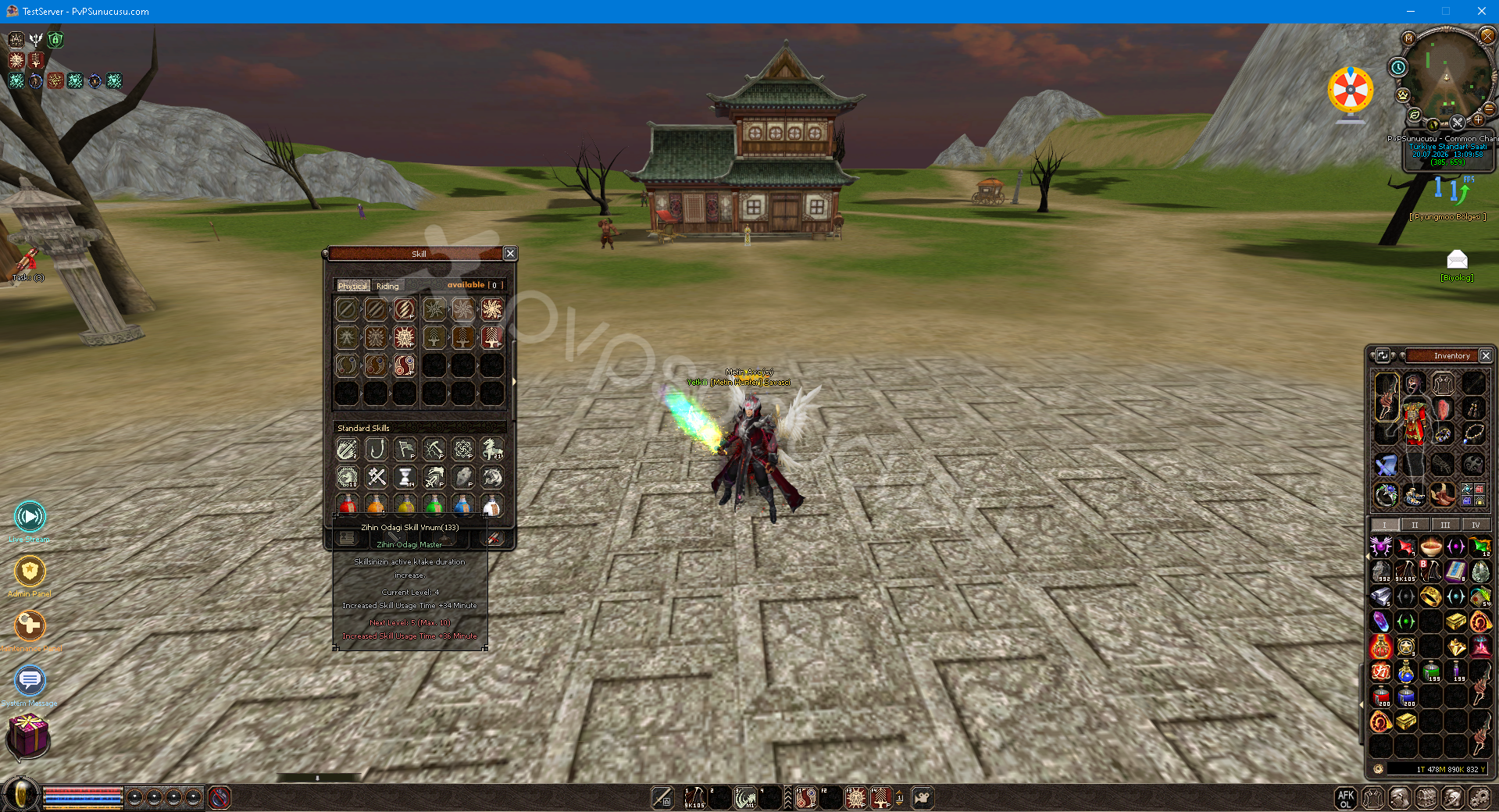
(New) Character Sales System
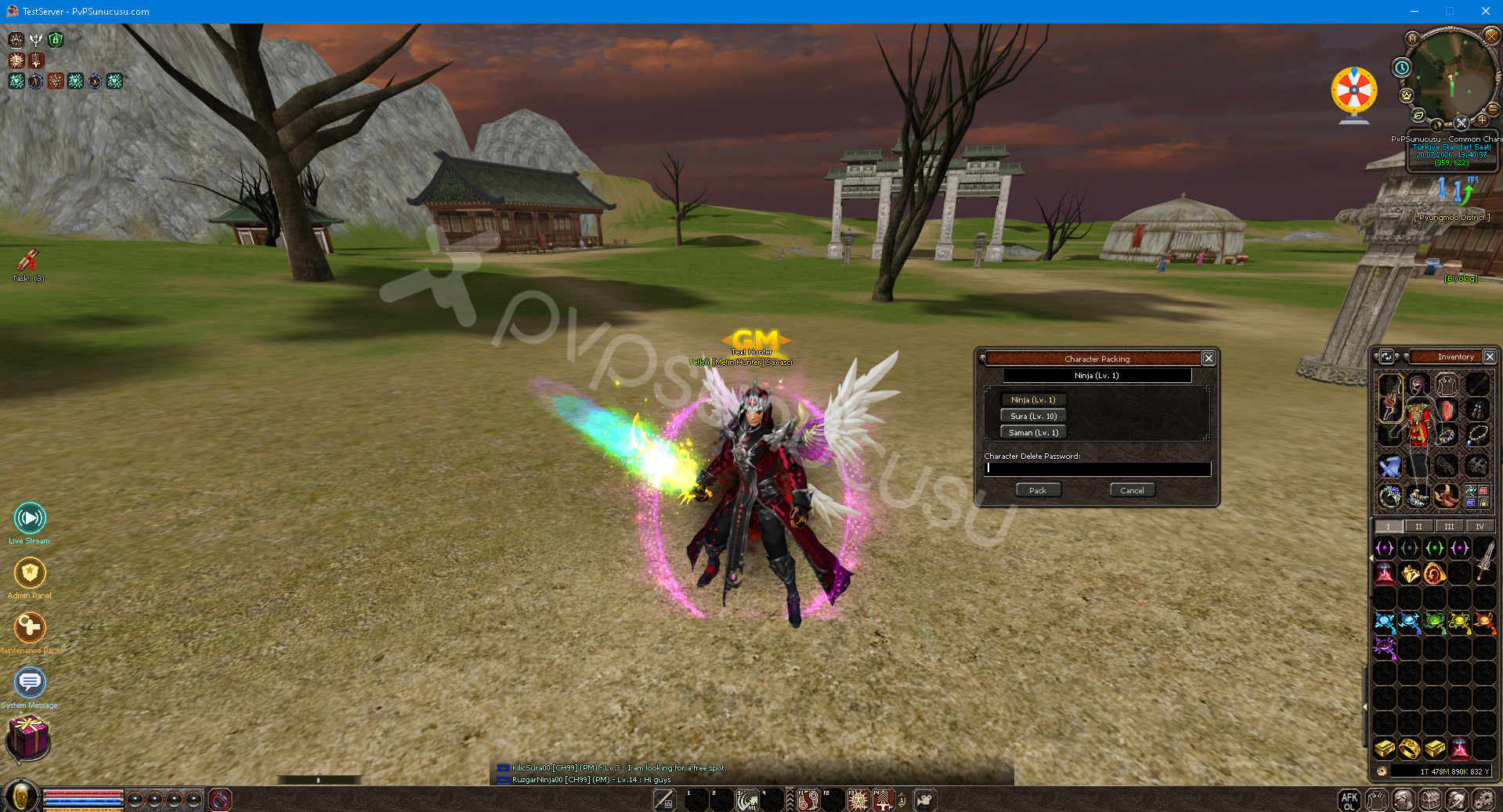
⭐ With the character sales system, you can sell your characters above 18 Lv in your account by turning them into chests.
🔥 Your character to be sold should not have an established market, should not be in a guild, and should not have products for legal sale.